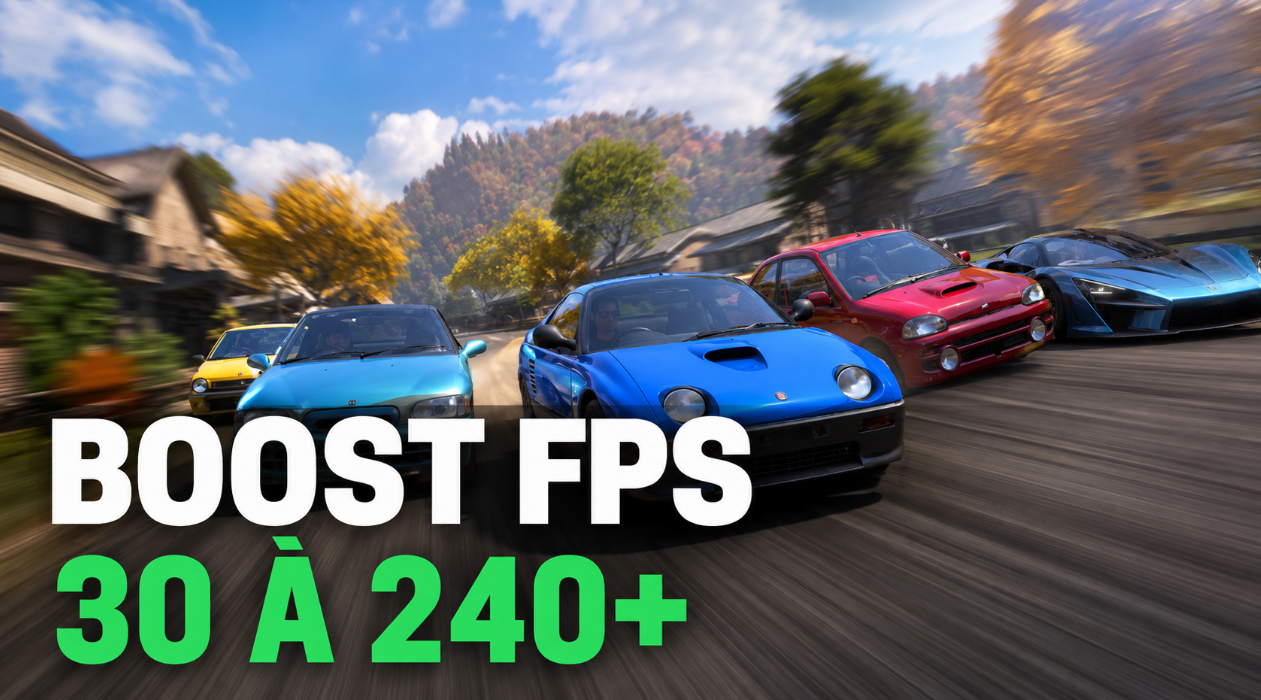
Owners of powerful PCs sometimes encounter a strange bug in Forza Horizon 6. The game maintains the coveted 120 FPS, but after a while, the frame rate suddenly drops to 30 or lower, making it impossible to control the car. As it turns out, your Bluetooth controller may be the culprit. A solution has been found, and it’s quite easy.
Table of Contents
How to fix FPS drops in Forza Horizon 6 due to a gamepad
Before starting, make sure the game is closed. Then follow these steps:
-
Press Win + R or open Start and type “Run.”
-
In the search bar, type services.msc to open the “Services” window.
-
Find GameInput Service in the list (that’s right, it’s a perfect match). Right-click and select “Properties.” Set “Startup type” to “Disabled.” Click “Apply,” then “OK.”
-
Close the Services window and launch Forza Horizon 6. Now you can connect the gamepad via Bluetooth—your FPS won’t drop and stuttering will disappear.

Forza Horizon 6 System Requirements and Frame Rate Stability
But the Bluetooth controller isn’t the only issue. First, make sure your PC can handle the hardcore Japanese title. Forza Horizon 6 has four system requirements: minimum, recommended, extreme, and ray tracing. All require Windows 10 or 11 version 22H2 or later, as well as an SSD. Here’s a table—compare it to your hardware.

Reasons for Low FPS on Graphics Cards in Tokyo
Forza Horizon 6 was released on May 19th, and PC users immediately began complaining about performance. The Japan map turned out to be the heaviest in the series, especially Tokyo: individual light sources and mega-detailed streets tax the processor in ways FH5 never dreamed of. But most performance issues can be easily resolved with simple fixes: an old driver, incorrect scaling, or an easily overlooked hardware bottleneck.

By the way, the minimum RAM requirement is 16GB—higher than FH5’s launch requirements. A GTX 1650 will technically run the game, but only on low settings, and the margin of safety is minimal. If you’re playing on “Extreme” settings and still see performance drops, the issue likely isn’t hardware. Perhaps the issue lies with that very Bluetooth controller or GameInput service.
Monitoring frame rate drops in Forza Horizon 6
A standard frame rate counter in the corner of the screen is a useless garland that won’t give you a real picture. To find the real cause of the slowdown, you need a combination of three key metrics: GPU load, CPU load, and, most importantly, frame time. Guessing is pointless here—with the right numbers, the culprit can be determined in a couple of seconds.

Configuring the MSI Afterburner Overlay for Testing
The bare MSI Afterburner won’t show the overlay—be sure to pair it with RivaTuner Statistics Server. Go to the settings (Monitoring tab) and confidently check the “Show in overlay” box next to the following:
-
GPU Usage—how much load the graphics card is under (in percent).
-
CPU Usage — overall CPU load (as a percentage).
-
Frametime — the time it takes to render one frame (in milliseconds).
-
GPU Temperature — to quickly spot throttling due to overheating.
-
Memory Usage (RAM) — critically important if you only have 16 GB.
Want to dig deeper? Run HWiNFO64 (strictly in “Sensors only” mode). This utility will break down the load on each individual core. The Forza Horizon 6 engine is quite resource-hungry, actively utilizing 4-6 threads. If you see one core running at 100% while the others are clearly slacking off, congratulations, you’ve found the bottleneck. Lowering your graphics settings won’t help here.

Deciphering CPU and GPU Load Indicators

The impact of frame time on game smoothness
A stable 60 FPS on average sounds great — until you look at the framerate. If the frame time regularly jumps from a comfortable 16 ms to a jaw-dropping 60 ms, it will be more difficult to control a sports car than a cow on ice. In the Afterburner settings, make sure to switch the frametime display from soulless numbers to a visual graph. A perfectly straight line is what we strive for. Any saws and teeth on the graph indicate a specific pain of the system. In the reality of Forza Horizon 6, such spikes most often occur for two reasons. The first is the entrance to Tokyo’s overloaded new quarter. Here, the engine is frantically loading heavy assets (it is treated only by installing the game on a nimble NVMe). The second problem is the rhythmic friezes every 15-20 seconds that haunt you in any location. This is usually a greeting from the background shader compilation or a banal conflict of system overlays. The solution is not difficult: try restarting the game after killing the Discord and ShadowPlay processes.
Optimizing the performance of Forza Horizon 6 on PC
Graphics card drivers are generally sacred. Nvidia and AMD always get “Game Ready” for major releases. Open GeForce Experience or AMD Software: Adrenaline Edition, click “check for updates” and select a clean install rather than the standard one. The topic on ResetEra about PC performance FH6 is already full of comments: people really get a boost in personnel after updating the drivers. However, there is no consensus on the best version yet. Here’s a fun fact for you: RTX 5090 owners on the 595.76 driver are stuck at 40 FPS in 4K with maximum ray tracing. And 60+ frames are quite real. This means that the jamb is at the driver level — the hardware has nothing to do with it.
Installing Forza Horizon 6 on NVMe SSD Drive
Run FH6 from a mechanical HDD, and you’ll get the “Low bandwidth streaming” error. Roads will disappear right under the wheels, and while loading Japanese objects, the game will start to hang for seconds. At an extreme level of difficulty, the game needs an NVMe drive – a regular SATA SSD cannot handle texture flow.

High-quality graphics settings to increase FPS
The first thing is the quality of the shadows. It loads the processor heavily, and lowering it stabilizes FPS with almost no visible difference at high speeds. Then there is the geometry of the environment: it causes sharp drawdowns in densely populated neighborhoods of Tokyo. Turn it down and the processor will exhale.
The impact of ray tracing on performance
Did you turn on RT and get the brakes? Turn it off. And paired with DLSS Performance or FSR 3, stable 60 frames will become a reality even on average hardware.

DLSS and AMD FSR Tests in Forza Horizon 6
The PC version of FH6 supports DLSS 4, AMD FSR 3 and 4, plus Intel XeSS 2.1. Go to the video settings, set the zoom to “Performance” or “Ultra-high performance”. The difference between the modes is be healthy. ResetEra has already calculated: switching from DLAA to DLSS Quality gives +20-30 FPS, and the picture drops by only 10%. Quality is the golden mean for most PCs. By the way, the game uses DLSS 4 by default, although Nvidia’s notes do not specify whether version 4 or 4.5 already works. But it does, and that’s the main thing.
Methods for eliminating processor blockage
It happens like this: the graphics card load is below 90%, and the picture slows down. So, they ran into the processor. An unobvious life hack is to raise the resolution scale. Yes, it sounds crazy, but shifting the load to the GPU can really improve performance. And one more thing: check if XMP or DOCP are enabled in the BIOS. If your 3200 MHz RAM is hammering at 2133 MHz by default, you’ll see it right away — with drawdowns of 1% of the minimum frames.
Отключение фоновых программ и оверлея Discord
Discord, ShadowPlay from GeForce Experience, and the Steam overlay are joining the rendering pipeline. Turn them off and you’ll get an average increase in FPS of 5-8%. And in some cases, it even saves from crashes at launch. By the way, there was an error 0-e9 for players from the MS Store and Game Pass, which blocked the download. It is treated by exiting the MS Store and the Xbox app, and then restarting.

Thermal throttling of the processor and video card
Has the temperature of the graphics card crept up to 85°C, and the PROCESSOR to 90°C? The equipment automatically resets the frequencies. The FPS drop looks like a software bug, but no, it’s thermal suffocation. Run the MSI Afterburner during the race and track: the temperature is rising — the frames are falling.
Optimizing Resolution on the Xbox Series S Console
The Series S has a lower resolution and simplified settings by default, so a performance difference compared to the Series X is normal. However, if the image looks worse than it should, go to the “Video” menu and play with the “Resolution Scaling” setting. This should help.
Memory leak and performance drop in FH6
Some players are complaining that after 30-40 minutes of play, the FPS drops from 120 to ~40, regardless of the graphics settings. A rather bizarre workaround: lower one of the resource-intensive settings, apply it, and then return it back. It shouldn’t work, but according to reports, it does. For another 30-40 minutes. Playground Games is keeping quiet for now. But this is release day—a patch in the coming days is almost guaranteed.
Waiting for patches from Playground Games
The PC version’s performance on release day is almost never ideal. FH6 is no exception. Driver conflicts and shader compilation issues are usually resolved within the first week with Playground patches and updates from graphics card manufacturers. If you’ve tried everything above and still aren’t getting stable frame rates, check the Forza feedback portal and the Steam community—they publish current changes. The situation will improve. That’s usually the case.
We recommend reading: All 15 Barn Finds — a complete search and unlock guide.