
If you are looking for a reliable Telegram proxy, you are not alone. Many users need a stable way to connect to Telegram, especially when the app works slowly, inconsistently, or has trouble connecting through a regular network. A properly configured proxy can improve access, reduce connection issues, and make messaging smoother on both mobile and desktop devices.
If you want a quick connection option, you can use a ready Telegram proxy link. In many cases, it can be added directly inside the Telegram app without manually entering all settings.
Table of Contents
Why People Use a Telegram Proxy
A Telegram proxy is commonly used when the app connects slowly or does not work reliably through a normal network. In many situations, users simply want faster and more stable access. A good proxy can make Telegram easier to use in everyday situations and reduce interruptions during messaging.
-
Better access: helps Telegram connect more consistently.
-
Easy setup: proxy settings can be added directly in the app.
-
Stable messaging: reduces interruptions during everyday use.
-
Useful in different regions: works for users anywhere connection quality may vary.
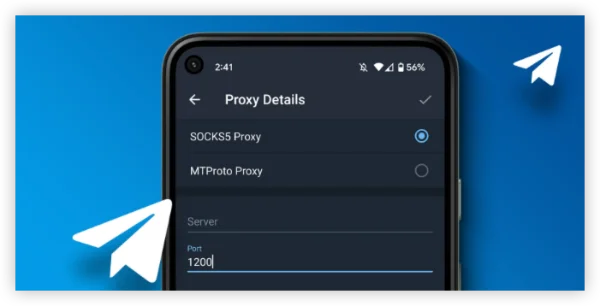
Top 5 Telegram Proxy Options
When people search for a Telegram proxy list, they usually want something simple: a working option, quick setup, and stable performance. Below are some of the most common proxy solutions users consider when choosing the best Telegram proxy.
-
MTProto proxy: the most common option designed specifically for Telegram.
-
Public Telegram proxy links: easy to add with one click, though quality may vary.
-
Private proxy servers: more reliable for users who want better long-term stability.
-
Alternative proxy options: useful when users want a different working connection.
-
Free proxy for Telegram: good for quick access, although speed and uptime are not always guaranteed.
| # | Proxy Type | Description | Link |
|---|---|---|---|
| 1 | BonSai MTProto Proxy | A reliable MTProto proxy for Telegram with fast connection and stable performance. | VPESPORTS Proxy 1 |
| 2 | BonSai Direct TG Proxy | A direct tg:// link that can quickly import proxy settings into Telegram. | VPESPORTS TG 1 |
| 3 | BonSai MTProto Proxy | Another working BonSai Telegram proxy that can be used as an alternative connection option. | VPESPORTS Proxy 2 |
How to Add a Proxy in Telegram
Setting up a proxy in Telegram is usually straightforward. Open the app settings, go to the connection or data section, choose proxy settings, and add the proxy details. If you use a direct Telegram proxy link, the app can often fill in the settings automatically.
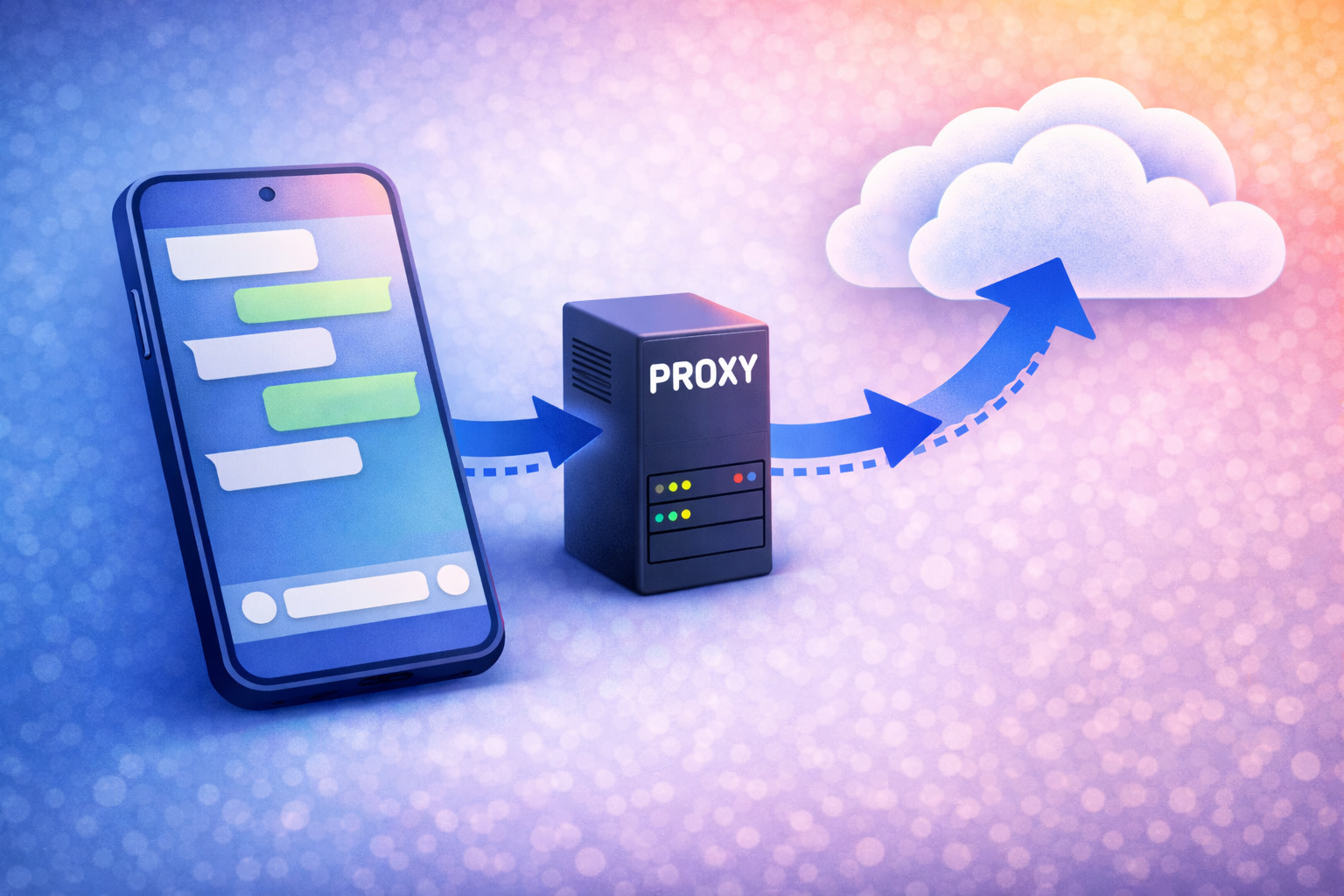
If you want a quick start, you can use a ready proxy link for Telegram and connect in just a few taps.
How to Choose the Best Telegram Proxy
When choosing a Telegram proxy, the most important thing is not the name of a country or region, but whether the connection is stable, fast, and easy to use. A good proxy should provide reliable access, simple setup, and smooth performance during everyday messaging.
If you want a simple starting point, you can try a ready Telegram proxy and check how well it works on your device.
Conclusion
A good Telegram proxy article should help users understand what a proxy is, why it is useful, and how to connect it quickly. Instead of overloading the page with repeated keywords and too many links, it is better to keep the content clear, practical, and easy to read. A simple setup guide and one or two relevant proxy links are usually enough to make the page helpful for real users.