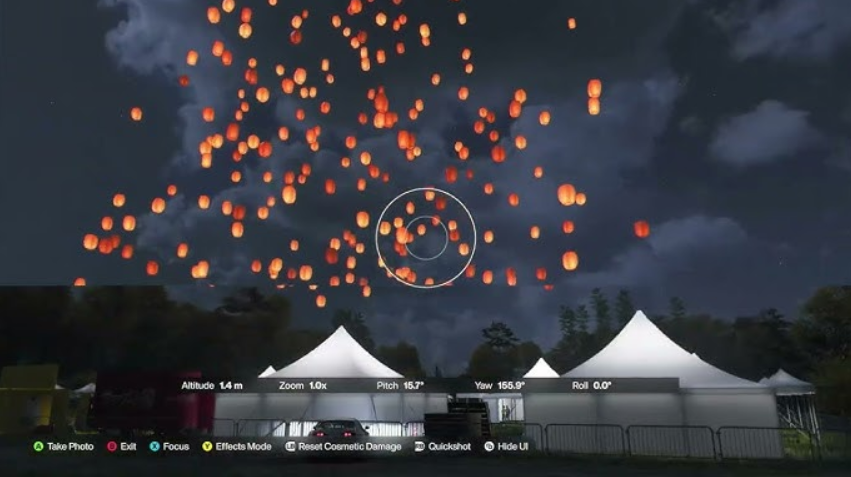
It’s summer in the game, but “Sky Lanterns” only appear in the fall (“Autumn”) and only at night. Does this sound like a strict limitation? In fact, the developers left a loophole—you can force a season change through the EventLab challenge editor. However, there are some nuances. We’ll explain where to find tents with lanterns and how to use a ready-made code from YouTuber Jumpycode to take a photo and earn 100 “Discover Japan” points.
Table of Contents
Sky Lantern Tent Locations on the Map
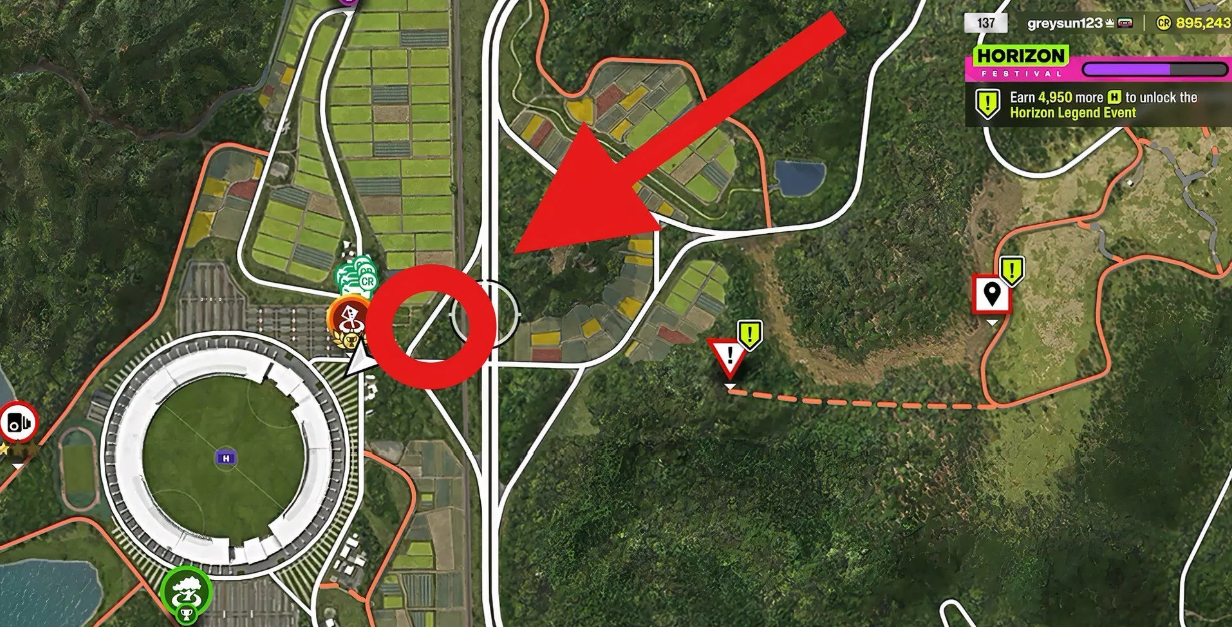
Look for the area just northeast of the stadium in the Shimanoyama region. There are tents with NPCs there. Kites usually hover above them, but if you load the fall and night mode, lanterns will appear instead. The point on the map is easy to miss (you can’t find it without a marker), but the stadium is a landmark.
The season change in normal mode occurs every Thursday. Waiting until autumn can be a long time, so players have come up with a workaround.
How to Change the Season Through EventLab in Forza Horizon 6?
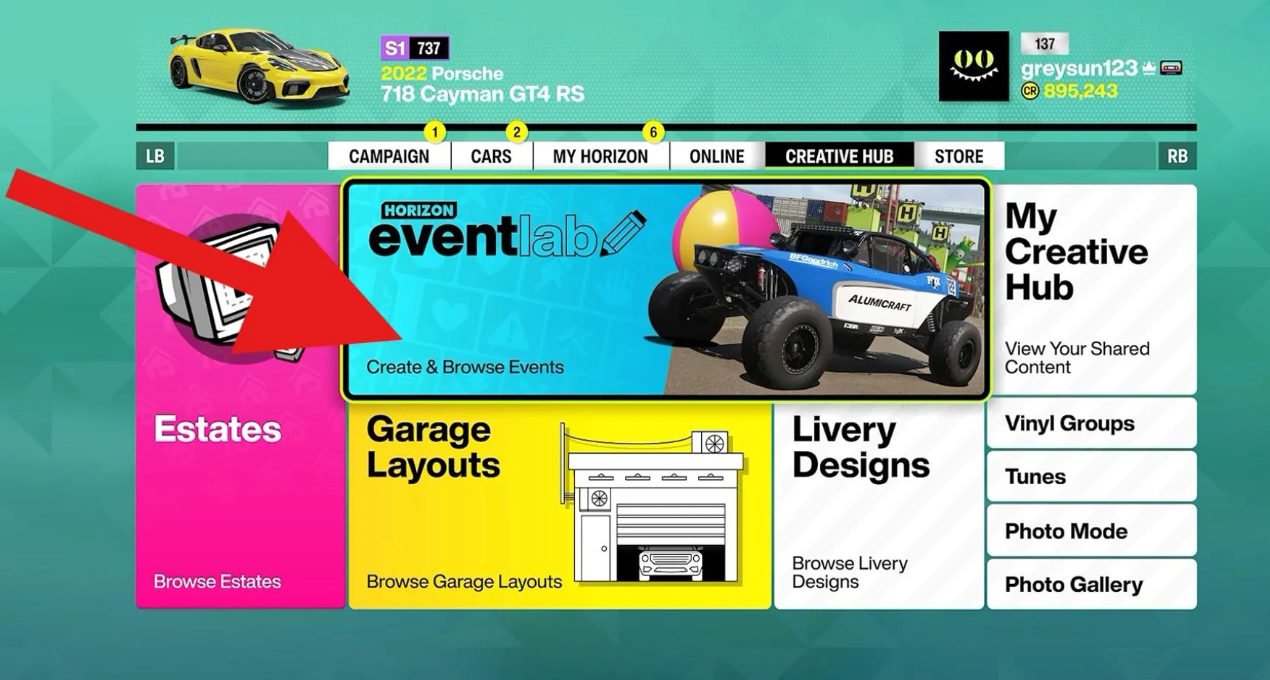
Open the main menu, go to the “Creative Hub” and select Horizon EventLab. Here you can create your own challenges (configuring the weather, season, and time of day) or launch other people’s challenges.
Important: Photo mode is disabled during your test run. However, if you participate in someone else’s event, the camera works. This is what the special code is for.
Jumpycode’s publishing code: 204464051
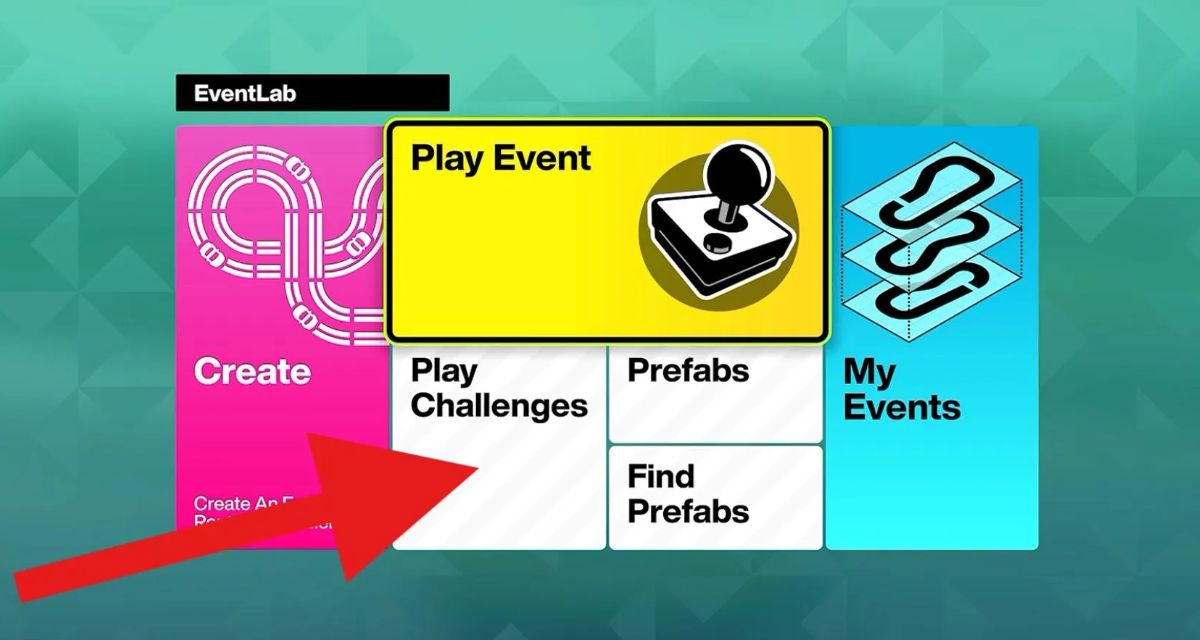
Instructions:
-
“Creative Hub” → EventLab → “Play Challenges.”
-
Press the “Search” button (usually at the bottom of the screen).
-
Leave all fields blank, except for “Publish Code.” Enter 204464051.
-
Select the route you found—it’s specifically designed for photoshoots near the tents.
-
When the run starts, press “up” on the controller’s D-pad to enter Photo mode.
Point the camera at the sky lanterns above the tents – click! +100 points to “Discover Japan.”
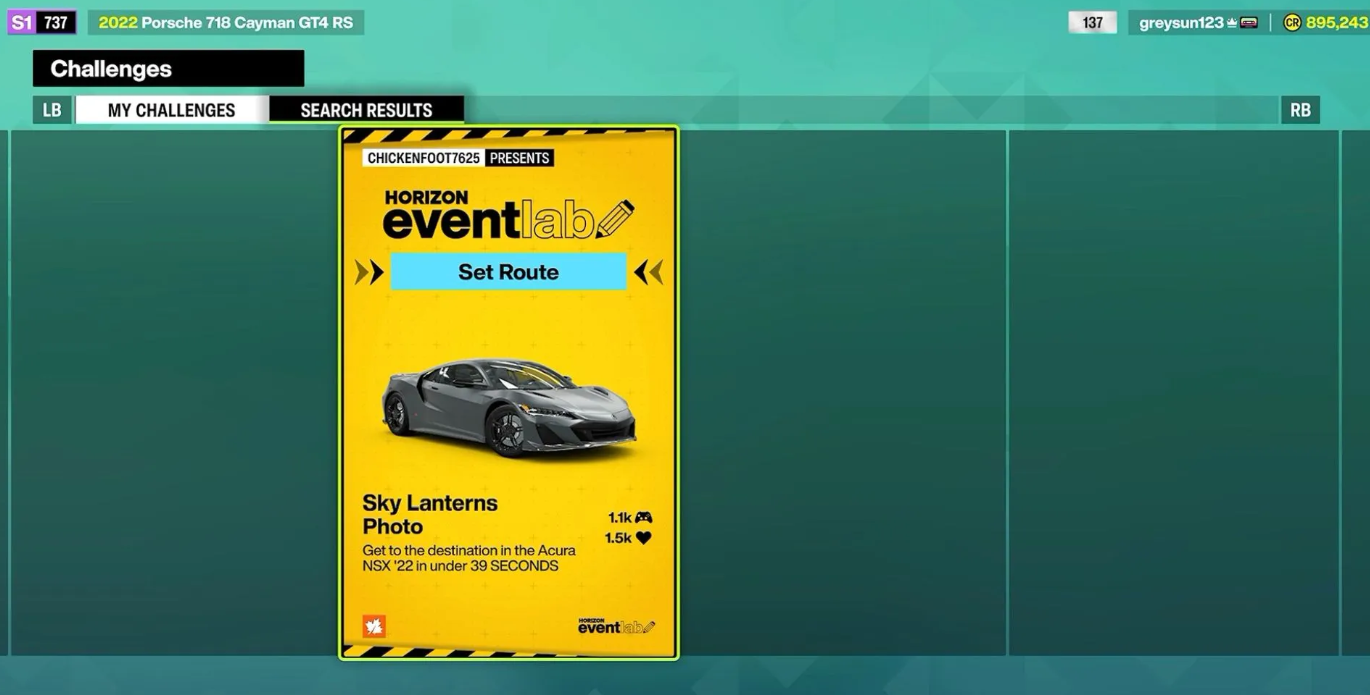
You can’t simply switch seasons in the game settings. There’s no such option in photo mode also. So EventLab is practically the only legal way to photograph lanterns outside of autumn. It’s a tricky method, but it works.
What else you need to know:
-
The lanterns light up automatically – the night shot is atmospheric even without additional filters.
-
The code leads directly to the tents; you’ll be a few meters from the desired point.
-
If you want to take pictures without the code, wait until autumn (every Thursday) and come to Shimanoyama at night. But with the code, it’s easier and faster.
Therefore, the developers at Playground Games intentionally added this mechanic to encourage players to explore Creative Mode. It’s not the most obvious design, but the community has already solved the issue with a ready-made solution. Take the code and take the picture before anyone pays.
Why Isn’t the Discover Japan Quest Counting in Forza?
The most common issue this season is that you take a perfect shot with flashlights, but the coveted 100 points simply aren’t added to your Discover Japan balance. The system is finicky. This glitch requires a comprehensive solution, checking hidden engine triggers.
Four Conditions for a Successful Photo in the Game
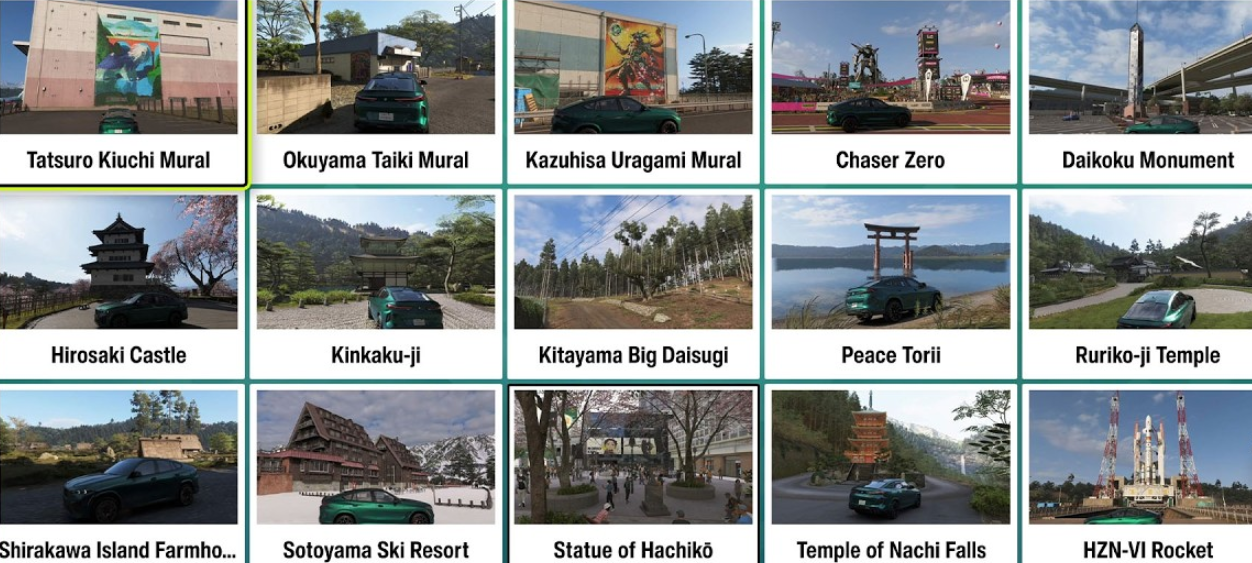
Players most often fail with the default session settings. Remember the basics:
-
Horizon Life only. Progress is recorded exclusively online. Entered a private session or lost your internet connection? Your points will be lost.
-
Time and season. Strictly Autumn and late night. In Jumpycode’s custom race (code 204464051), these presets are built-in. But if you’re looking for custom races, be sure to check the settings manually.
-
Focus on the subject. The lens must capture at least one active flashlight above the camp. Taking photos of empty asphalt or the night sky is useless (the script won’t work).
Did you do everything correctly, but there’s no reward? Don’t panic. Just exit to the main menu and return. Servers can sometimes take up to 60 seconds to download and sync event data.
Troubleshooting EventLab Crash Codes
Sometimes, the required scenario won’t load at all. The Jumpycode author may have deleted the track, or the developers at Playground Games may have wiped the database after a major update. The solution is simple. Search for the tags #SkyLanterns or #DiscoverJapan without filters—the community regularly churns out dozens of fresh duplicates. After major patches, immediately check the “Recommended” tab.
Is the game crashing right at the start? Kill the process completely (waking the console from sleep mode won’t help). Restart and enter the code. This EventLab freezing bug is especially common among Xbox Series S owners when rapidly switching menu tabs.
And finally, there’s the visual progress reset. If your Discover Japan progress bar suddenly resets, check your achievements and manually check the quest status. Usually, the stats are intact on the server. Replaying the flashlight quest once is enough to restore the display without losing any hard-earned points.
Next article: Dev Explains Why Shrines and Sakura Trees Can’t Be Destroyed.