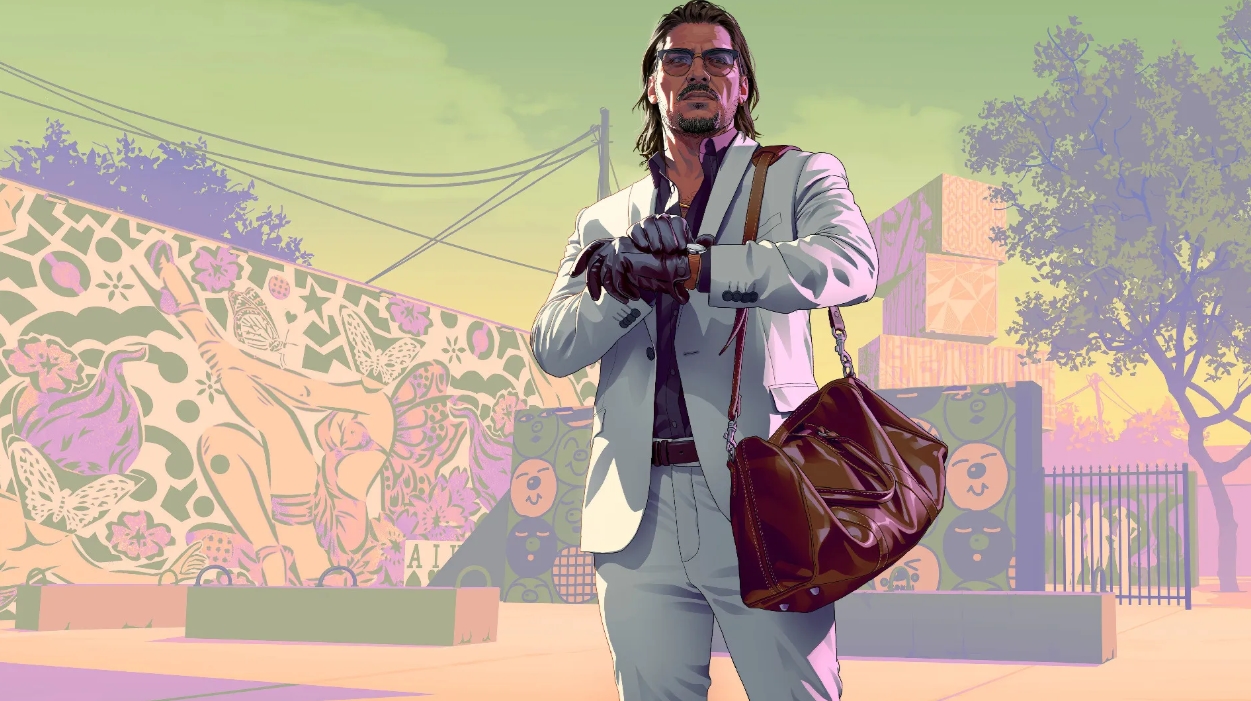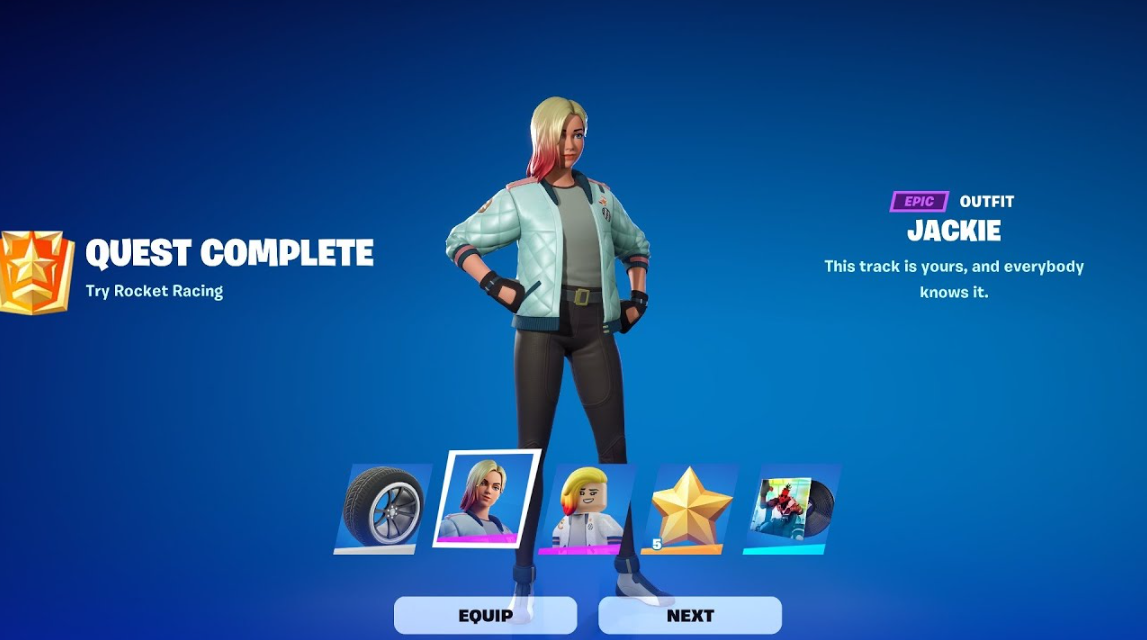
The Fortnite and Rocket League collaboration, Rockets & Rivals, kicks off on April 17th—and it’s more than just a chance to drive the new Havoc. The event’s main trophy, the Dueling Dragons Jackie skin, is hidden behind challenges in another game. And yes, you won’t be able to simply shoot around in Battle Royale. We’ll tell you exactly where you’ll have to sweat and what you need to do to get it.
The Dueling Dragons Jackie skin is part of a cross-game event between Epic Games’ two hit games. While the Havoc can still be obtained directly in Fortnite, this skin is completely different. You’ll have to head straight to Rocket League to get it.
Table of Contents
Where and how do I get the Dueling Dragons Jackie skin?
The skin doesn’t drop from the sky in the Fortnite lobby or appear in the Battle Pass. Its acquisition is strictly tied to completing quests in Rocket League. The idea is simple: play soccer in rocket cars, complete the “Rockets and Rivals” event challenges, and the reward will automatically unlock in your Fortnite Closet.
The official threshold is four out of five completed challenges. However, be prepared for the system to actually require you to complete the entire pool of quests. Epic Games’ event mechanics often suffer from minor progression bugs.
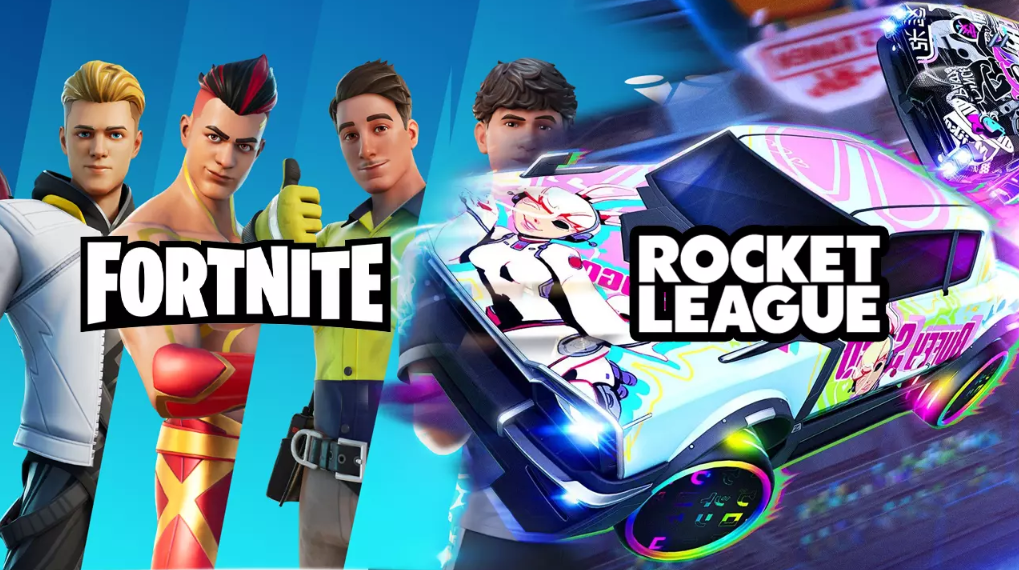
Rocket League Challenge Activation Dates:
-
Start: April 17, 10:00 AM (New York).
-
End: April 30, 10:00 AM (New York).
If you miss the window, the Dueling Dragons Jackie skin will likely migrate to the Fortnite item shop. The price is expected to be standard for epic skins—around 1,500-2,000 V-Bucks. So, the free method, while a bit of a hassle, is entirely justified from an economic standpoint. What exactly do you need to do in Rocket League?
The event offers five specific tasks. The rewards for completing them within Rocket League aren’t particularly generous—experience and a unique profile title. But they serve as the key to unlocking the coveted Fortnite skin. The tasks themselves, according to leaks, revolve around standard activities: scoring goals, making saves, and playing a certain number of online matches.
To participate, you’ll need to install the game. Fortunately, Rocket League is free-to-play and doesn’t have a large download size. As a reminder, you’ll need to link your Epic Games account to the platform you’re running Rocket League on, otherwise progress syncing between games won’t work.
Full list of Rocket League “Rockets and Rivals” challenges
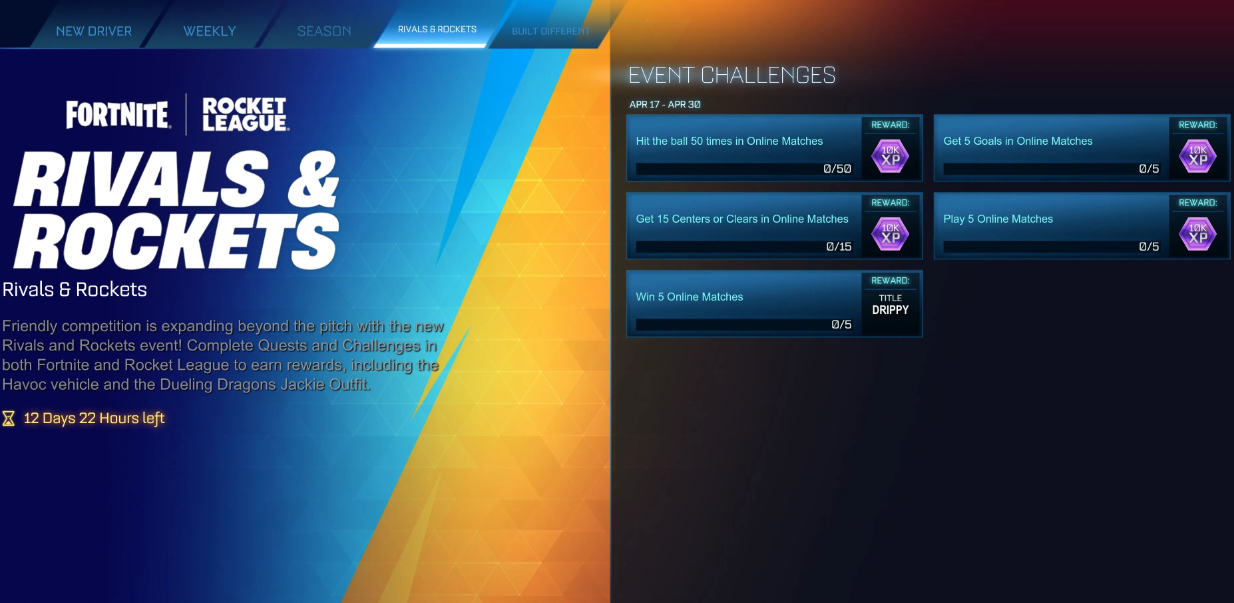
(Expected list of tasks, current as of April 17)
Rocket & Rivals Challenges — Rewards
After completing the fourth (or fifth—keep an eye on the progress bar in the events section) challenge, the Dueling Dragons Jackie skin reward will become available for claiming in Fortnite. Check the Gifts tab or the “Rockets and Rivals” event section in the Battle Royale main menu. The skin will instantly appear in your wardrobe. Be sure to claim it manually before April 30—it may not unlock automatically.
Have you closed the fourth quest in Rocket League, and Dueling Dragons Jackie still hasn’t dropped into Fortnite’s wardrobe? A classic of the genre for Epic Games cross-game events. The server queue is overloaded during the first days of the event, so the waiting window is easily 24-48 hours. Let’s look at the five most common scenarios when the chain between two games breaks, and what to do about it.
Problems with linking an Epic Games account
First of all, on epicgames.com/account , the “Connections” tab. The platform where Rocket League is launched (PSN, Xbox Live, Nintendo, Steam) must glow green. A red indicator or an empty field is the only diagnosis: progress is going nowhere, and even if you wait a week, the reward will not materialize. The second trap is found in cross-platform developers. Fortnite runs on the console under one account, and in Rocket League, log in from a PC under another, and the skin arrives on an “empty” Epic ID. Check the ID in the settings header of both games. The discrepancy means that it is almost impossible to pull out a look through support.
Troubleshooting Guide
Delayed synchronization of rewards
Even with perfectly linked accounts, Epic Games is handing out cross-game unlocks in waves. Normally — within two hours. But on April 17-19, the infrastructure is steadily choking, and the queue stretches for a full day. Open the “Quests” → “Events” → “Rockets and Rivals” tab in the Fortnite main menu 24 hours after completing the fourth task. The progress counter pings the Rocket League profile with a separate request. If it lags behind reality, log out of Auto Football and log in again. This forces up-to-date data to be sent to Epic’s servers.
Restarting the client and resetting the cache
Two days have passed, and the closet is empty — close both games, restart Epic Games Launcher. There is a manual trigger on PlayStation 5: Settings → Users and Accounts → Other → Restore licenses. For Xbox, the analog is hidden in Settings → Account → Subscriptions. On a PC, a broken cache is more often to blame — run the “File Check” alternately for Rocket League and Fortnite directly in the launcher. Immediately after that, log into Fortnite and open the events section. A reward stuck in the queue usually arrives at exactly this moment.
Contacting Epic Games technical Support
If none of the tricks worked, there is only one route — epicgames.com/help , category “Fortnite”, subcategory “Reward or Item problem”. To prevent the ticket from hanging out in the queue, immediately attach a screenshot of the Rocket League quest screen with the completion ticks, your Epic ID and the closing date of the fourth task. In my experience, the support team is responsible for 3-5 business days, but at the peak of the event, the deadlines easily stretch to a week. Key deadline: the application must be registered no later than April 30th inclusive. As soon as the event window closes, manual accrual turns into a zero—pass quest – managers refer to the “campaign completion” and send them to wait for the skin to appear in the store.