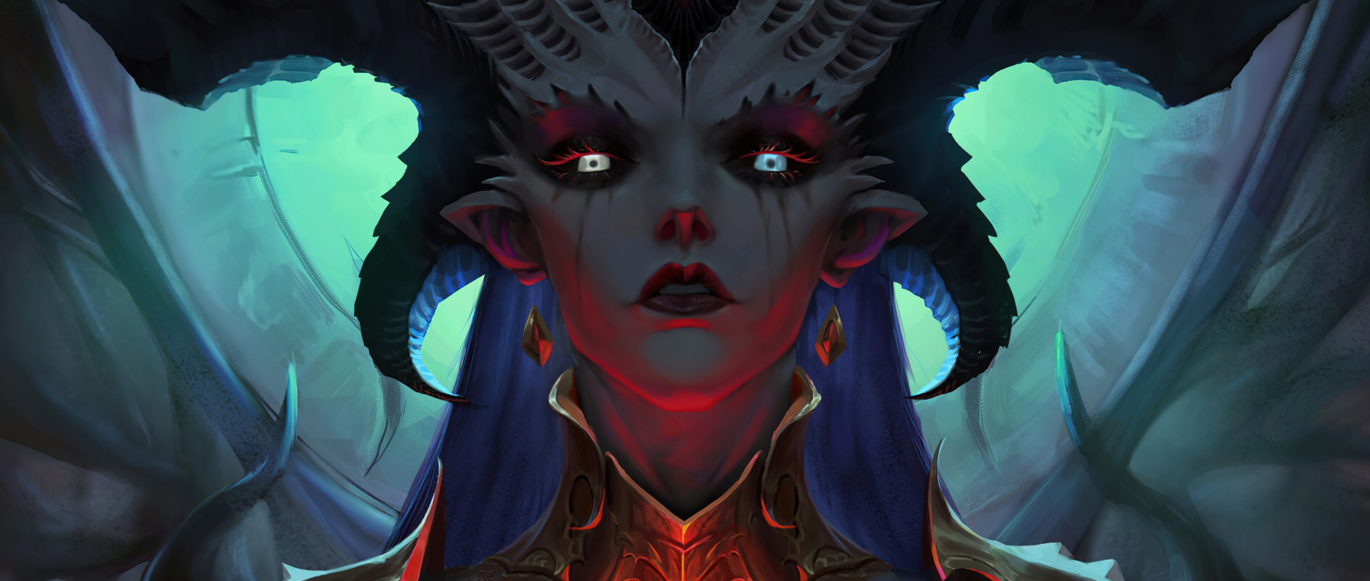
There’s something almost poetic about it: a developer ships a patch for its own game, breaks it — and a completely different company ends up fixing it. That’s exactly what happened to Diablo IV at the start of Season 14. While Blizzard was still figuring out what went wrong, Valve quietly rolled out a Proton update that got the game running again on Steam Deck and SteamOS before Blizzard’s own official fix even landed.
For anyone playing Diablo IV on a handheld or a Linux desktop, this isn’t the first time this has happened — but it stings just as much every time, especially right at the start of a new season, when all you want to do is dive into the content instead of digging through Proton logs.
Table of Contents
What Broke Diablo IV’s Launch After the Season 14 Update
On June 30, Blizzard released patch 3.1.0, kicking off Diablo IV’s 14th season — Season of Death Awakening. Along with the new content came a nasty surprise: on Linux, SteamOS, and Steam Deck, the game simply stopped launching altogether.
The symptoms were the same across the board. Steam would show “Launching…,” the process would technically start — and then vanish a few seconds later, with no window, no error message, no useful log. Some players ran into a specific error, Code 127, which referenced kernel32.dll — as if the game were searching for Windows system files on startup and crashing out when it couldn’t find them.
This wasn’t a niche problem. According to industry reports, Diablo IV was among the most-played titles on Steam Deck as recently as June — meaning the bug hit thousands of handheld owners who simply don’t have the option of switching over to Windows.
Why Diablo IV Broke Specifically on Linux and Not on Windows
Technically, the problem sat right at the intersection of two systems: the update changed something in the game’s startup validation process, and Proton — the compatibility layer that lets Diablo IV run on Linux and Steam Deck — wasn’t ready for it. The game appeared to run an internal environment check before graphics even initialized, and it was tripping over that check specifically under Wine/Proton, never even reaching the Battle.net login screen.
CrossOver, a separate compatibility layer for running Windows games on Linux and macOS, reported a similar issue: after patch 3.1.0, the game stopped launching there too, and the fix ultimately required changes on the Proton side rather than in Diablo IV itself.
How Valve Responded to the Bug — and What the Proton Hotfix Actually Did
Blizzard stayed largely quiet on specifics for almost a full day — community reports suggest the response was limited to brief comments from representatives on forums and Reddit saying the team was “aware and working on it.” Blizzard’s first attempt at a fix, based on player feedback, didn’t fully resolve the issue.
Valve, on the other hand, moved fast and, characteristically, without much fanfare. SteamDB listings showed an update labeled Proton Hotfix tied specifically to Diablo IV. Valve doesn’t typically publish detailed patch notes for these targeted updates — that level of detail is usually reserved for bigger branches like Proton Experimental — but the outcome speaks for itself: an update on the Proton side is what restored the game’s functionality on Steam Deck and SteamOS, with zero action required from players.
How to Fix Diablo IV’s Launch Issue on Steam Deck and Linux Right Now
If the game still won’t launch after the automatic Proton update, there’s a workaround that both the community and Linux-focused outlets have been recommending:
-
Update Steam and make sure both the client and Diablo IV itself are fully patched.
-
Open Diablo IV’s properties in your Steam library and go to the “Compatibility” tab.
-
Enable “Force the use of a specific Steam Play compatibility tool.”
-
Select Proton Experimental — if the Proton Hotfix hasn’t kicked in automatically yet, this branch usually already contains the necessary fixes.
-
Restart Steam and try launching the game again.
If you’re running the game through the Battle.net client inside Proton rather than the native Steam build, your situation might differ slightly — it’s worth checking for updates to the Battle.net launcher itself, since some of the complaints were tied specifically to its embedded Chromium interface.
Ways to Fix Diablo IV’s Linux Launch Problem
| Method | Who It’s For | What to Do |
|---|---|---|
| Wait for the automatic Proton update | Most Steam Deck users | Nothing — Valve has already applied the Proton Hotfix automatically |
| Manually switch to Proton Experimental | If the game still won’t launch | Game properties → Compatibility → select Proton Experimental |
| Check your Battle.net version | Players running D4 through Battle.net in Proton/CrossOver | Update the launcher, check logs for Chromium GPU initialization errors |
| Community GE-Proton builds | Advanced users on Arch, CachyOS, Bazzite | Install a current community GE-Proton build manually |
| Emulating Windows on top of Linux | Last resort if nothing else works | A temporary workaround that requires extra environment setup |
What’s New in Diablo IV Season 14 Beyond the Launch Bug
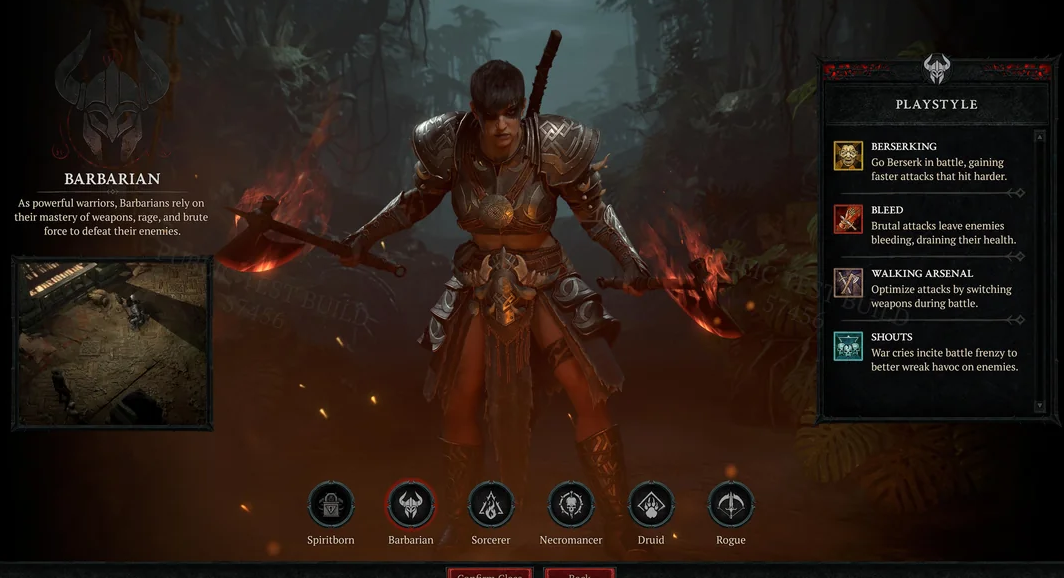
While part of the community was busy troubleshooting Proton, everyone else was already deep into the Season of Death Awakening’s content. The season’s headline addition is the “Self-Found, Solo” mode, complete with its own dedicated leaderboard.
The mode’s defining trait is that it’s irreversible: characters in it can’t trade items or party up with other players, and once a character is flagged as self-found, there’s no going back mid-season. The only way out is waiting for the season to end — at which point the character becomes “eternal” and regains access to trading and co-op play.
This meaningfully changes how the season plays out for anyone who enjoys hardcore restrictions and solo challenges — Blizzard has essentially borrowed a format familiar from roguelikes and hardcore communities and baked it directly into the seasonal structure of an ARPG.
Key Facts About the Situation
| Detail | Value |
|---|---|
| Date of the patch that caused the issue | June 30, 2026 (update 3.1.0) |
| Season | 14th, Season of Death Awakening |
| Affected platforms | Linux, SteamOS, Steam Deck |
| Characteristic error | Error Code 127, references to kernel32.dll |
| Who shipped the working fix | Valve, via a Proton Hotfix update |
| Official patch notes from Valve | None published — update was spotted through SteamDB |
| New season mode | “Self-Found, Solo” with its own leaderboard |
What This Means for Players and What to Expect Next
The Diablo IV Linux saga is, above all, a reminder of just how fragile the compatibility layer underpinning Steam Deck’s entire Windows game library really is. The game doesn’t officially support Linux, and any developer-side update can accidentally knock the platform offline — simply because testing under Proton isn’t part of most studios’ standard QA pipeline.
At the same time, Valve’s response shows the flip side of that fragility: the company is clearly keeping an eye on what happens to popular Steam Deck titles, and it’s willing to patch other people’s bugs on its own end if that’s the fastest way to get people back into a game they love. For handheld owners, that’s genuinely good news — Proton has evolved over the past few years from a simple compatibility shim into a real crisis-response mechanism for the whole ecosystem.
If you’re still running into launch errors, start by checking whether the automatic Proton update has landed — and if it hasn’t, switch to Proton Experimental manually. And for everyone already in-game: Season 14 and its “Self-Found, Solo” mode are absolutely worth pushing through the technical hiccups to experience Sanctuary this time around.