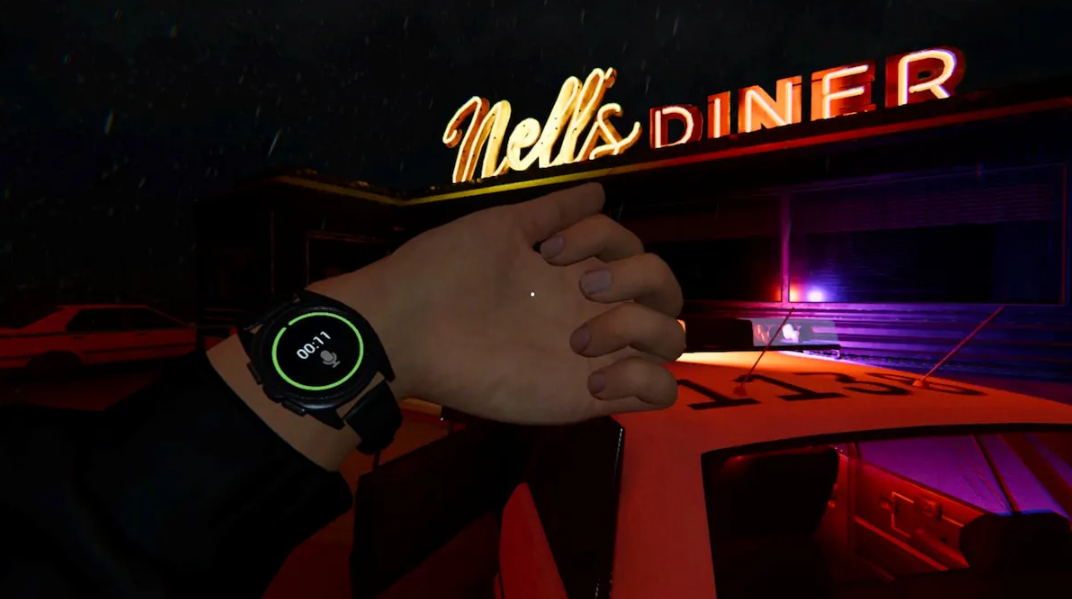
The most terrifying thing about the next horror mode in Phasmophobia is realizing your sanity is at zero and the ghost is about to start hunting. That’s where a wristwatch comes in. It hangs on your wrist and clearly displays key information right during a raid—no more running to the van every five minutes, shaking with fear.
The device is simple, convenient, and, once you figure out the indicators, unexpectedly useful. If you’ve ever wanted the game to tell you, “Hey, you’re on edge,” the watch provides an experience as close to that as possible. By the way, we’ll go into what exactly it shows and how to use it later.
Table of Contents
What does the wristwatch show?
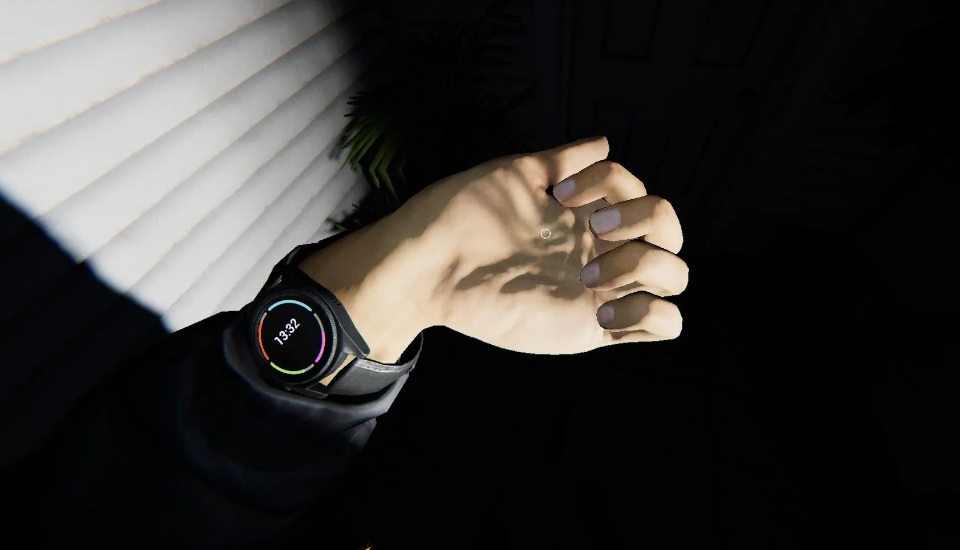
The device is automatically attached to your wrist—it’s already there at the start of each match. It displays two bars: your current sanity and a timer. The latter is activated the moment the van door opens and someone steps into the investigation zone.
You always have two of the game’s most important stats at your fingertips. Wherever you’re hiding on the map—in the basement, on the second floor, or in the restroom—you no longer have to return to the van to check these stats. Seriously, this really saves you a ton of stress.
How to use a wristwatch correctly?
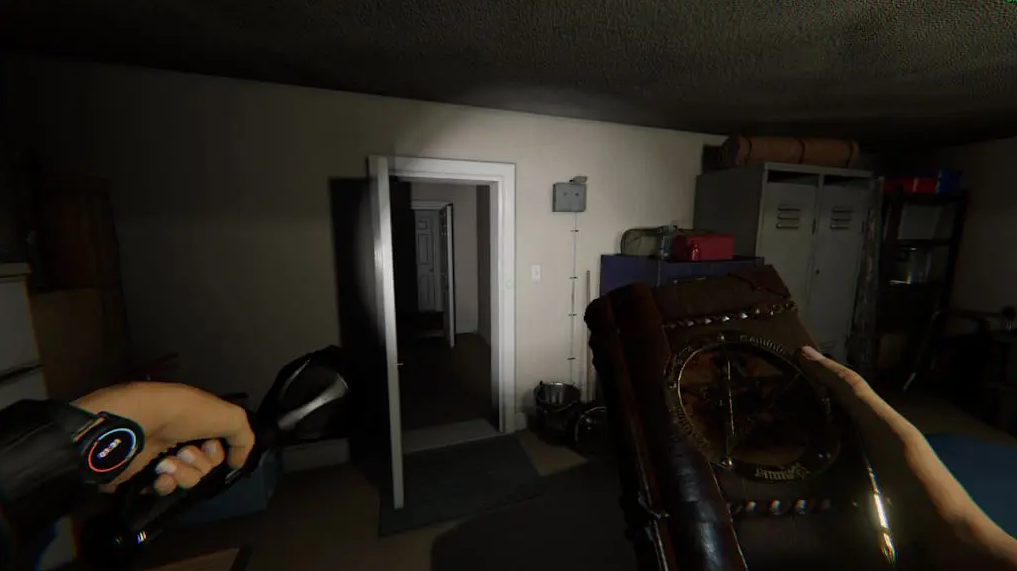
First, free your hands—the gadget must be in the active slot. Hold down the use button, bring your wrist to your face, and voila: your sanity and the stats of all your party members are right there in front of you. It’s convenient that you don’t have to do this all the time—the watches are already visible most of the time. In VR, it’s even easier: just raise your hand and glance.
The colors that indicate each player’s sanity level are linked to the same shades as those on the monitor in the van. Confused about who’s who? A quick glance at the screen in the truck will solve the problem—each nickname has its own color. The timer on the clock is no less important. It starts ticking from the moment the investigation officially begins and is strictly tied to the preparatory phase. Here are some details:
-
On Amateur difficulty, there are a full five minutes before the ghost is allowed to begin the hunt.
-
On Normal, the safety window shrinks to two minutes.
-
On Professional and higher, there’s no preparatory phase at all—it’s straight to the meat.
Typically, during this phase, certain restrictions apply: sanity loss from darkness is reduced by approximately 30%, and sanity itself won’t drop below 50%. And most importantly, the ghost physically cannot begin the hunt, no matter what its usual triggers whisper.