

Sometimes there are games that are difficult to describe in the usual categories. This is not a shooter, not a simulator in the classical sense, and certainly not a story adventure. Sinking Simulator is almost a pure idea, brought to the point of absurdity: to take the physics of destruction and bring it to a level where each launch turns into a small experiment.
At first glance, everything seems even primitive. You create an object —a ship, a tower, a strange structure—and watch as it sinks, breaks, and deforms. But ten minutes pass, and an understanding comes: this is not just a sinking simulator, but a real chaos laboratory where you can simulate disasters of any complexity.
That’s why the game is still being discussed. Someone launches it for relaxation, someone to reproduce the wreck of the Titanic according to historical data, and someone just for the strange pleasure of watching a huge liner slowly sink under the water, losing its shape.
And yes, if you’ve ever searched for a titanic sinking simulator game, you’ve probably already come across this game or its analogues. But Sinking Simulator goes further — it provides tools, not a script.
Table of Contents
Realistic soft physics is the heart of the game
The main reason why the game is addictive is the physics. Moreover, not the usual “hard” destruction model, but a soft, deformable one. The hulls bend, the structures behave unstable, and each launch is different from the previous one.
When you first launch ship sinking simulator, you expect something simple: the hull breaks, water is poured, everything disappears. But things are different here. The metal gets tired, the walls bend, and the water pressure gradually breaks the structure. Sometimes a ship doesn’t sink right away — it struggles, lurches, cracks, and this creates a sense of real disaster.
It is especially interesting to observe large objects. In 3d ship sinking simulator, scale begins to play a role: the larger the structure, the more unpredictable its behavior. A huge liner can not just sink, but literally “fold” in half.
It’s at moments like this that you understand why people call it not just a game, but an experiment.
Gameplay: from the Titanic to the skyscraper of people
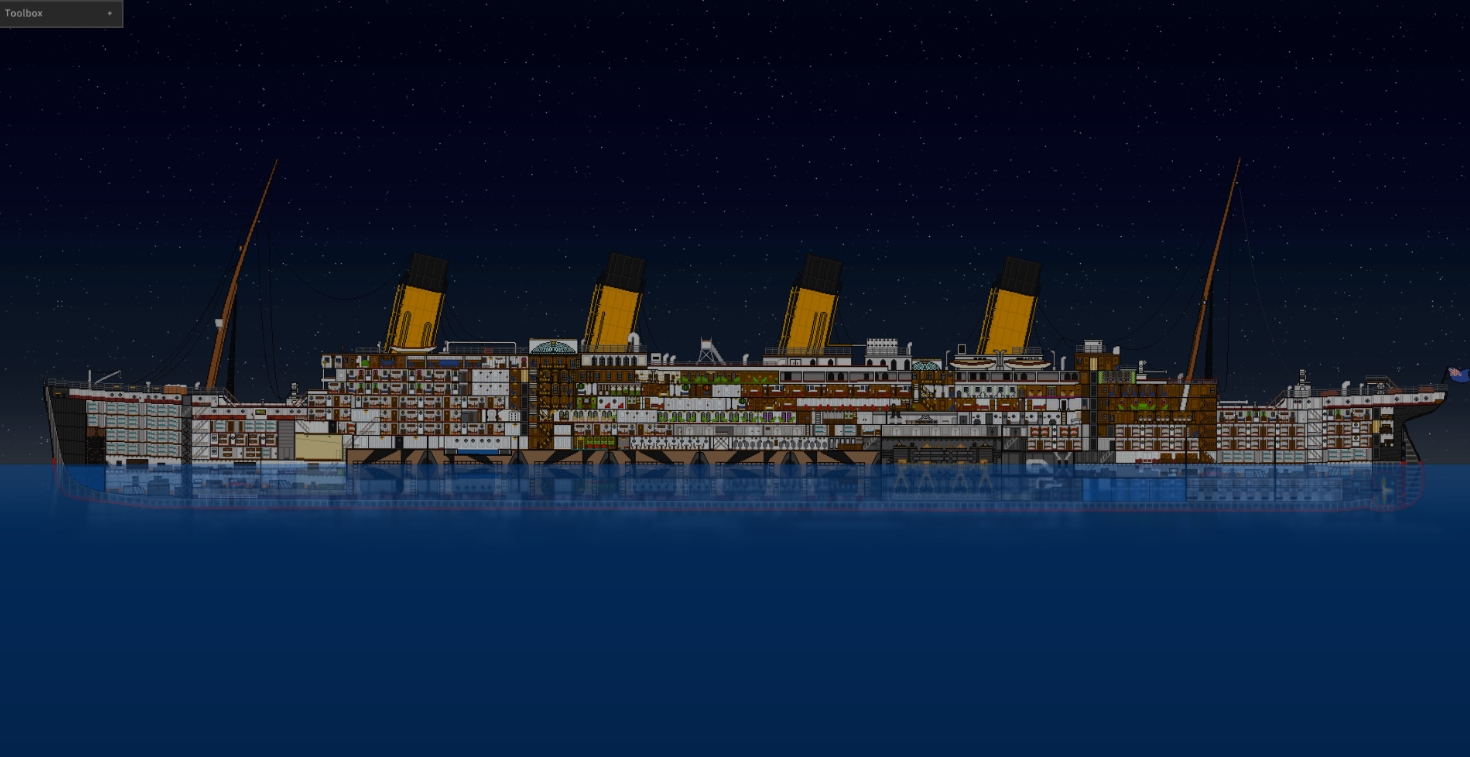
From the point of view of mechanics, everything is simple: create — destroy — observe. But the variability makes the process almost endless.
You can recreate titanic simulator sinking and see how accurately the game conveys the famous disaster. You can arrange the absurd: build a tower of people, cars and containers and drown it in the ocean. Or you can just test how the material behaves under different pressures.
Over time, you begin to notice that the game is gradually unfolding. More sophisticated tools, new scenarios are emerging, and even the basic mechanics are starting to feel deeper.
That’s what really keeps you in the game:
-
the opportunity to experiment without restrictions and “make the right decisions”
-
unexpected depth even in simple actions
-
an almost meditative observation of the destruction
-
It feels like you’re creating the script yourself.
At the same time, the game does not try to impose a goal. No missions, no progress in the usual way. And that’s her strength.
Graphics, sound and an atmosphere of complete chaos
Sinking Simulator does not try to surprise with photorealism. Visually, it is more functional than beautiful. But there is a logic to this: all the load goes to physics.
However, when you launch the boat sinking simulator with a large object, you start to catch yourself feeling a strange sensation. It looks… plausible. Not in terms of textures, but in terms of movement. Water behaves convincingly, structures are gradually destroyed, and the brain begins to “believe” what is happening.
Sound plays a separate role. The creaking of metal, the cracking of structures, thuds — all this enhances the effect of presence. Sometimes it even gets a little uncomfortable, especially when a huge object starts to slowly sink under the water.
It’s not horror, but in some moments the atmosphere is more oppressive than in some story games.
Does Sinking Simulator work on a weak PC and Steam Deck
This is where the game shows its “dark side”. Despite the simple schedule, the load on the system can be severe.
The reason is obvious — physics. Each element is calculated in real time, and if you run a large script, even a powerful PC can lose FPS.
In practice, it looks like this:
-
On weak PCs, the game runs, but requires scaling down the scenes.
-
Average systems handle it comfortably with reasonable settings.
-
Powerful PCs allow you to arrange real disasters without lags
-
You can play on Steam Deck, but with limitations on the complexity of the scenes.
If you plan to recreate sinking simulator titanic on a full scale, it is better to have a stock of hardware.
Sinking Simulator System Requirements for PC
| Specification | Minimum | Recommended |
|---|---|---|
| Operating System | Windows 7 (64-bit) | Windows 10 (64-bit) |
| Processor | Dual-Core CPU | Intel Core i5-3330 @ 3.2 GHz |
| Memory | 4 GB RAM | 8 GB RAM |
| Graphics | OpenGL 3.2 compatible GPU (NVIDIA or AMD) | NVIDIA GeForce GTX 650 Ti or equivalent |
| Storage | 1 GB available space | 1 GB available space |
| Additional Notes | Physics calculations are handled by the GPU | Physics calculations are handled by the GPU |
Player reviews and current Steam rating
The game’s community is specific, but very active. This is not a massive hit, but rather a niche project that has found its audience.
Players often discuss mods, share experiments, and ask questions like how to add ships to sinking simulator 2 — and this already speaks to the depth of engagement.
Interestingly, even older versions like sinking simulator: legacy are still being discussed. And new variations, such as sinking simulator 2 and even the hypothetical sinking simulator 3, regularly pop up in conversations.
Separately, it is worth noting the community around modding. People share settings, discuss sinking ship simulator 2 controls, create their own scenarios, and even experiment with colors and an interface like sinking ship simulator 2 palette.
In general, the reviews can be summarized into several theses:
-
The game is unique and has almost no analogues.
-
It can quickly get boring if there is no interest in experimentation.
-
Mods significantly extend the life of the project
-
Technical limitations are sometimes annoying.
Pros and Cons of Sinking Simulator in 2026
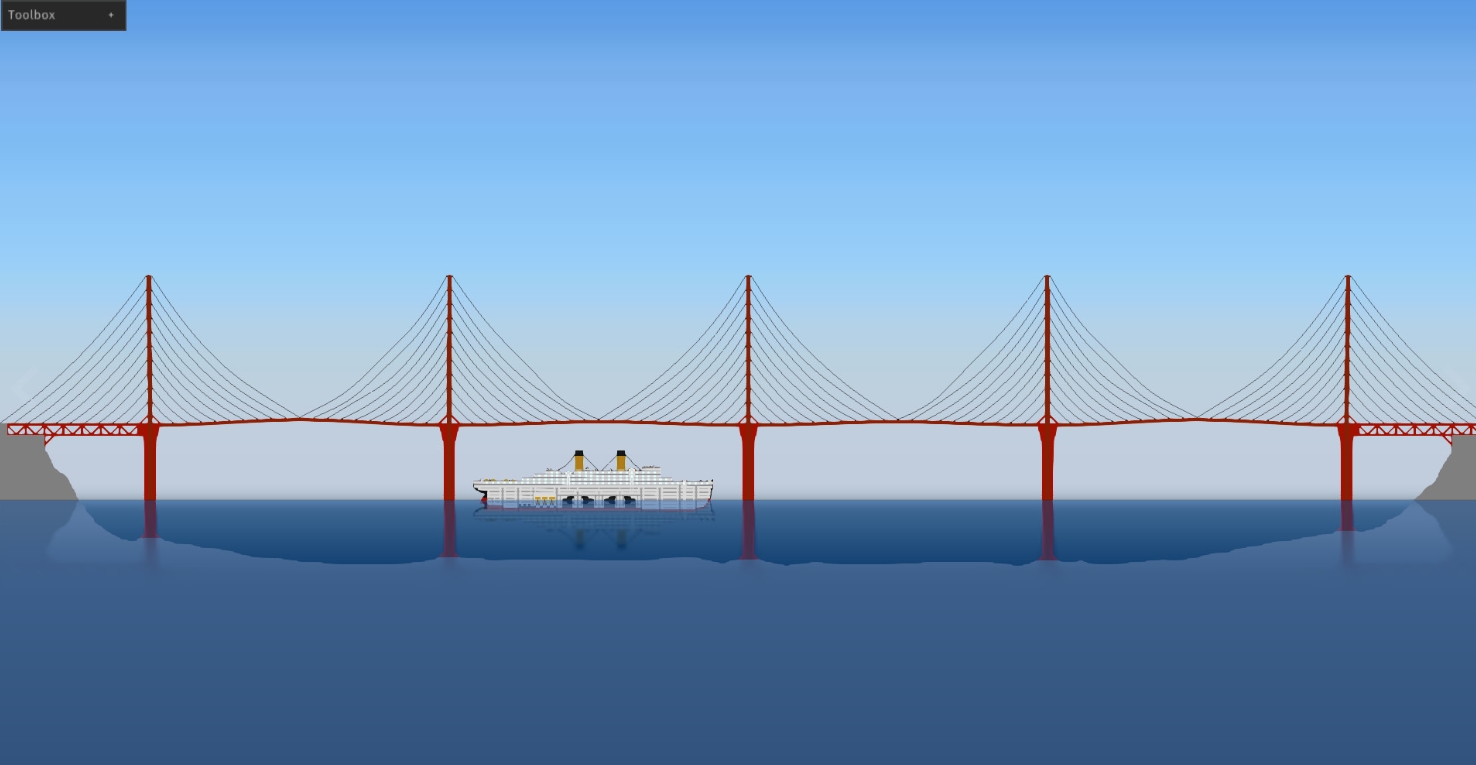
To be honest, the game is not really for everyone. It is important to understand this in advance.
Positive:
-
unique physics that is difficult to find in other games.
-
complete freedom of action and experimentation
-
high replayability for sandbox lovers
-
an active and creative community
Minuses:
-
the lack of goals and structure can quickly become boring.
-
high load on the system
-
minimalistic submission without “hooks” for beginners
-
dependence on interest in the process itself
Is it worth buying a Sinking Simulator?
The price is one of the main arguments in favor of the game. For this money, you get not just a project, but a tool for experimentation.
But it’s important to understand: This is not a game that will entertain you by itself. Here you need a desire to explore, try, break and see what happens.
If you’re looking for a linear adventure, it’s better to pass it by. If you’re interested in physical simulations, destruction, and a non-standard gaming experience, then even a basic version like sinking simulator unblocked can take a long time.
Who will definitely enjoy this game
Sinking Simulator is perfect for those who enjoy the process rather than the result. Those who can run one scene ten times in a row, just to see how the behavior of the structure changes.
If you are close to such things as:
-
experiments with physics and destruction
-
creating your own scripts
-
ьeditative gameplay without pressure
-
interest in disasters and modeling
Еhen it’s almost guaranteed to be “your” game.
In all other cases, it may seem strange, empty, or even meaningless.
But that’s what it’s all about. Sinking Simulator does not try to please everyone. She just gives you the tools and says, “See what happens.”
If you’re unsure what to try next, an account steam free can help you experiment a bit.
How to play Sinking Simulator for free on Steam via VpeSports
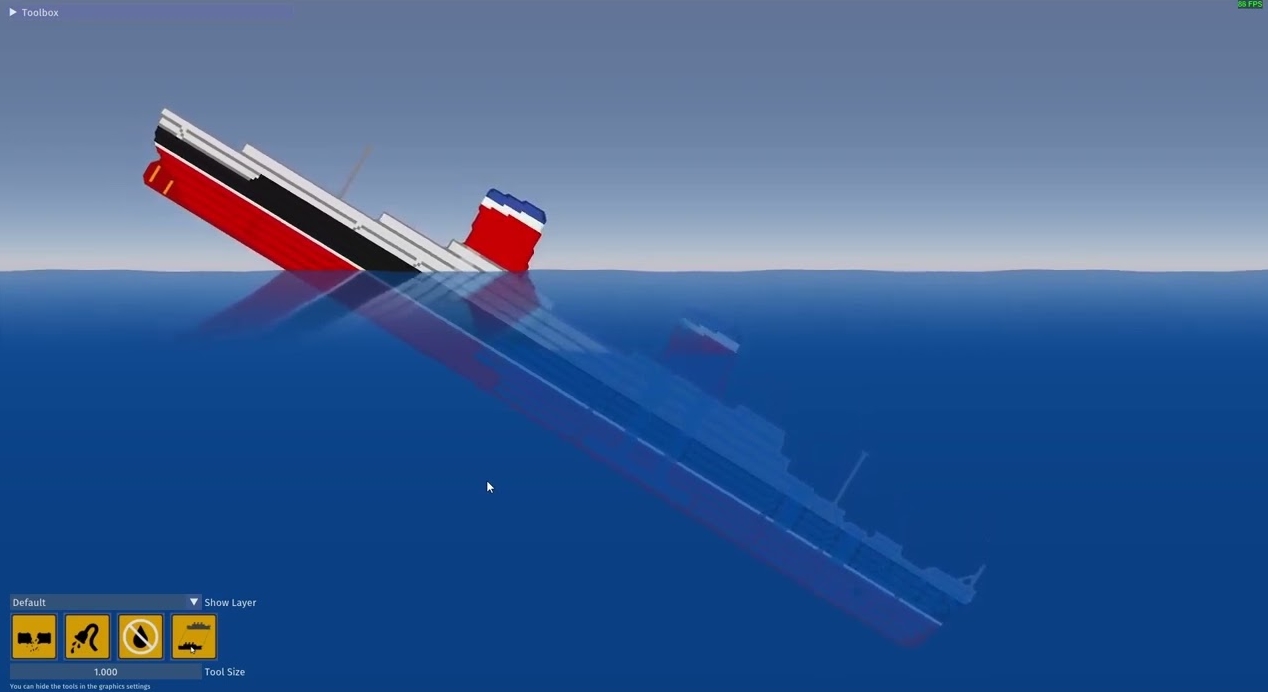
There are games that don’t try to entertain you every second. They just drag on — quietly, gradually, almost imperceptibly. Sinking Simulator is just one of those. There is no sense of control in the usual sense. On the contrary, everything around us seems to hint that you are not in charge. The world lives by its own laws — structures crack, surfaces sink, water gets closer and closer, and at some point you catch yourself thinking that you are just watching the inevitable. And there is a strange thrill in it — almost meditative, but with a slight tension inside.
This game does not shout, does not lead by the hand and does not explain every little thing. She gives you space, and she checks how you handle it. Sometimes you try to keep the situation under control, and sometimes you just stand there and watch as everything slowly sinks. And at such moments, Sinking Simulator starts to really work – not as a game, but as a feeling.
And the best part is that you don’t have to spend hours installing or figuring out a bunch of extra steps. We’ve done everything so that you can just come in and get started. You register on the site, log into your account, return to the top of the page and click GET AN ACCOUNT. Then everything is intuitive — just a couple of actions, and you already have the game.
If you want to stay connected and always keep up to date with new accounts, updates, and generally everything that happens, it’s better to subscribe to our Telegram channel right away. Everything appears there the fastest: new giveaways, patches, sometimes even discussions where you can see how others go through the same moments as you.
And if something doesn’t work out or questions arise, it’s not a problem at all. There is a detailed section with a guide where everything is explained in simple language, without unnecessary water. Well, you can always write to the chat — we respond, we help, we do not leave. Everything is as human as possible