

Cooking Simulator VR is a virtual version of the popular cooking simulator from Big Cheese Studio, adapted specifically for virtual reality helmets. The original game was released in 2019 and quickly became famous among players, largely due to the unusual combination of realistic cooking and slightly chaotic physics. The VR version appeared later and tried to implement what many imagined back when playing the usual Cooking Simulator: to give the opportunity to literally be inside the kitchen.
Table of Contents
Cooking Simulator VR Free Steam Account
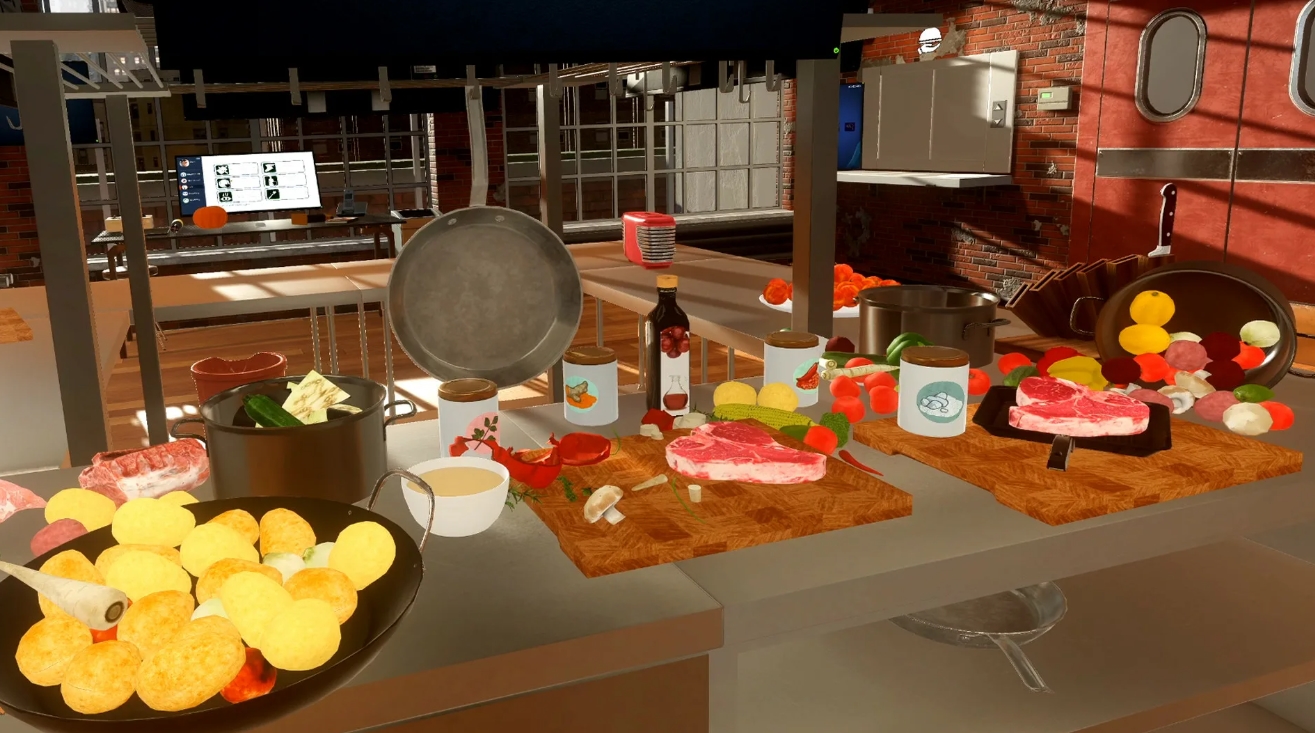
If in the classic version you control the kitchen using the keyboard and mouse, then in Cooking Simulator VR all actions take place by hand. You take a knife, cut the vegetables, put the meat in the pan, pour the oil and turn the steak over — all this is done by the movements of the controllers.
And this is where the game starts to feel very different. At some point, you stop perceiving the kitchen as a game stage. You open the refrigerator, take out food, move the plates, accidentally bump the pan with your elbow — and gradually begin to act as if you are in a real kitchen.
The popularity of Cooking Simulator VR is explained quite simply. This is one of those VR games that gets addictive quickly because:
-
they give you an understandable task — to cook a dish;
-
they allow you to freely interact with almost every object;
-
they regularly create funny situations due to the physics of objects;
-
they remain understandable even for people who rarely play in VR.
As a result, the game feels like a mix of a profession simulator, an interactive sandbox, and sometimes almost a comedy about kitchen chaos.
Gameplay of Cooking Simulator VR — how cooking works in virtual reality
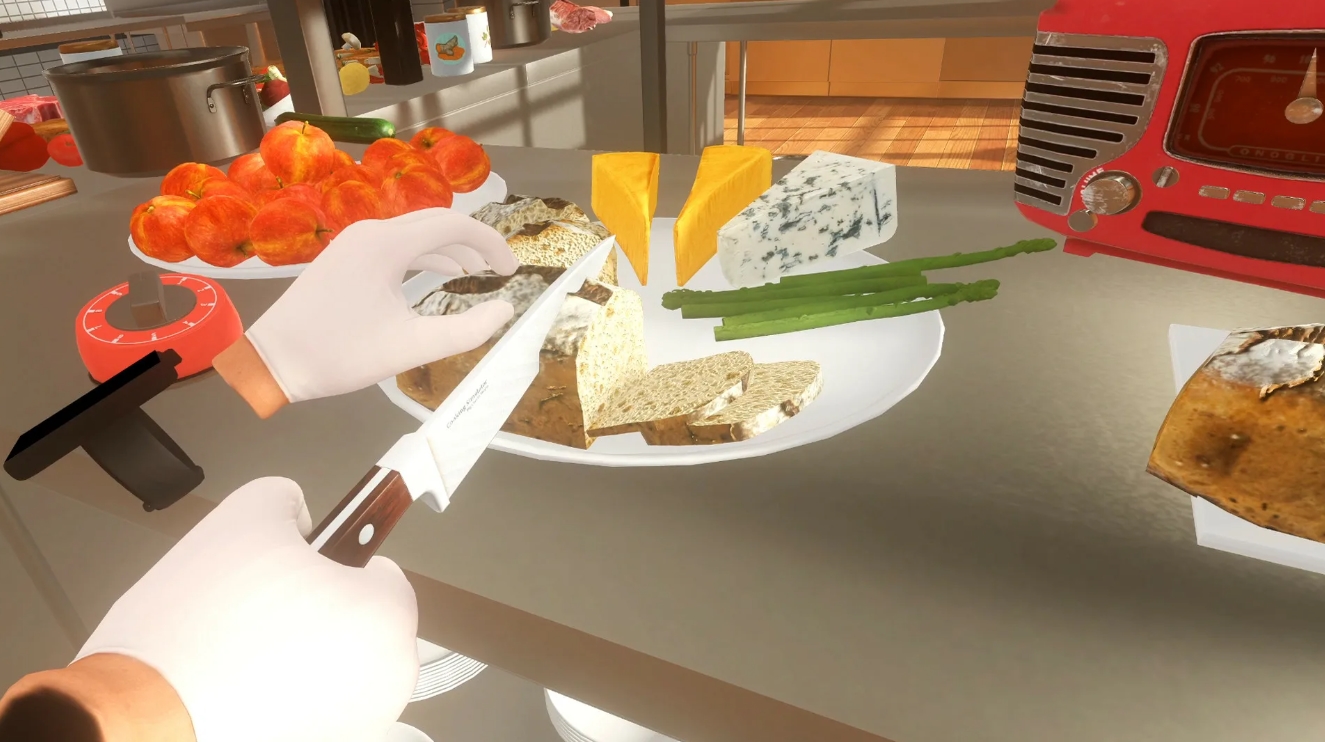
The game is based on a physical model of the kitchen. Almost everything around the player can be picked up, moved, dropped, or used in the cooking process.
In the VR version, it feels much stronger than in a regular game. Instead of just pressing the “slice” button, you actually take a knife and start cutting the ingredients manually. And sometimes it turns out perfectly, and sometimes a piece of tomato suddenly flies off somewhere at the table.
Hand control, kitchen tools, and food interaction
The virtual kitchen here is filled with objects that work almost the same way as in real life. VR controllers become your hands, so every action requires physical movement.
The player constantly interacts with dozens of objects:
-
knives, spatulas, pots and pans;
-
stove, oven and kitchen appliances;
-
refrigerator with ingredients;
-
spices, oils and sauces.
In practice, this creates a rather interesting feeling. On the one hand, everything looks familiar and intuitive — you just pick up an object and use it. On the other hand, the kitchen quickly begins to live its own life. You can drop a plate, add spices, or accidentally spill oil on the table.
And such moments happen quite regularly, especially when you start to rush.
No fees, no limits! Enjoy gaming with a free steam account with games now!
Food physics and realistic cooking processes
Cooking Simulator VR tries to simulate real cooking processes. Products react to temperature, time, and processing method.
The player has to keep track of several things at once:
-
the degree of roasting of meat;
-
the cooking time;
-
the correct cutting of ingredients;
-
the proportions of spices.
For example, if you leave a steak in the pan for too long, it gradually starts to burn. If you overdo it with salt, the client will be unhappy. And if you accidentally drop a plate with a ready—made dish, sometimes it’s easier to start all over again.
At the same time, the physics in the game is specially made a little unpredictable. Sometimes the ingredients don’t behave exactly the way you expect them to. A piece of meat may slip off the pan, a knife may fly off the table, and the pan may suddenly flip over.
But it is precisely because of this that the kitchen in the game feels alive.
Cooking Simulator VR Game Modes
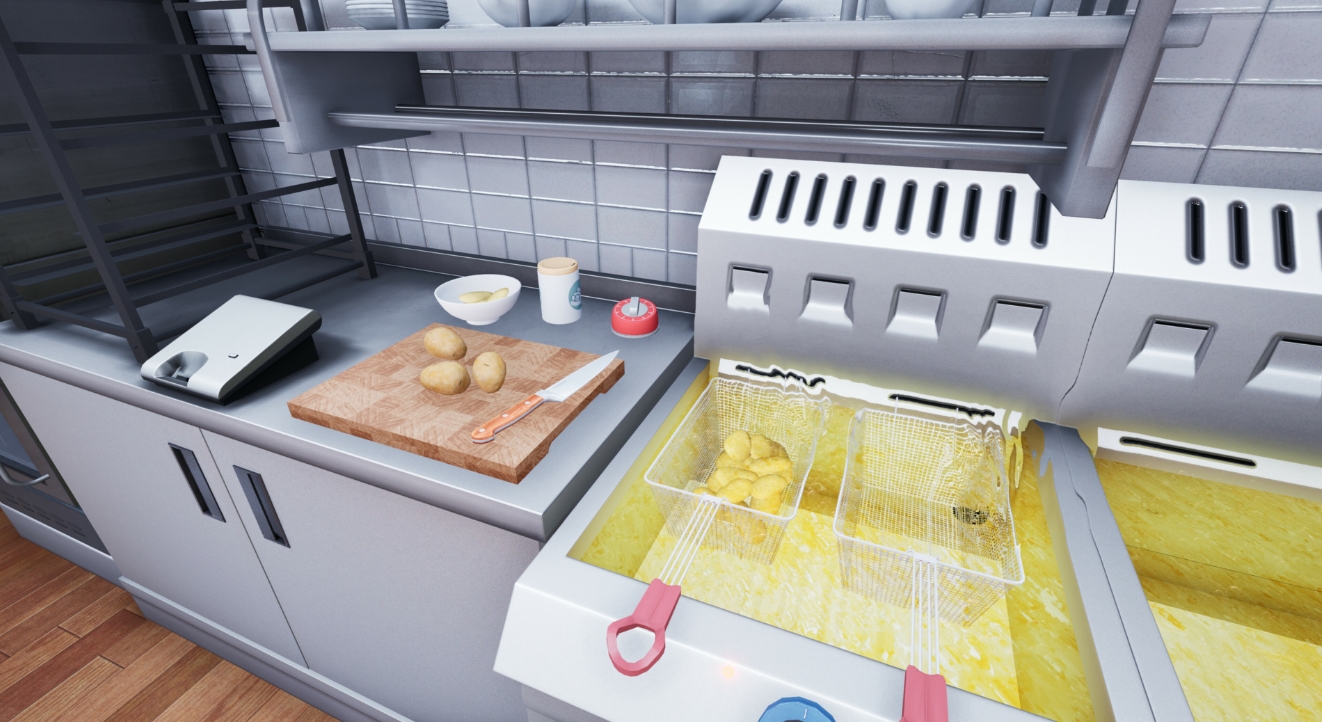
Despite the rather simple idea of cooking, Cooking Simulator VR offers several modes that noticeably change the pace of the game and the style of passing.
Chef’s career and order fulfillment
The main mode is career mode. Here, the player starts as a novice chef and gradually develops the restaurant by fulfilling customer orders.
Each order is a specific dish with a recipe and a set of requirements. You need to cook the food properly, serve it carefully and meet the time.
Over time, the kitchen starts to get more complicated:
-
new recipes are being opened;
-
additional ingredients are being added;
-
the flow of orders is increasing;
-
timer pressure is increasing.
In the later stages, the kitchen becomes almost a small stress zone. You need to move quickly between the stove, refrigerator and cutting board, while making sure that nothing burns or falls.
And, of course, sometimes something falls anyway.
Free mode for experiments in the kitchen
If a career requires precision and concentration, then free mode is practically a gaming laboratory.
There are no orders, restrictions, or ratings here. You can safely experiment with products, study mechanics and just watch how objects behave.
Some players use this mode to practice before their career. Others — to create completely strange dishes like:
-
huge multi-layered sandwiches;
-
soups made from dozens of ingredients;
-
completely burnt steaks;
-
a kitchen turned into a real chaos of pots and sauces.
The free mode shows especially well how interactive the kitchen turned out to be.
The realism and chaos of the kitchen — how Cooking Simulator VR catches players
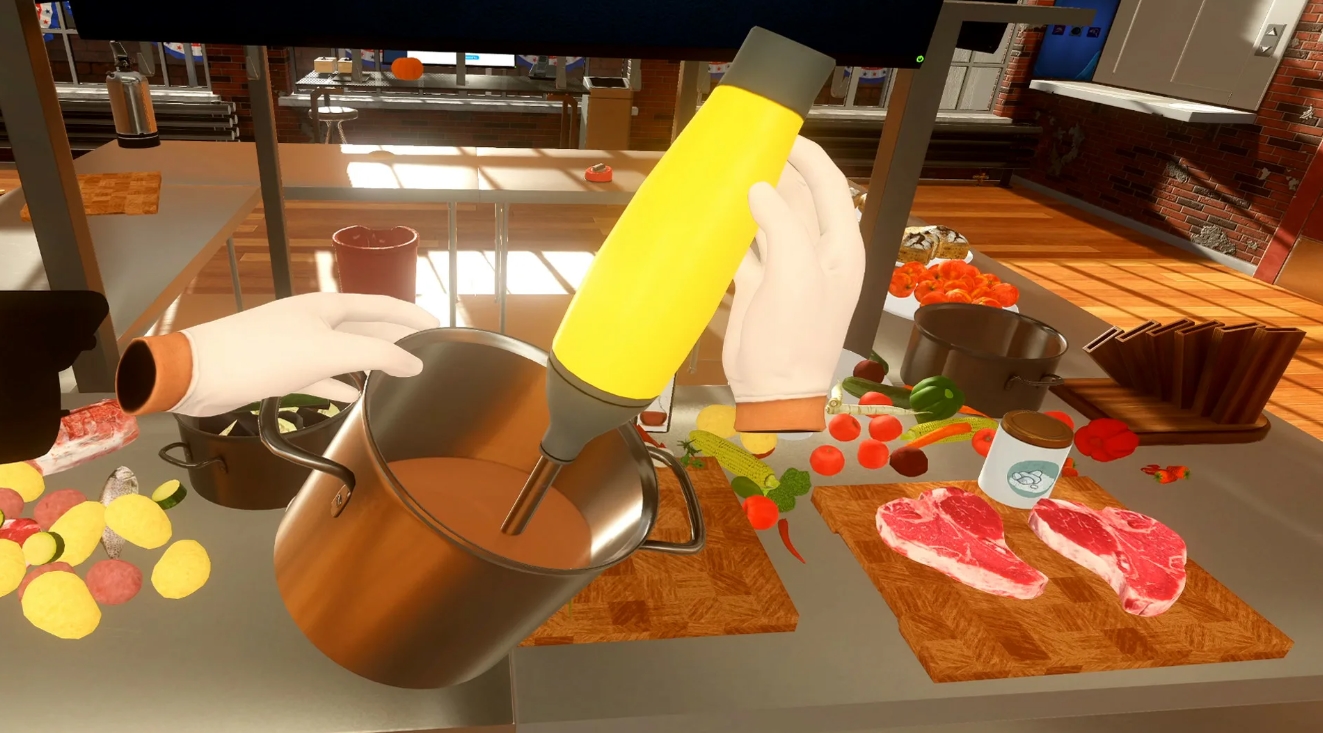
The most interesting feature of Cooking Simulator VR is the balance between realism and light chaos. The game really tries to simulate the kitchen, but at the same time leaves room for unpredictable situations.
As a result, each game session may develop slightly differently.
For example, you can safely cook soup by following the recipe, and everything will go perfectly. And then you accidentally touch the pan, and half of the contents will end up on the floor.
Sometimes it happens because of the rush. Sometimes — because of too sudden movement. And sometimes just because physics decided to make a joke.
Such moments create a sense of real space. The kitchen here is not just a set of buttons or a menu. It’s a place where something happens all the time.
The player regularly encounters small problems:
-
ingredients fall off the table;
-
dishes break;
-
dishes burn;
-
the kitchen gradually turns into a mess.
This is why Cooking Simulator VR is often perceived not only as a simulator, but also as a kind of comedy in the kitchen. Even if something goes wrong, it’s still interesting to watch.
Is it worth playing Cooking Simulator VR — pros, cons, and summary of the review
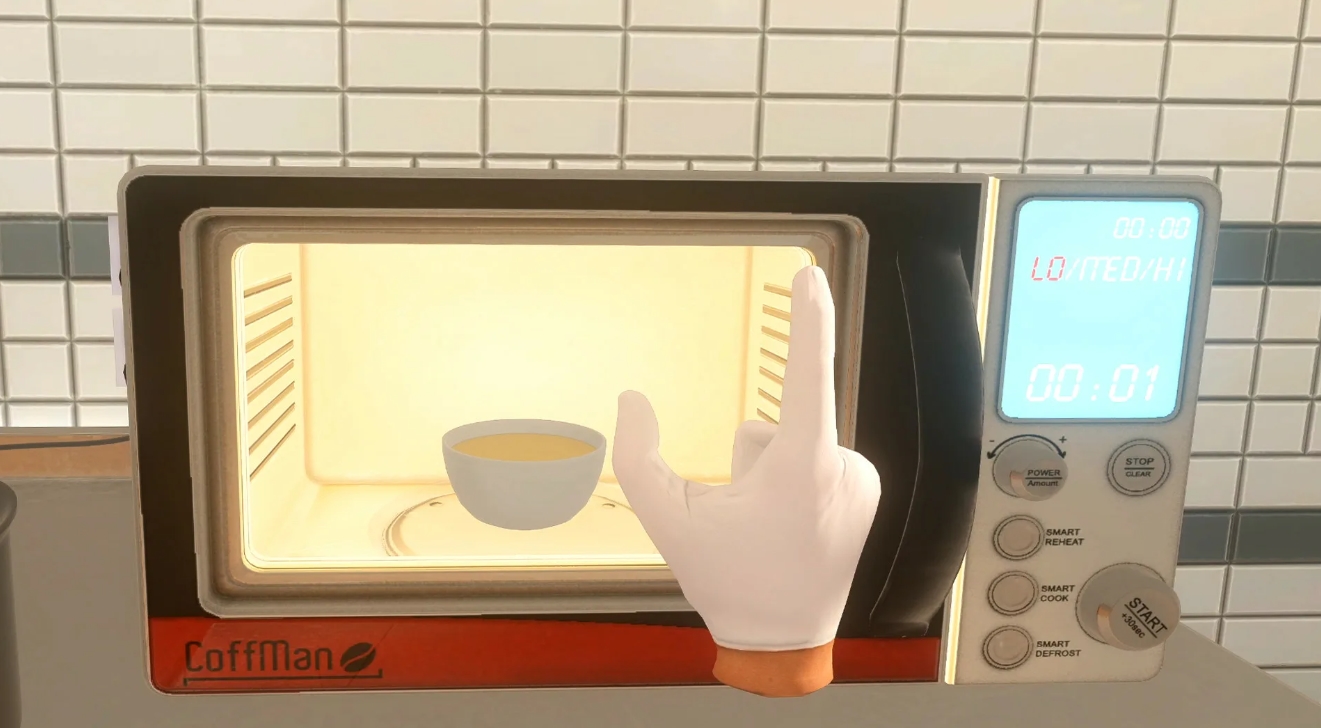
Cooking Simulator VR is a good example of how virtual reality can change the perception of familiar game genres. The idea of cooking in games is not new, but in VR it starts to feel much more physical and interactive.
The game does not try to impress with a huge plot or a complex story. Instead, she focuses on interacting with objects and feeling like a real kitchen.
Among the main advantages of the game are:
-
intuitive VR control;
-
a large number of kitchen items;
-
a detailed food preparation system;
-
a high level of interactivity.
However, the game has some weaknesses. Sometimes the controls can seem a bit clunky, especially when there are too many items in the kitchen. In addition, physics sometimes behaves unexpectedly — and not always at the right moment.
Nevertheless, Cooking Simulator VR does an excellent job of its main task: it gives you a sense of presence in the kitchen. The player doesn’t just watch the cooking, but actively participates in the process.
The game is especially suitable for several categories of players:
-
owners of VR helmets who are looking for interactive simulations;
-
lovers of sandboxes and experiments;
-
those who want to try an unusual and relaxing gaming experience.
As a result, Cooking Simulator VR is not so much a strict cooking simulator as a virtual kitchen, where every cooking turns into a small experiment. Sometimes everything goes perfectly, and the dish turns out as per the recipe. And sometimes the kitchen turns into a complete mess of pots, sauces and burnt steaks — and it is at such moments that the game is most memorable.
Cooking Simulator VR System Requirements for PC
| System Component | Minimum Requirements | Recommended Setup |
|---|---|---|
| Operating System | Windows 10 (32/64-bit) | Windows 10 / Windows 11 (32/64-bit) |
| CPU | Intel Core i5-8600 or similar AMD processor | Intel Core i7-12700K or equivalent AMD CPU |
| RAM | 16 GB system memory | 32 GB RAM |
| Graphics | NVIDIA GeForce GTX 1080 or comparable AMD GPU | NVIDIA GeForce RTX 4070 or similar AMD graphics card |
| DirectX | DirectX 11 | DirectX 11 |
| Disk Space | 12 GB available storage | 12 GB available storage |
| VR Compatibility | SteamVR supported | SteamVR supported |
| Additional Notes | VR headset required | VR headset required |
How to play Cooking Simulator VR for free on Steam via VpeSports
Sometimes you just want to put on a VR helmet and be in another place for a while – for example, in the kitchen, where everything is sizzling, frying and smelling of delicious food. Cooking Simulator VR provides just such an opportunity. Here you don’t just press buttons, but literally work with your hands: take food, cut vegetables, put a frying pan on the stove, make sure that nothing burns. You can carefully cook according to recipes and try to make everything perfect, or you can experiment a little and see what happens. Sometimes the dishes come out like in a good restaurant, and sometimes the kitchen turns into a real culinary chaos — but that’s exactly where the fun lies.
We are well aware that no one wants to spend half an hour on complicated instructions and incomprehensible settings. Therefore, we tried to make everything as simple as possible. First, register on our website and log in to your account. After that, go back to the beginning of the article and click GET AN ACCOUNT. There you will see the next steps — everything is explained clearly enough so that you can figure it out in just a few minutes and calmly proceed to the game.
And if you don’t want to miss new giveaways, updates, or just chat with other players, check out our Telegram channel. We regularly share news there, post new accounts, and discuss games. If something turns out to be unclear or difficult, be sure to check out the “How to Play for Free – Complete Guide” section. It contains detailed information that can help. Well, if you have any questions anyway, just write to us in the chat. We always try to answer and prompt you so that you can quickly get back to the most interesting thing — cooking in a virtual kitchen.