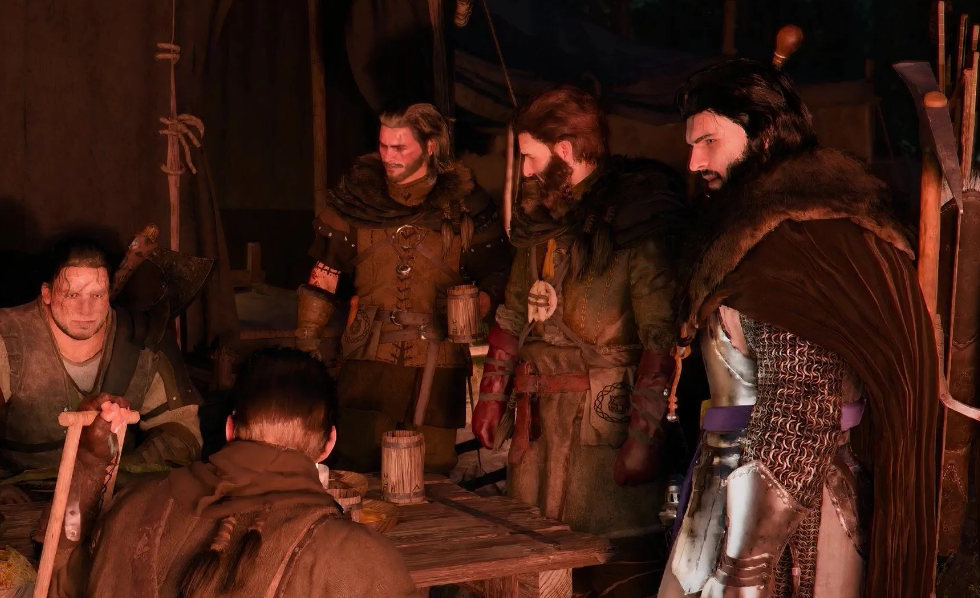
The forty-fifth main quest in the “Pioneers” sub-chapter (Chapter 3) is “Reviving the Hill.” The Graymane faction is slowly growing, and now it’s your turn to step in. You only have two members of this crew in your camp so far, but the mission hands you control of camp assignments for the first time. And yes, it’s also a tutorial: how to hand out orders, what to click, and how to get your mercenaries to actually do their jobs.
The quest starts automatically after you read the letter from the Dragon Head at Wolf Hill Camp. The previous step was called “Gentle Touch” — if you’re there, you’re good. Now your goal is to send the Graymanes on the “Wolf Hill Camp Expansion.” It’s Marius’s plan to increase capacity while Cliff manages the overall operation. Spoiler: you don’t need to run to the marker. Everything is done through the map and the camp menu. As a bonus, you’ll get Shakatu’s supply cache. Work begins without delay.
Table of Contents
How to Open the Camp Menu at Wolf Hill
How to Access the Camp Interface Through the Map
Open the map. Teleport to Wolf Hill Camp. Zoom in, hover your cursor over the camp icon — a “Wolf Hill Camp” panel will appear on the left. A prompt will show up at the bottom of the map. Press Triangle on PlayStation, Y on Xbox, or double-click on PC. The camp information screen will open.
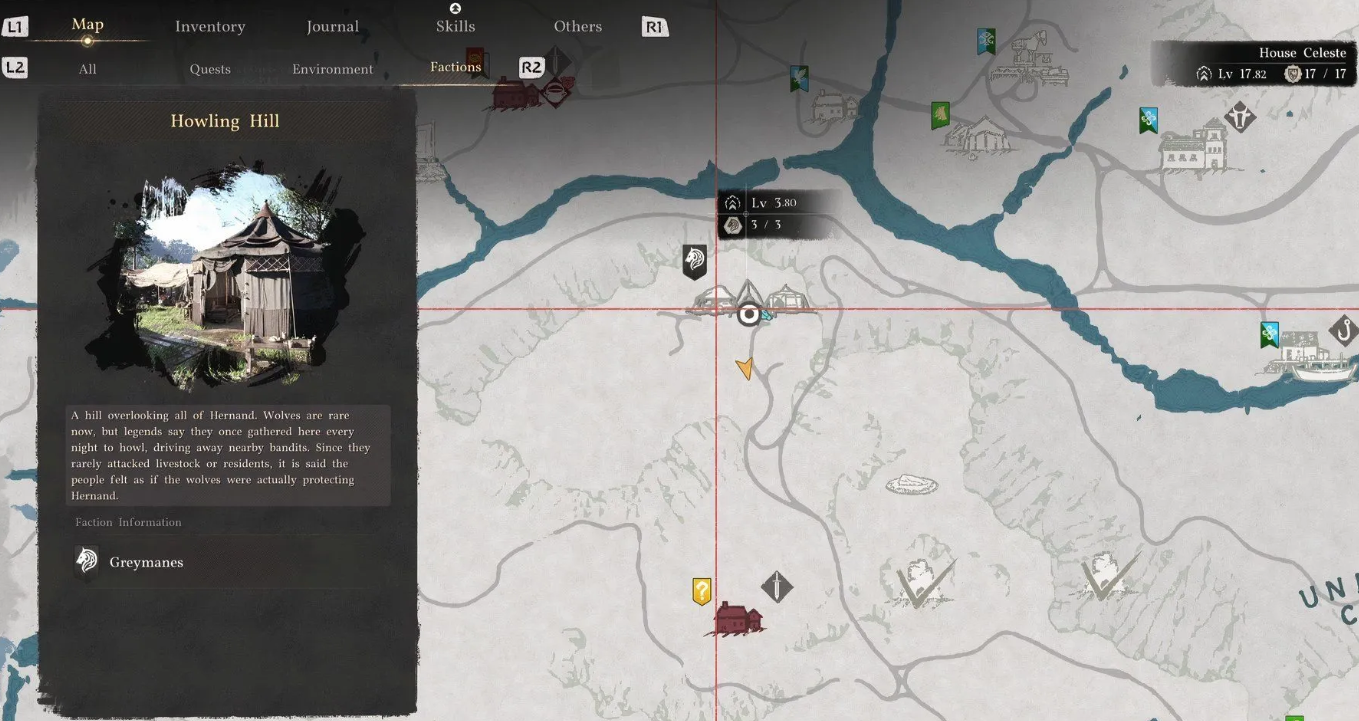
Important note: the “Inspect” command only triggers when you hover correctly. You’ll know it worked by a slight lift of the icon on the map. Didn’t work? Nudge your cursor a bit and try again. Yeah, it’s a little clunky, but it does the job.
The “Quest List” Tab and Selecting a Mission
After a short zoom animation, a new interface will appear. Four tabs in the upper left corner. Scroll with R1/RB to the “Quest List” tab. The only available mission there is “Wolf Hill Camp Expansion.” Select it and you’re off. The mercenaries will take it from here.
Which Mercenaries You Need for the Camp Expansion
Luke and Ronald’s Skills in the Graymane Mission
Click on “Wolf Hill Camp Expansion” — you’ll see the mission details. In addition to mercenary requirements, the assignment will ask for basic resources: a bit of food and some coins. Spoiler: you already have them. No need to go gather anything extra.
This mission requires exactly two fighters. Convenient, right? At this point your only Graymanes are Luke and Ronald, both of whom joined earlier through the story. Luke is a builder, Ronald is a lumberjack (wood harvesting). A natural fit for this kind of work.
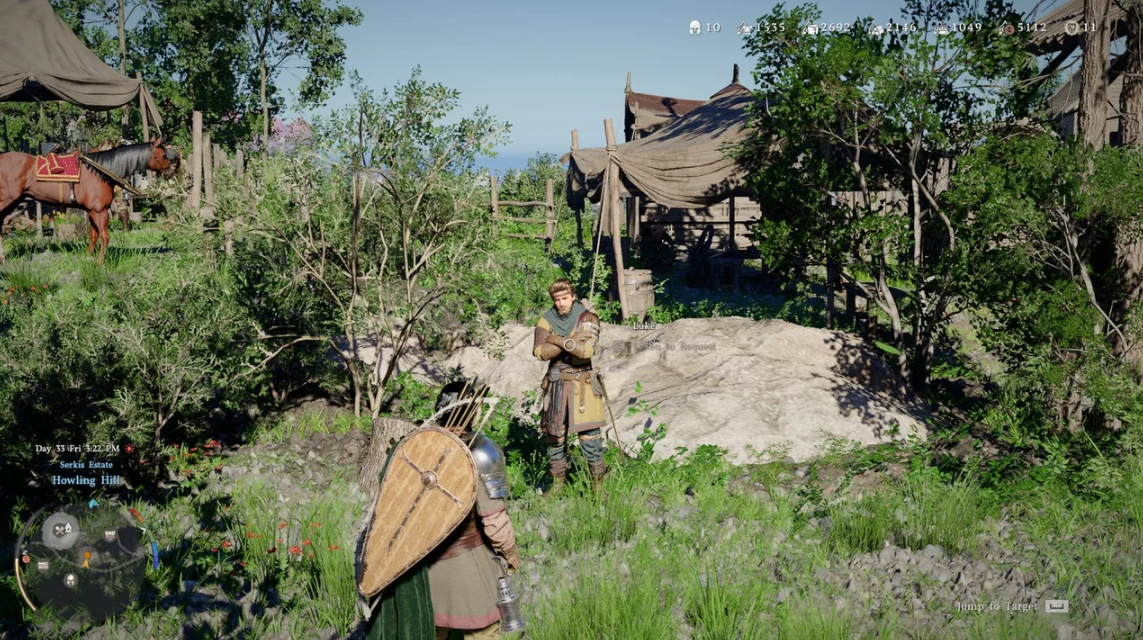
Don’t rush to send them in. Check their skills first. Luke has the “Construction” skill — it directly boosts mission efficiency. Always match mercenaries to the mission type when you can. The difference is noticeable.
How to Send Mercenaries on a Mission and Track Progress
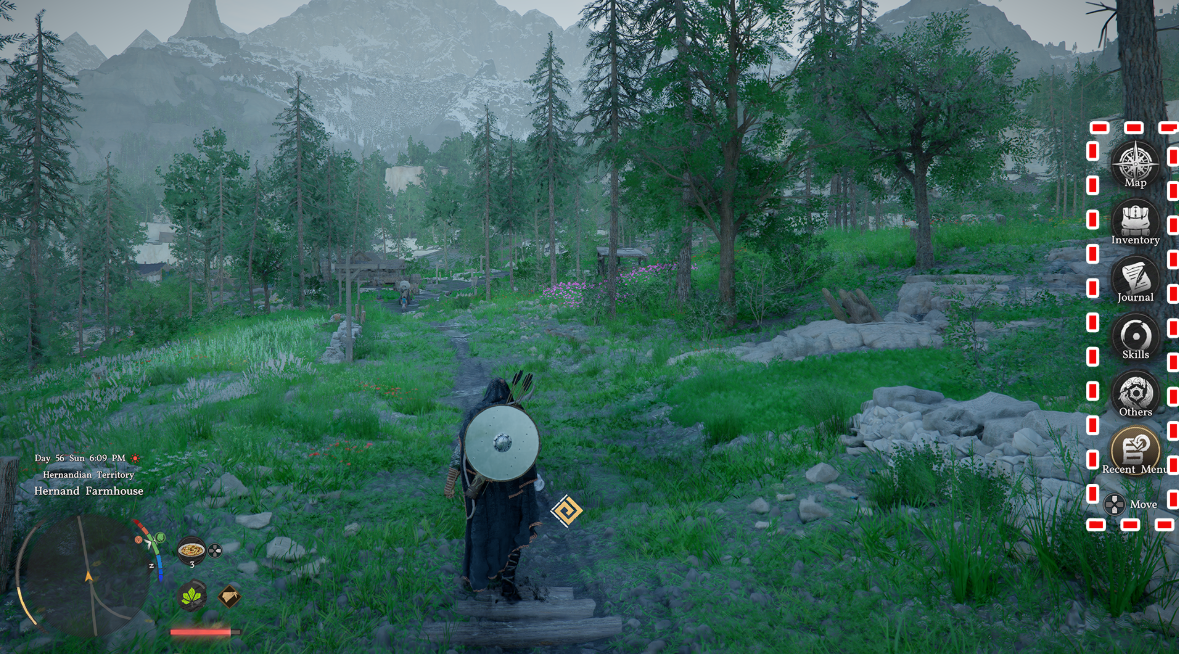
Ready? Press F on keyboard or Square/X on gamepad. The assignment will run in the background while you keep playing. You can track progress near the minimap — it’s displayed right there.
How to Spend 18 In-Game Hours While the Mission Runs
Sleep, Campfire, and World Exploration — Ways to Speed Up the Wait
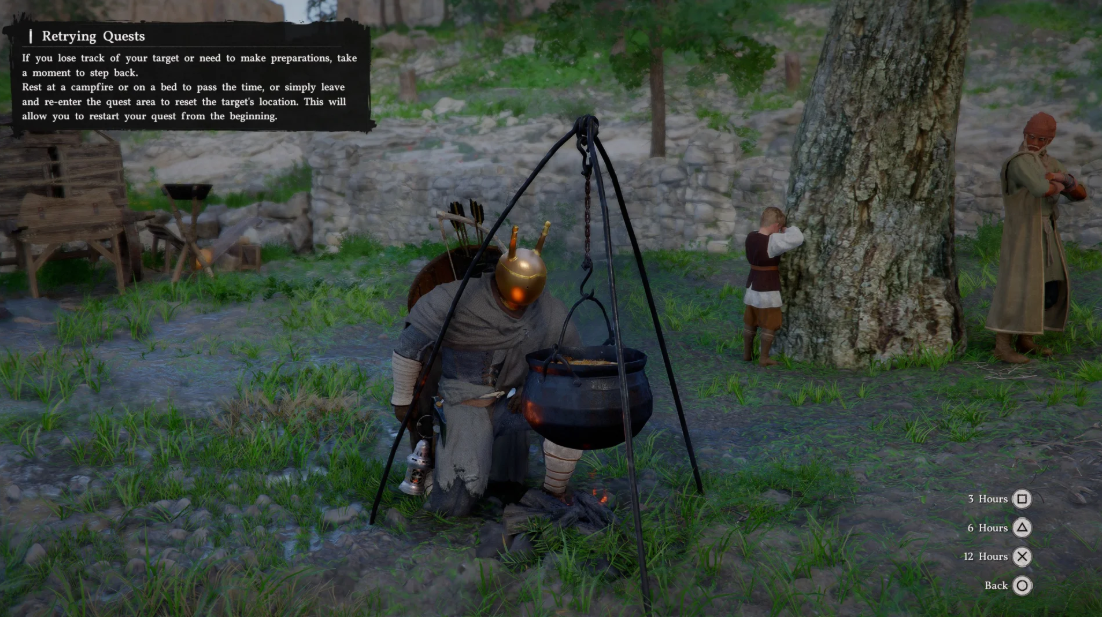
The camp expansion will take 18 in-game hours. A full in-game day is roughly two real-world hours. So don’t expect quick results.
There are a few ways to pass the time:
-
Sleep at camp — head to the bed in your tent at Wolf Hill. You can sleep up to 12 hours at a time.
-
Campfire — if you’re far from camp, any campfire in the world works as an alternative rest point.
-
Just play — the mission ticks in the background regardless. Go do side quests, shop at Hernandez’s, explore the area. A perfectly valid option.
The maximum sleep duration is 12 hours at a time. One nap won’t be enough. You’ll either need to sleep twice or combine one sleep with active play to cover the remaining hours.
When the timer runs out, a completion notification will pop up. Your mercenaries will return to camp. Then comes a short cutscene showing what changed and what the results were. Head back to Wolf Hill — you’ll see it for yourself.
Crimson Desert Mercenary Dispatch System — How to Use It
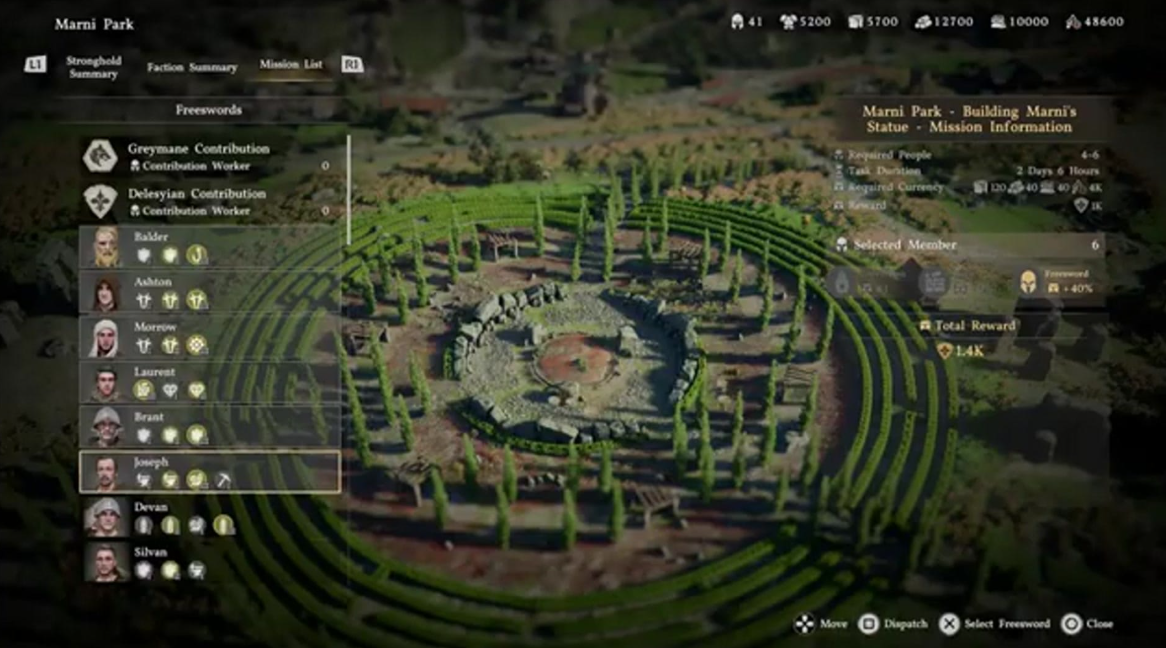
Once you complete the “Reviving the Hill” quest, the game finally opens things up — the “Send on Mission” system becomes available. From this point on, you can send mercenaries on a growing list of missions in exchange for faction experience, money, and Materials. It adds up fast.
There are two ways to manage all of this. The first is through the map. The second is through a guy named Ross, who hangs out at the Graymane camp.
How to Dispatch Mercenaries Through the Paivel World Map
The same process you just used in “Reviving the Hill” works anywhere in Paivel. Open the map, hover over a location, select “Inspect” — and there you go: a list of available missions in that area. Handy when you’re exploring the world and want to quickly scout what’s nearby.
Ross at the Graymane Camp — The Fast Way to Manage Missions
Back at the Graymane base? Find Ross on the western side of the main road. This guy is essentially the camp’s mission desk all rolled into one. Talk to him and you get a full list of all current missions in a single window. No running around between locations. Just walk up and dispatch your mercenaries in bulk.
Which Missions Best Develop the Camp in the Quest Line
A key tip for anyone looking to level up their camp: pay close attention to missions tied to the “Lands of the Rising Sun” quest line. Those are the ones that push your camp’s development the most throughout the entire game. Everything else is secondary.