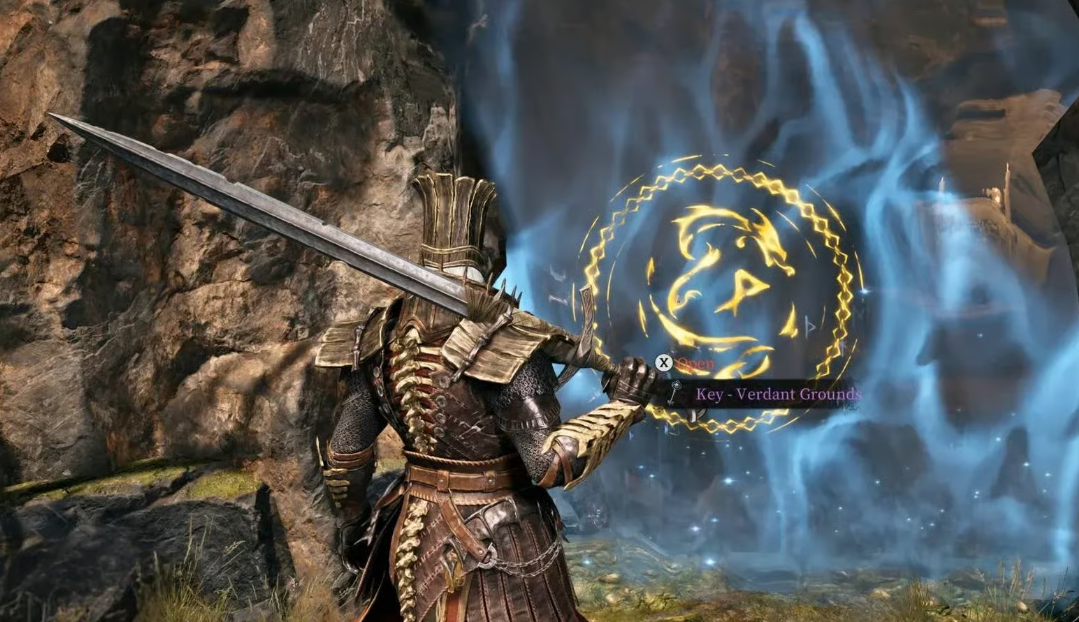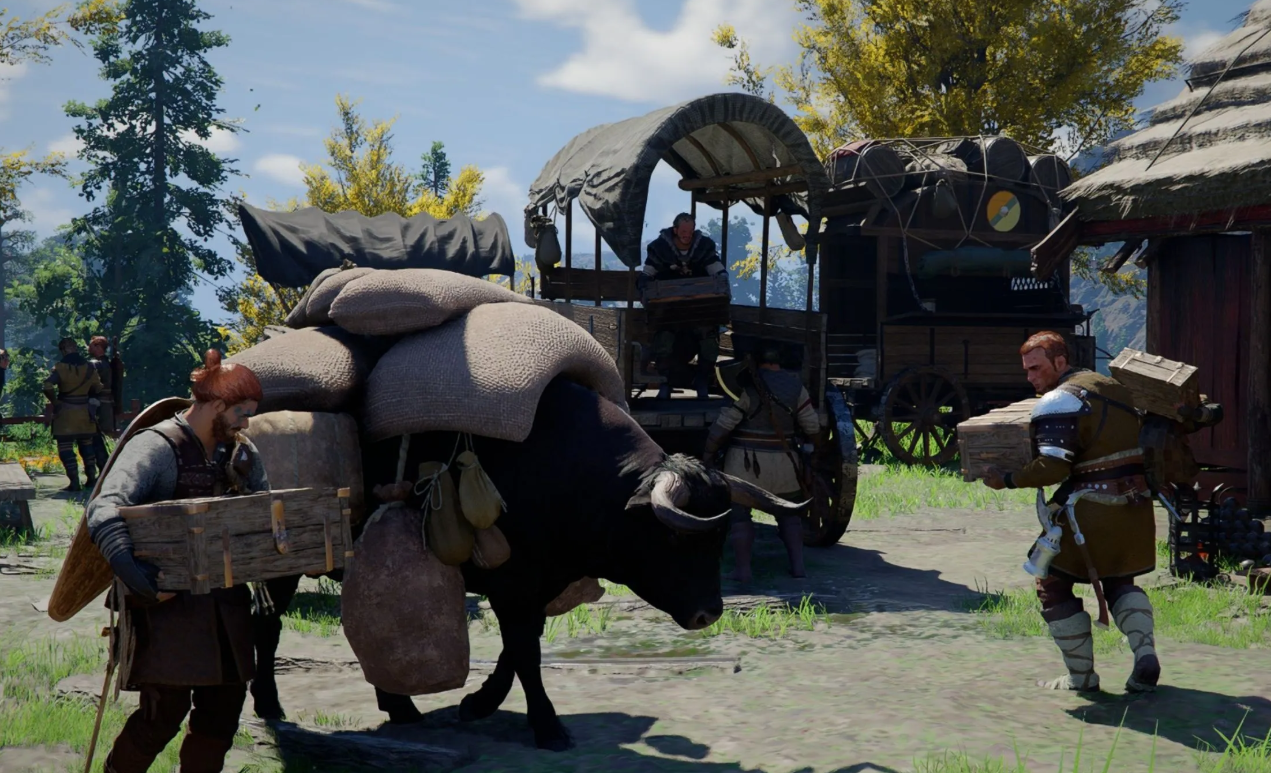
The Greymanes in Crimson Desert have been through worse. But now they finally have a chance to come home — to Pylune. And with the full package: every camp upgrade, every squad member, and everything they have scraped together during their wanderings. Sounds like a celebration? Almost. But the move itself is a real headache.
Worth the trouble? Yes. And here is why.
Table of Contents
Why Move the Greymane Camp to Pylune
Pylune is the Greymanes’ home turf. After the move, you do not lose progress — quite the opposite. You get a convenient base in a story-critical location. Access to resources, trade, and quests becomes simpler. Plus, it is just beautiful — watching a fully built camp come back to life on old ashes hits different.
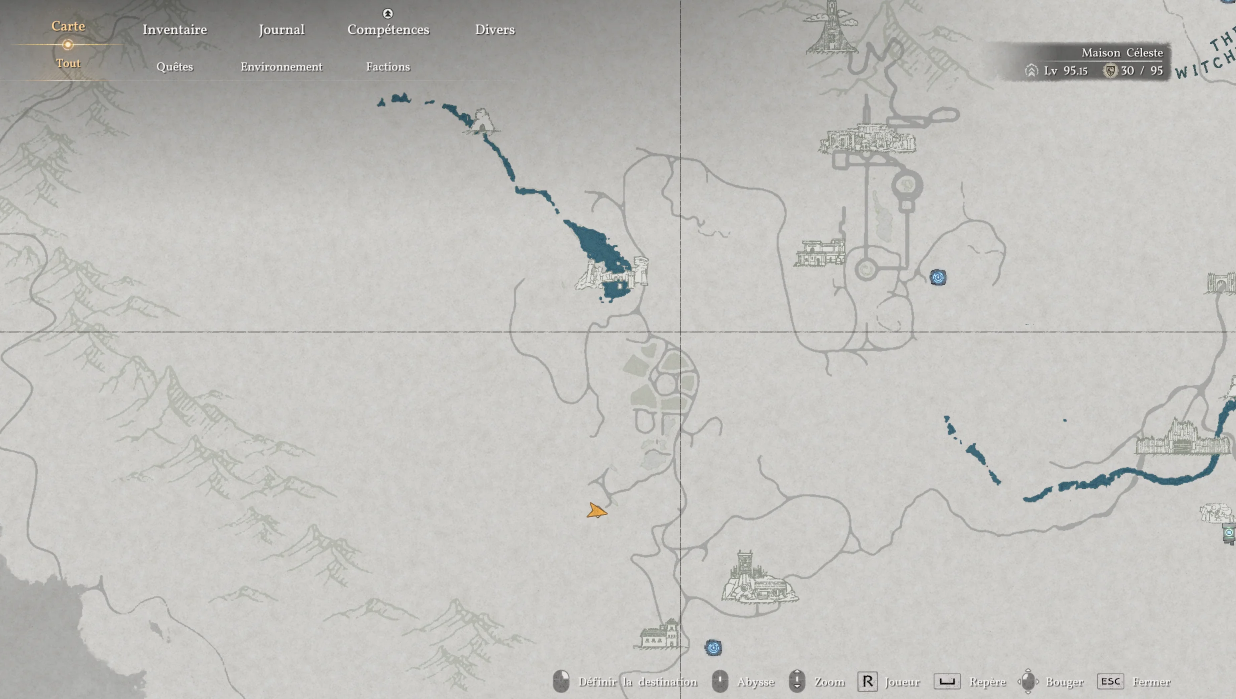
Conditions for Triggering the Camp Move
Just reaching Pylune through the main story is not enough. The game will demand close to maximum effort from you.
Here is what you need to do before the move:
-
Complete Chapter 12 of the main story. Plus the Greymane quests “Scattered Embers” and “Lands of Dawn”.
-
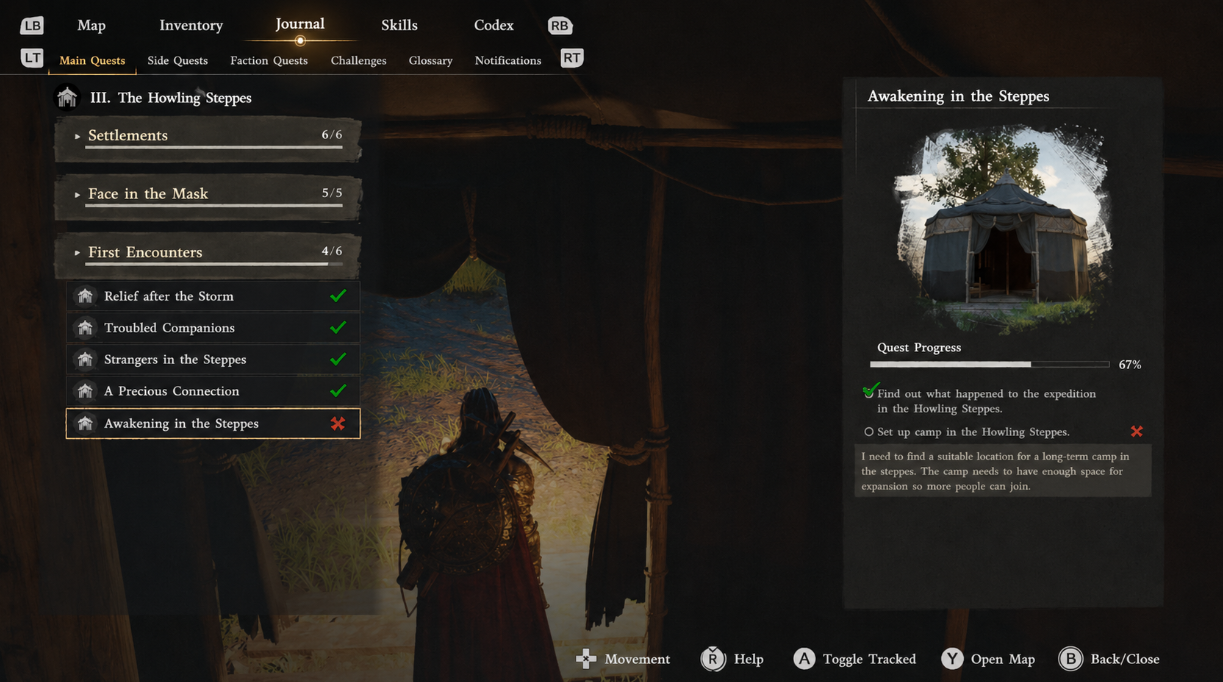
Fully upgrade the Wolfhill camp. Did the bridge between the house and the camp appear? Great — you are ready.
-
Restore Pylune to the maximum. We are talking the Pylune Council and the Trading Post — all of it eats tons of resources.
-
Hidden trap — Unka. A lot of players get stuck here. Check whether you have done his fishing and arm-wrestling tasks near Kalfada Castle. Without him, the dialogue with Marquis Serkis may simply refuse to trigger.
What to Do if Serkis Stays Silent
If Serkis is not responding — walk through the camp with your lantern on. It will highlight NPCs with yellow markers. An old trick, but it still works.
Launching the “Return Home” Quest
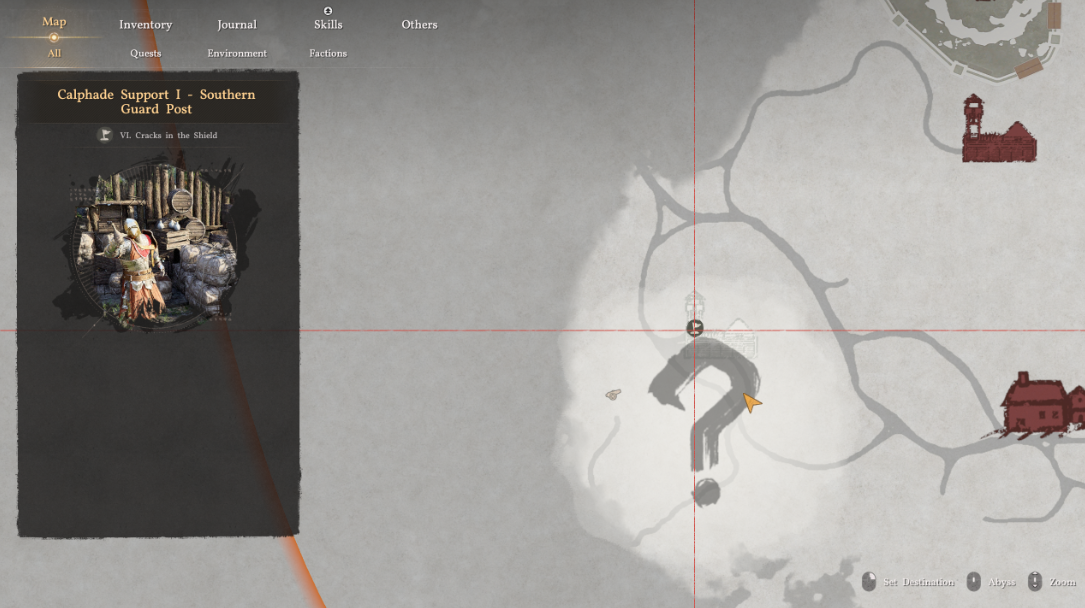
Once all conditions are met, the Greymane faction quest “Lands of Sunrise” — “Return Home” appears in your journal. Head to the city of Hernand, talk to Serkis. From there, the game walks you through the transfer to Pylune.
What to Harvest Before the Cutscene
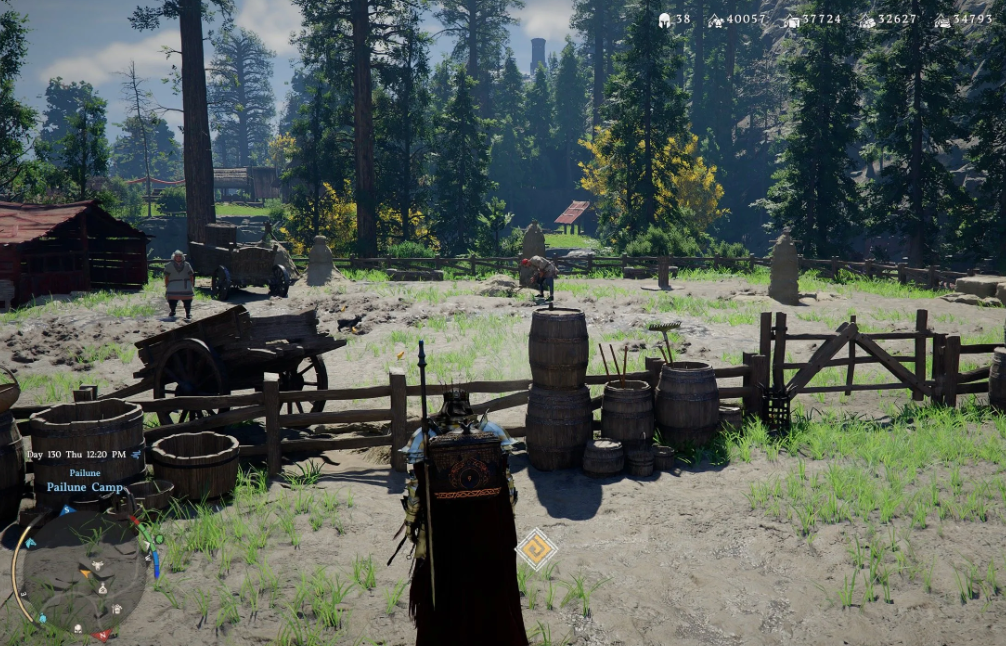
Before triggering the move, harvest your crops. Crops are the only thing you will lose. Everything else (upgrades, squad members, camp resources) moves with you.
So yes — it is worth it. Because sending the Greymanes home is the final stroke of their story. And it genuinely feels great.
What Moves to Pylune and What Disappears
First, the painful part. Crops will reset completely. So before launching the relocation, sweep the farm at Wolfhill and grab absolutely everything that has grown. Otherwise, those resources go nowhere — the game will not return them.
As for mercenaries, pets, and livestock, no need to stress. They move with you like nothing happened.
Black Screen During the Move Cutscene: Fix
If the screen suddenly goes black during the final cutscene — exhale. It is a known Crimson Desert bug, not a broken save. Just restart the game, and you will already be in the new camp. Do not waste an hour replaying.
How to Save Blueprints and Trophies When Demolishing Modules
Crops are just the appetizer. The real pain starts later: some Crimson Desert players discover gaps in their new Pylune storage after the move. Rare Greymane smith blueprints vanish, hunting trophies from unique bosses go missing, faction rewards from story quests just disappear. Everyone loses something different, but the mechanic behind it is the same.
A detail you cannot skip. The camp transfer from Wolfhill itself works correctly — Pearl Abyss debugged that mechanic at launch. What breaks things is the player’s order of actions before the cutscene. The thing is, the Crimson Desert engine reads upgraded camp modules as standalone containers. Smithy, alchemy table, hunter’s chest, craftsman’s workbench — each has its own memory cell. When the building is demolished, the game tries to push the contents into the shared Pylune storage. It does not always succeed. Especially if the module was leveled to tier 2–3 — upgrade schematics are sewn into the building itself, not into the player’s personal inventory.
Inventory Checklist Before the Move
Before visiting Marquis Serkis, run a full inventory of the Wolfhill camp. Comb through every building — open them one by one and clean them out completely. Upgraded modules are top priority. Greymane blueprints sit there in stacks, and they are exactly the ones that vanish into thin air most often.
A screenshot of the chest screen before the cutscene is not paranoia, it is insurance. If something goes missing, Pearl Abyss support restores rare items via server logs. But without proof, the ticket gets processed slower — and your window before the slot gets overwritten is tight.
List of Items at Risk of Loss
Step-by-Step Module Demolition Without Losses
-
Make a manual save before talking to Serkis. The autosave gets overwritten by the final cutscene, and rolling back will no longer work. Only a hardcore manual slot saves you.
-
Empty the smithy, alchemy table, and hunter’s chest. To stress this: each module is a separate container. Forget one — lose it.
-
Strip your mercenaries of all their gear. There was a funny (well, not really) bug: after the move, Unka’s sword would “reset”, and the companion would revert to his starter setup. Pearl Abyss patched it, but the aftertaste lingered.
-
Cross-check the bestiary. See a trophy logged in the journal but missing from your inventory? It has already been converted into faction reputation points and will transfer automatically. Do not panic.
-
In Pylune, immediately open the new 1000-slot storage and compare it against your screenshot. Log any discrepancies right away — before the save gets overwritten.
And the main rule if a loss does happen. Do not exit the game. Do not write a manual save over it. Straight to a Pearl Abyss support ticket with a screenshot and a description. Server logs live for a limited time, and rare Greymane blueprints get restored only up until the first slot overwrite. Miss that window — the item is gone forever.
Advantages of Pylune Over Wolfhill
Personally, I would move without thinking twice. And here is why:
-
You get a new fast-travel point right inside the Pylune camp — “Trail of the Abyss”. Convenient, especially when you need to dash to another part of the map.
-
Personal storage expands to 1000 slots. The house is now right there. No more sprinting across half the camp.
-
The farm and garden in Pylune are twice the size of those at Wolfhill. Plant more, harvest more.
-
The whole camp feels like a village. Spacious, not cramped — this is no longer a tent town, but a proper settlement.
-
And finally, you close the Greymane questline. You send them home. The story gets a logical period.
Merchants and Teleport in the New Camp
Top-tier merchants are now within arm’s reach. Ronnie, for example, unlocks advanced kitchen tools — cooking high-tier dishes becomes much easier.
The fast-travel point sits a few steps from the front door of the house. A small thing, but when you are constantly bouncing around the Crimson Desert world, that time saving really adds up.
Verdict: Move or Stay
There is no direct need to relocate. The game will not force you. But if you are the type who likes to wrap up content at 100%, this is a satisfying task with tangible perks. Pearl Abyss, by the way, often drops new features with updates. So I would not be surprised if something else useful shows up in Pylune later.
I get the nostalgia for Wolfhill. But Pylune’s layout is objectively better, especially for endgame. And do not worry — the fast-travel stations in Hernand are not going anywhere. The old camp, however, will vanish. Only empty land will remain. Well. Everything ends sooner or later.