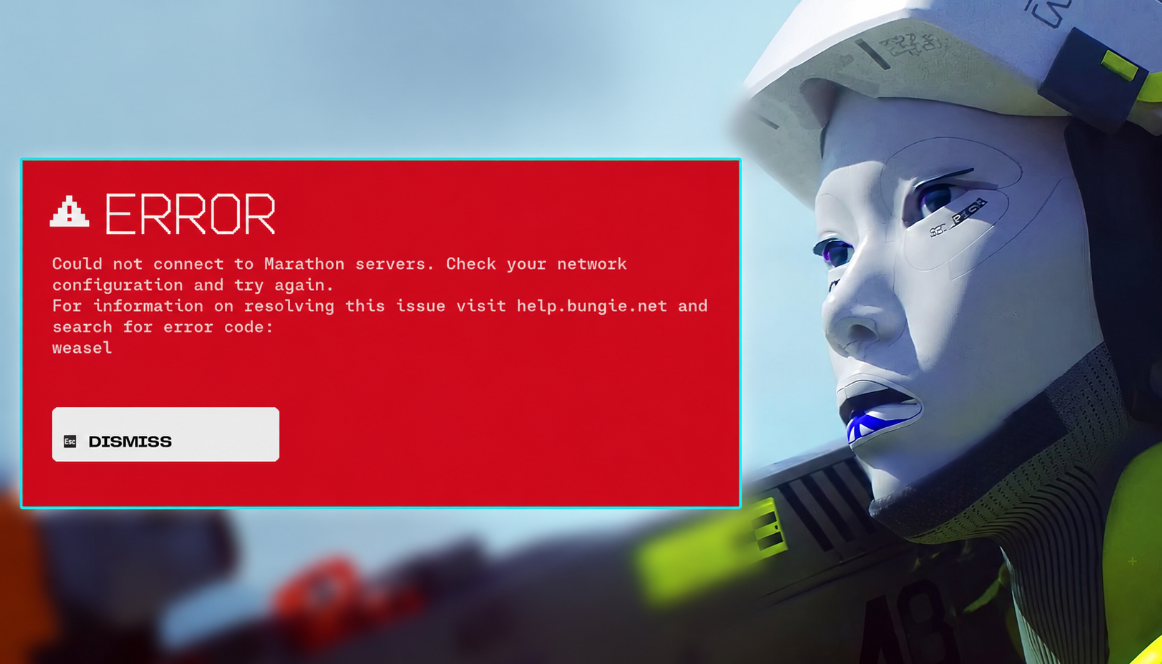
Marathon error codes are a capricious thing. They pop up at the most inopportune moment: they won’t be allowed into the match, or they won’t load into the game at all. And it would be nice if there were clear inscriptions like “no connection” — no, Bungie has its own jokes. Basil, Broccoli, Centipede… sounds like a dinner shopping list, not a diagnosis of network problems.
Update from June 2nd: With the start of the second season and the first free week, the load on Marathon servers has increased significantly. Hence, there are a lot of errors and unplanned codes. Actually, to the point.
Table of Contents
How to Fix Marathon Crashes and Bugs When Launching the Game?
There are many reasons, from routine maintenance to a provider failure. But most codes are treated using the same methods. Don’t you want to scroll further in search of your “vegetable”? Try the standard set first:
-
Restart the Marathon.
-
Check the status of Bungie’s servers and their maintenance calendar. By the way, subscribe to the Marathon team’s social networks — they often write about problems earlier than on the forums.
-
Make sure that your Internet service provider does not catch the outage.
-
Restart the router. Yes, it’s corny, but it works.
-
Restart your PC, PS5, or Xbox Series X.
-
The console has the latest system firmware, and the PC has the latest graphics card drivers and the latest OS.
-
If you are on Wi-Fi, try switching to a wire (Ethernet). The difference is sometimes enormous.
Didn’t it help? Then below is an analysis of specific codes. But if nothing has changed after that, don’t worry — create a topic on the official Bungie support forum. Describe the problem and the error code. This way you can get a solution yourself, and you can help the developers detect a massive bug.
Basil Error Code and Network Connection Failure
The basil code is, in fact, a regular connection break. Don’t panic, try logging in again. If the error returns, check the status of the servers. Bungie advises you to pay special attention to the numeric code that sometimes goes with basil — it leads directly to the forum.
Video Card Failure and Broccoli Error on PC
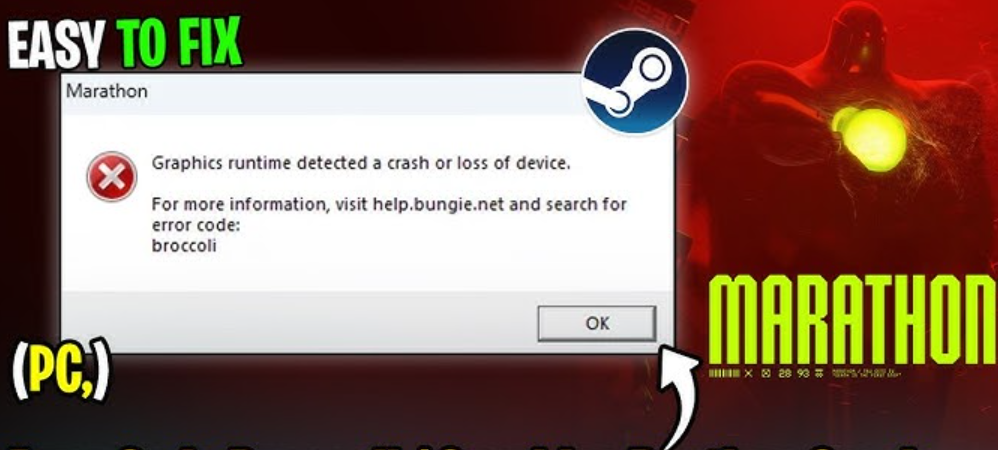
But this is more interesting. The broccoli code indicates that your graphics card is not detected by the system. Driver failure is most often to blame. The solution is not difficult: update the drivers and OS. At the same time, check whether the card is installed correctly at all (especially important for those who built the PC themselves).
The Centipede Problem and the Strict NAT Type
Eternal network pain is centipede. The error occurs when the connection to the Marathon servers is lost. Typical reasons: Wi-Fi drawdown or strict NAT (type 3). Treatment: switch to the wire, check the NAT type. If you’re lucky, you can change it to an open one (type 1).
However, this is not always possible. Some providers block the NAT change, and in public networks (dorm, campus, office) you won’t do anything at all. One more caveat: Bungie has noticed spikes in centipede errors in certain regions due to temporary glitches. They pass by themselves after a while. So sometimes it’s better to exhale, wait a couple of minutes and try again.
Squad Member’s Departure and Ginger’s Mistake
The ginger code is a commanding situation. It appears when someone from your squad loses touch right during match selection. Marathon doesn’t let you in without a full team — that’s your mistake. Most likely, the player who fell off has his own problem (and it is solved separately). There’s nothing to panic about on your part if it doesn’t happen every time.
Match Loading Failure and Oregano Error
Here Bungie themselves did not fully explain the nature of oregano. It usually pops up when trying to load into a match. And the most annoying thing is that there is no clear recipe. Try logging in again. Didn’t it help? Restart the Marathon. Stuck? Check the network and connection, and then yes, go back to the support forum.
Technical Work and Paprika’s Mistake
The scheme is the same as basil’s: try logging in again. But at the same time, take a look to see if there are any technical works. If paprika returns and a numeric code is attached to it, don’t be lazy: create a topic on the Bungie forum. Sometimes that’s the only way to get a solution.
Game File Corruption and Marmot Error
But marmot is more serious. The error indicates that the Marathon game files are corrupted. It is treated by an integrity check, and the method depends on your platform.
Steam: right-click on Marathon in the library → “Properties” → “Local files” → “Verify the integrity of game files”. Waiting, restart the game.
PS5: Turn off the console completely. Then hold down the power button until you hear two beeps — this is safe mode. (It can only be controlled by a wired controller.) Select item 6 “Clear cache and rebuild database”, then item 1 “Clear system software cache” → “Ok”. After completion, a normal launch.
Xbox Series X: Hold down the power button until it is completely turned off. Unplug the power cable from the back panel, wait a minute or two. Insert it back, turn on the console, and run Marathon.
Bungie posted add-ons for this error on their website. But if none of the above works, all that remains is a complete reinstallation of Marathon on your platform. Yes, it’s dreary, but sometimes there’s no other way out.
Steam Authorization Failure and Stingray Error
The stingray code pops up when you try to run Marathon, but there is no access to the platform. Either you have logged out of your PlayStation Network, Xbox Live, or Steam account, or the service itself has a technical window. In short, the problem is not the game, but the way you enter it. First of all, check the status of PSN, Xbox network or Steam.
Bungie clarifies a nuance: stingray can also come out with an expired subscription — PlayStation Plus or Game Pass. Haven’t you paid the money? So much for the mistake.
Bungie Server Prevention and Tapir Error
The tapir code is almost always a sign that Bungie is doing something on the Marathon servers themselves. First, check the scheduled work schedule and status. If there is no service, but the error keeps coming up, drag the topic to the support forum. There is a chance that this is a mass story, and you have nothing to do with it.
Multiplatform Conflict and the Weasel Bug
Weasel is one of the most versatile codes in Bungie’s arsenal. He usually screams about network problems. What are we doing? We run through all the basic treatment from the beginning of the article: reboots, provider verification, Ethernet instead of Wi-Fi. If your Internet service provider is to blame, you just have to wait.
An important point: weasel sometimes pops up when you try to play Marathon on multiple platforms under the same account. Don’t do that.
Loss of Loot and Runner Shell When Disconnected from a Match
Let’s say the Marathon crashed or the connection was lost. The character will remain in the match. Helpless as a boxer without arms. You can only rely on the squad — let them cover you. And pray that another player or UESC doesn’t come up and finish it off. Then the inventory and weapons (yes, any that we managed to find) will go to hell.
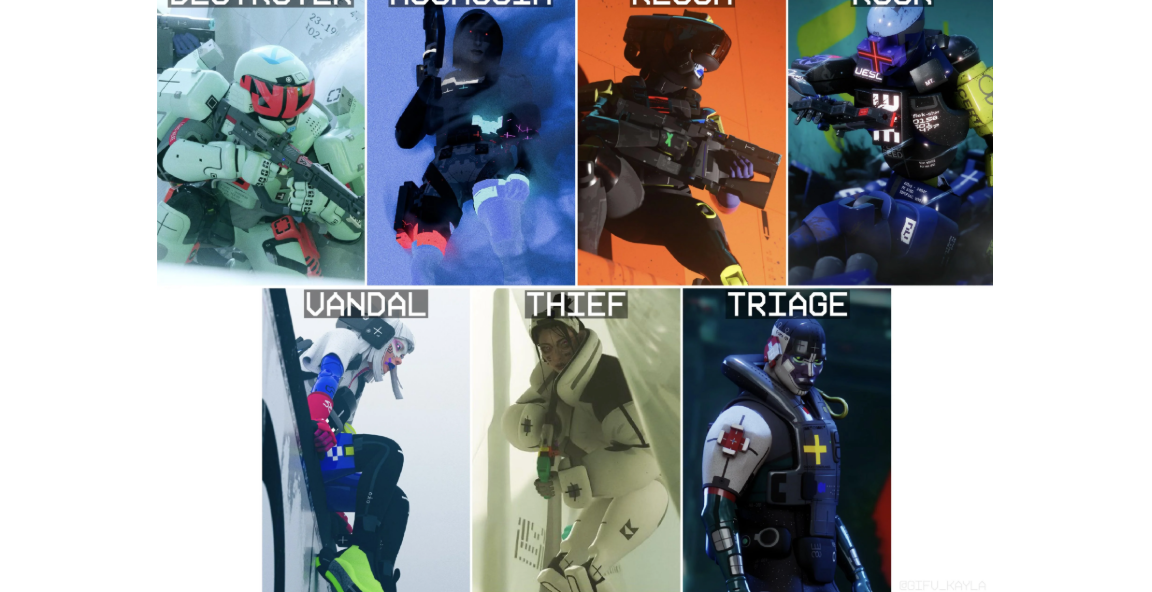
If you have transferred without any problems, Marathon will try to reconnect you to the same match and your Runner Shell. I’ll be able to run.
But if the disconnection was due to an error on Bungie’s side, reconnecting may not work. The studio honestly warns: we will try to return the starting equipment, but there are no guarantees.
The Criticality Table of the Marathon Shooter Error Codes
Don’t have time to dig into the manuals? Catch a clear squeeze. We’ve broken down all the failures by threat level. It is this indicator that decides the main thing: whether you will have time to save your loot or the loss of Runner Shell is already inevitable.
How to read threat levels:
-
Low: Relax. Loot is not in danger, and the problem is not even on your side (you need to wait).
-
Average: The flight has already taken place. But there’s still a chance to jump back in before you lose your gear.
-
High: There is no way without your intervention. The session is dead until you fix the bug locally.
-
Critical: Finish. Either the game’s client is down (Marmot), or the servers are down (Tapir). If you enter the rink now, you will completely lose your gear.
Template of All Bungie Network Error Codes
-
Basil ( Medium): A banal connection failure. We are trying to log in again.
-
Broccoli ( High): The game has lost your graphics card. Let’s go roll out the latest drivers.
-
Buzzard ( Medium): The server stopped responding. We plug in the Ethernet cable, make a DNS flush.
-
CAT ( Medium): Authorization failed. A regular Marathon restart should help.
-
Centipede ( High): Strict NAT won’t let you into the match. We pull the wire or change the type of NAT (problems with Wi-Fi).
-
Current ( Average): The provider loses packets. Hard reboot the home router.
-
Ginger ( Low): Someone from the squad is out. We’re waiting for the poor guy.
-
Marmot ( Critical): The game files are broken. We run the integrity check in the launcher.
-
Nightingale ( High): CDN does not issue config. We prescribe DNS 1.1.1.1 (often an overly aggressive antivirus is to blame).
-
Oregano / Paprika ( Medium): Standard communication failures. We are trying to log in again.
-
Stingray ( High): Access to the platform has been lost. We check the status of the PSN, Xbox Live or Steam servers and the availability of an active subscription.
-
Tapir ( Critical): Technical work. Bungie is fixing the servers, let’s go read the patch schedule.
-
Weasel ( High): Multiplatform network conflict. The ironclad rule is that one account only works on one platform at a time.
-
W:8:80090305 ( Average): The server does not delay the handshake timeout. We reboot everything, we punch through the flush DNS.
Problems with PSN and Xbox Live Servers in the Marathon Game
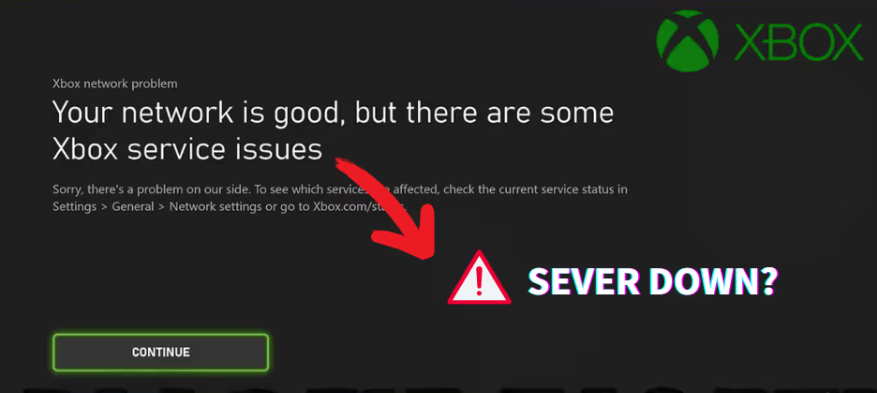
The real headache starts with system errors. The same Stingray and CAT are hanging somewhere at the junction between the Marathon servers and the global infrastructure of the PlayStation Network, Xbox network (well, or Steam). Bungie developers are completely powerless here. They are physically unable to repair the backbone networks unilaterally. So don’t rush to demolish the client. First, check the status of your site.
Marathon Content Overview Faction Core Maps and Silk Pass
-
Marathon Maps: Combat Zones — locations where races take place.
-
Marathon Cores: Useful improvements for Shell upgrades that increase survival and efficiency.
-
Marathon Factions: contracts and upgrades — they give you access to unique tasks and bonuses.
-
Marathon Silk: Unlock items from the Pass reward — Seasonal combat pass system. You complete tasks and get loot.