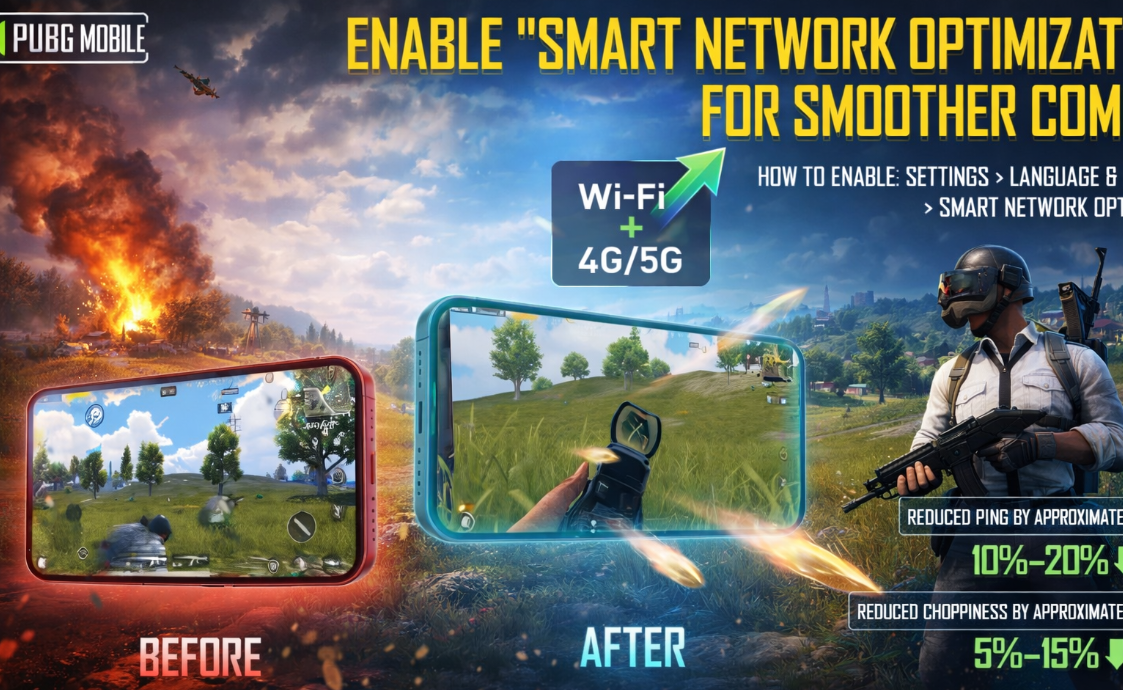
Constant micro—crashes and sudden “jumping” delays at the most crucial moment of a shootout are an eternal pain for mobile gamers. The developers of PUBG Mobile have finally presented a solution that should minimize the suffering of players: in the latest update 4.3, the Smart Network Optimization feature has been added. The technology promises to make the connection as stable as possible, even if your home Wi-Fi or mobile Internet suddenly decided to “lie down” to relax.
Table of Contents
How Smart Network Optimization works in Update 4.3
The essence of the innovation is simple — the system has learned how to intelligently juggle available connections. The game now automatically switches between Wi-Fi and cellular data, selecting the most live channel in real time. Judging by the feedback from beta test participants, the software can use both networks simultaneously (Wi-Fi + mobile Internet), which allows one network to secure the other in areas with poor coverage.
By the way, manually switching the toggle switches in the smartphone shutter in the middle of the rink is now officially a thing of the past. The result is immediately noticeable: the ping stays smoother, and the annoying microlags that turned opponents into “teleporting ghosts” practically disappear. Of course, if your base ping is 200 ms, no miracle will happen — but the stability of the existing connection will increase significantly. This is especially true for those who are used to riding in public transport or outside the city.
How to enable network optimization in PUBG Mobile in 4 steps
You can activate the feature in just a couple of clicks. This option is available on all modern devices that support simultaneous operation of two types of networks.
Step-by-step guide:
-
Open the Settings inside PUBG Mobile;
-
Go to the Language and Network section;
-
We are looking for the Network tab;
-
We are moving the Smart Network Optimization toggle switch to the active position.
It seems that the authors have seriously taken up the technical condition of the network code — and this is encouraging. Instead of struggling with signal quality once again, you can now safely focus on tactics and survival. If you have often encountered “rubber” controls at the cottage or on the road, this update is literally created for you. Check your settings and share the results: have your PUBG Mobile skating rinks become smoother?
And while you’re testing the feature on your own nerves, the enthusiasts have already measured everything with a calculator in their hands.
Ping and traffic test with Smart network optimization on Xiaomi Galaxy and iPhone
Auto-switching between Wi-Fi and mobile network
Forget about sudden spikes in latency over 200+ ms — it looks like this problem is really a thing of the past. The guys from the PUBG Lab community have rolled out a detailed analysis of the work of “smart network optimization” in version 4.3. The guinea pigs were popular smartphones: the flagship Xiaomi 14, the brand-new Galaxy S23 FE and the basic iPhone 14.
Delay measurement results on three smartphones
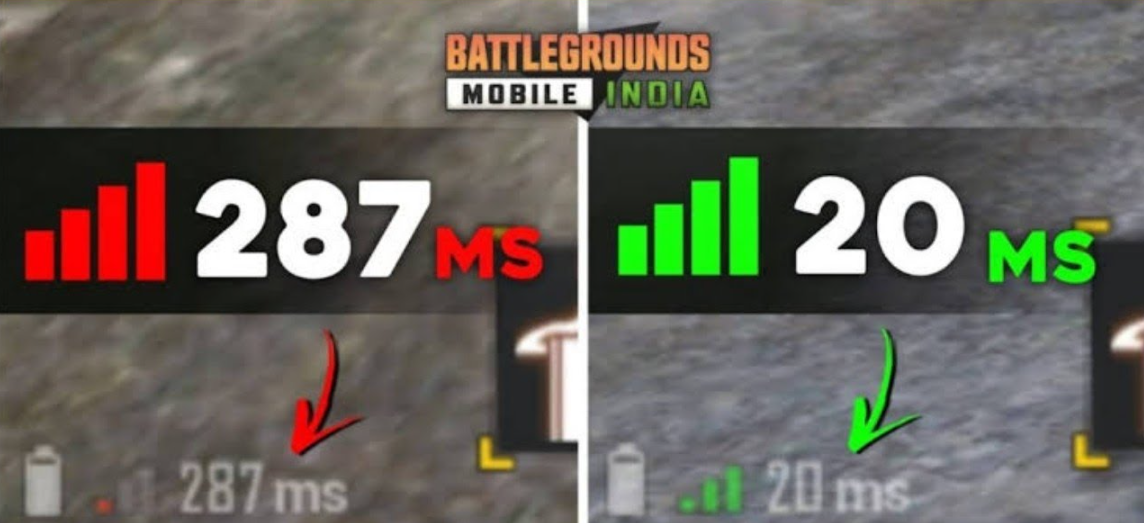
We ran three scenarios — bare Wi-Fi, clean mobile data (4G/5G standards were tested) and, in fact, the hybrid Smart Network Optimization mode.
To be honest, the numbers are pleasantly surprising. On a stable home Internet connection, the delay was kept in the range of 36-42 ms. But with micro-interruptions and automatic switching to a cell tower, the ping dropped to only 48-55 ms. The difference in dynamics is not felt at all.
Saving mobile traffic in hybrid mode
Another non—obvious bonus is that the feature significantly reduces mobile Internet usage. In one tight match, traffic savings reach 12-17%. How did it happen? The client no longer keeps the LTE channel constantly open “in reserve” if you are sitting on a normal router – it pulls the mobile network only at moments of drawdowns. Before the update, up to 2% of packets were lost when the communication source was changed. Now, the intelligent system provides 99.7% connection stability. This works especially powerfully on problematic operators: where the signal is unstable, the stability gain reaches a cosmic 25-30%. In classic team battles — for example, during the storming of Sosnovka on the Erangel map — this literally saves the skating rinks from stupid deaths due to the friezes.
Compatible with 5G and Wi-Fi 6
This method works even more effectively on a good smartphone. If you combine high-speed 5G networks and the latest Wi—Fi 6 standard, packet transfer occurs almost instantly. In-game telemetry records only funny “soft” jumps of 5-7 ms (the human eye simply does not notice this). Apparently, the developers have dug deep into the system resources — the optimization clearly uses low-level programming interfaces from iOS 17 and communicates directly with the Android Network Stack drivers.
Therefore, Smart Network Optimization is not a myth or an empty phrase. The feature really works, saves megabytes and saves your nerves. Be sure to turn it on — especially if you like to play in motion or sit on a clogged neighbor’s router.