

Jame
CS2 Players
 Russia

Dzhami “Jame” Ali is the in-game leader (IGL) and AWPer for Virtus.pro. Known for his...
GAMER INFORMATION
Name
Dzhami Ali
Age / DOB
August 23, 1998
MOUSE SETTINGS
Logitech G Pro X Superlight 2 Black
DPI
3200
Sensitivity
0.3
eDPI
960
Zoom Sensitivity
1.00
Hz
2000
Windows Sensitivity
6
Raw Input
1
CROSSHAIR SETTINGS
Alpha
255
Color
4
Blue
50
Green
250
Red
50
Dot
1
Gap
-3
Size
1
Style
4
Sniper Width
1
VIEWMODEL SETTINGS
FOV
68
Offset X
2.5
Offset Z
-1.5
Presetpos
3
Shift Left Amt
1.5
Shift Right Amt
0.75
Recoil
1
Righthand
1
BOB SETTINGS
Lower Amt
5
Amt Lat
0.33
Amt Vert
0.14
Cycle
0.98
LAUNCH OPTIONS
+fps_max 400 -novid -console -tickrate 128 -language english +cl_threaded_bone_setup 1 -sdr_spew_level 3 -allow_third_party_software
CONFIG
HOW TO INSTALL CONFIG
- 1. Drop the cfg file along the path: Steam\steamapps\common\Counter-Strike Global Offensive\csgo\cfg
- 2. Launch CS:GO!!!
- 3. Open the console "~" We write
- 4. exec Jame.cfg
- 5. Done
VIDEO SETTINGS
Resolution
1280x960
Aspect Ratio
4:3
Scaling Mode
Stretched
Brightness
80
Display Mode
Fullscreen
Global Shadow Quality
High
Model / Texture Detail
Low
Texture Streaming
Disabled
Effect Detail
High
Shader Detail
High
Boost Player Contrast
Enabled
Multicore Rendering
Enabled
Multisampling Anti-Aliasing Mode
None
FXAA Anti-Aliasing
Disabled
Texture Filtering Mode
Bilinear
Wait for Vertical Sync
Disabled
Triple-Monitor Mode
Disabled
Use Uber Shaders
Enabled
GEAR

ZOWIE XL2566K
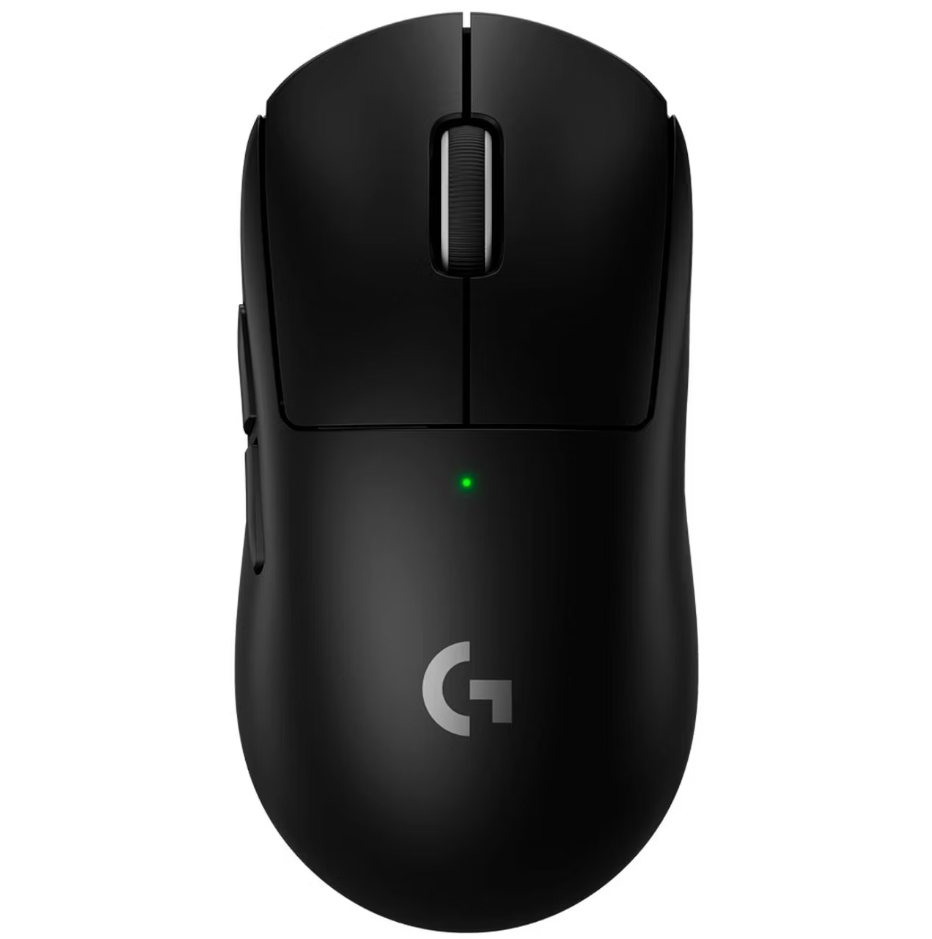
Logitech G Pro X Superlight 2 Black

Logitech G715

HyperX Cloud II

VAXEE PA FunSpark V2

Bose QuietComfort 20
MONITOR SETTINGS
ZOWIE XL2566K
DyAc
Premium
Black eQualizer
10
Color Vibrance
14
Picture Mode
Gamer 1
Contrast
50
Sharpness
7
Gamma
Gamma 3
Color Temperature
User Define
AMA
Premium
GRAPHICS CARD
NVIDIA GeForce RTX 4080
Digital Vibrance
50%