

imoRR
CS2 Players
 Turkey

Ömer “imoRR” Karataş is a professional Turkish Counter-Strike player, currently playing for Eternal Fire. Known...
GAMER INFORMATION
Name
Ömer Karataş
Team
Eternal Fire
Age / DOB
December 20, 1999
MOUSE SETTINGS
ZOWIE EC2 Black
DPI
400
Sensitivity
2.20
eDPI
880
Zoom Sensitivity
1.00
Hz
1000
Windows Sensitivity
6
Raw Input
1
CROSSHAIR SETTINGS
Alpha
255
Color
5
Blue
255
Green
255
Red
255
Gap
-4
Size
1
Style
4
Thickness
1
Sniper Width
1
VIEWMODEL SETTINGS
FOV
60
Offset X
2.5
Offset Z
-1.5
Presetpos
3
Shift Left Amt
0.5
Shift Right Amt
0.25
Righthand
1
BOB SETTINGS
Lower Amt
14
Amt Lat
0.1
Amt Vert
0.1
Cycle
0.98
CONFIG
HOW TO INSTALL CONFIG
- 1. Drop the cfg file along the path: Steam\steamapps\common\Counter-Strike Global Offensive\csgo\cfg
- 2. Launch CS:GO!!!
- 3. Open the console "~" We write
- 4. exec imoRR.cfg
- 5. Done
VIDEO SETTINGS
Resolution
1280x960
Aspect Ratio
4:3
Scaling Mode
Stretched
Brightness
64
Display Mode
Fullscreen
Global Shadow Quality
Low
Model / Texture Detail
Low
Texture Streaming
Disabled
Effect Detail
Low
Shader Detail
Low
Boost Player Contrast
Enabled
Multicore Rendering
Enabled
Multisampling Anti-Aliasing Mode
None
FXAA Anti-Aliasing
Disabled
Texture Filtering Mode
Bilinear
Wait for Vertical Sync
Disabled
Triple-Monitor Mode
Disabled
Use Uber Shaders
Enabled
SKINS

★ Nomad Knife | Forest DDPAT (Field-Tested)
GEAR

ZOWIE XL2566K
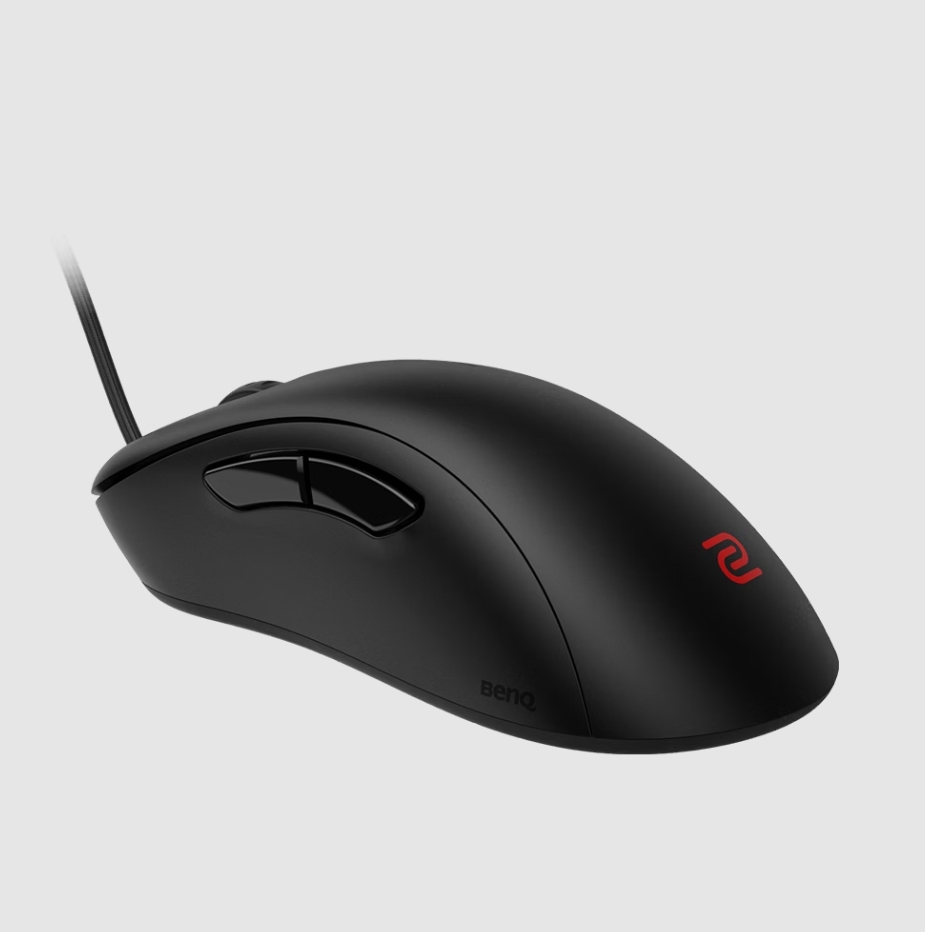
ZOWIE EC2 Black

HyperX Alloy FPS

HyperX Cloud II Wireless

VAXEE PA OUTSET
MONITOR SETTINGS
ZOWIE XL2566K
DyAc
Premium
Black eQualizer
12
Color Vibrance
10
Picture Mode
FPS 1
Contrast
50
Sharpness
7
Gamma
Gamma 2
Color Temperature
Bluish
AMA
High