
VPEsports

User Menu

Profile

Pio

PUBG
South Korea флаг
South Korea

Cha “Pio” Seung Hoon, also known simply as Pio, is a renowned name in the...

GAMER INFORMATION

Name Cha Seung-Hoon
Team
Gen.G
Age / DOB March 24, 1996

MOUSE SETTINGS

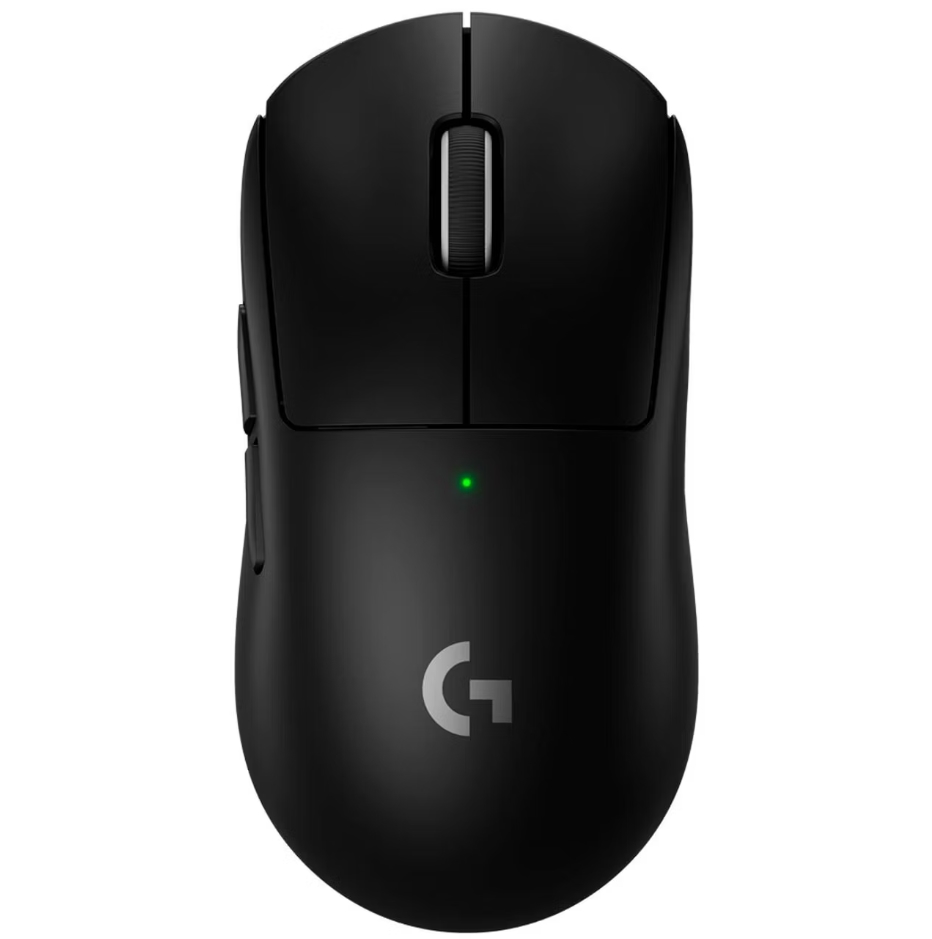
Logitech G Pro X Superlight 2 Black
DPI 400
Hz 1000
Aim Sensitivity 41
General Sensitivity 45
ADS Sensitivity 45
Vertical Sensitivity Multiplier 0.85
Universal Sensitivity for All Scopes Disable

KEYBINDS

Corsair K65 TKL
Walk L-Ctrl
Sprint L-Shift
Crouch C
Jump / Vault Space Bar
Prone Z
Interact F
Auto Run =
Peek Left Q
Peek Right E

VIDEO SETTINGS

In-Game FPS Cap Unlimited
Brightness 50
Render Scale 100
FPP Camera FOV 95
Anti-Aliasing Very Low
Post-Processing Very Low
Shadows Very Low
Textures Very Low
Effects Very Low
Foliage Very Low
View Distance Very Low
Sharpen Disable
V-Sync Disable
Motion Blur Disable
DirectX Version DirectX 11

GEAR

ZOWIE XL2546
ZOWIE XL2546
Logitech G Pro X Superlight 2 Black
Corsair K65 TKL
Corsair K65 TKL
Bose QuietComfort 20
VAXEE PA Black
VAXEE PA Black
Cha "Pio" Seung Hoon, also known simply as Pio, is a renowned name in the world of PUBG (PlayerUnknown’s Battlegrounds). Originally from South Korea, Pio rose to global fame as a professional PUBG player, most notably playing for Gen.G Esports, one of the top teams in the scene. His sharp aim, strategic gameplay, and leadership helped Gen.G achieve multiple championship titles.

From PUBG Pro to Full-Time Content Creator

After stepping back from competitive play, Pio transitioned into streaming full-time, captivating fans with his live PUBG matches, engaging commentary, and behind-the-scenes insights. Today, he's one of the most popular Korean PUBG streamers, followed by fans across the United States, Brazil, the UK, Russia, Germany, and beyond.

Pio PUBG Settings (Mouse, Sensitivity & More)

Many fans are searching for "Pio PUBG settings" to understand how he plays the game so effectively. While Pio occasionally updates his gear and settings, his typical configuration includes:
  • Mouse DPI: 400
  • Sensitivity: Low
  • FOV: 103
  • Monitor: 144Hz
  • Graphics: Competitive low settings for max FPS
Keep in mind that he adjusts settings based on patches and preferences — follow him on his stream for the latest changes.