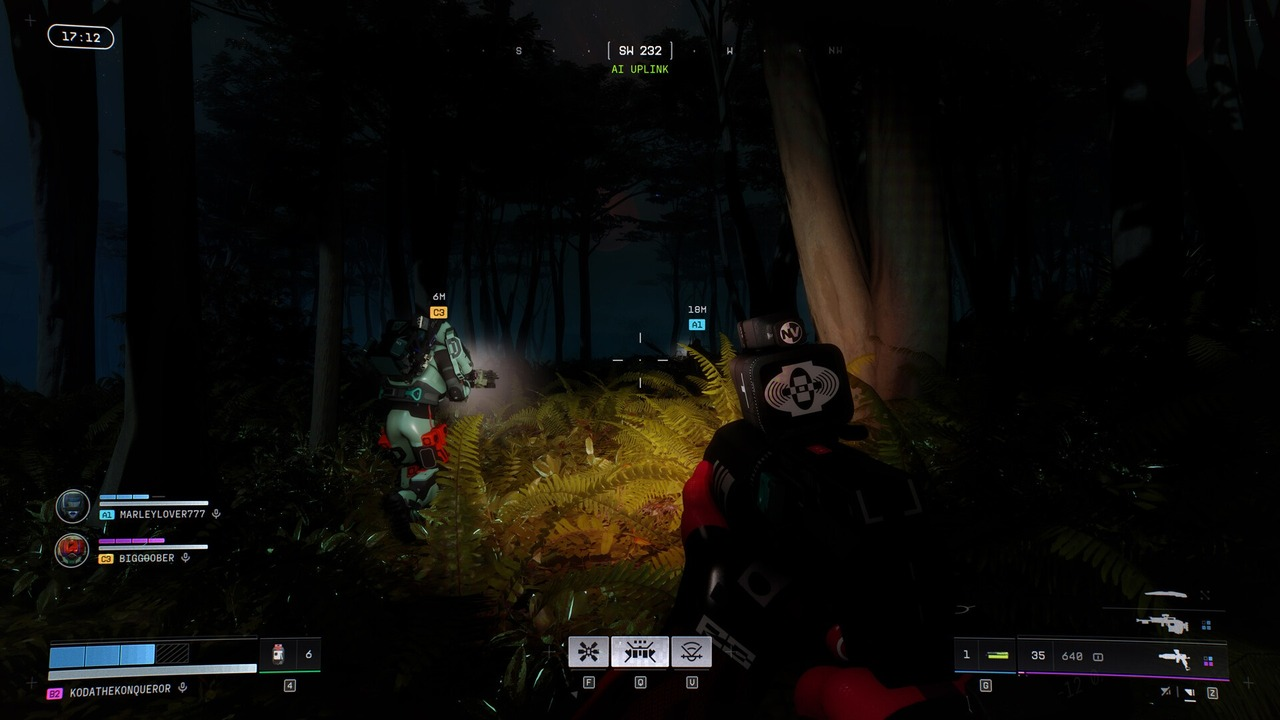
Marathon update 1.1.5.5 is now available across every platform and region. Bungie released the download before restoring normal sign-in, which allowed players to prepare the new client version.
The first stage began at 8:00 AM Pacific time. Active runs could continue briefly, but new sign-ins were unavailable. Players then began to leave activities before the update reached every platform.
Table of Contents
Bungie closed the old version in several stages
The release process started while some crews were still inside runs. Bungie allowed those active sessions to reach a conclusion instead of removing every player at the first minute. At 8:15 AM Pacific time, the game began moving fully offline. Players were removed from activities as the service prepared for the new client version.
This staged approach reduces the chance that one crew begins a long run just before the old version closes. The warning gives players time to extract, review the vault and stop matchmaking.
Update 1.1.5.5 became available before sign-in reopened
Update 1.1.5.5 became available at 9:00 AM Pacific time across all platforms and regions. The download could therefore begin before the servers accepted normal logins. Players could return from 10:00 AM. Bungie warned that queues and sign-in problems could remain while the service returned to normal.
The full window was scheduled to end at 11:00 AM. A successful download did not guarantee immediate access during the earlier stages because the service and the client needed to reach the same version.
| Pacific time | Release stage |
|---|---|
| 8:00 AM | Sign-in closed |
| 8:15 AM | Active sessions began to close |
| 9:00 AM | Update became available |
| 10:00 AM | Login returned |
| 11:00 AM | Server work finished |
Console and PC players can confirm the update in different ways
A console that does not see the update may need a full restart. Players can also use the system’s manual check for updates instead of waiting for the automatic download. Steam users should first close the game and confirm that no old process remains active.
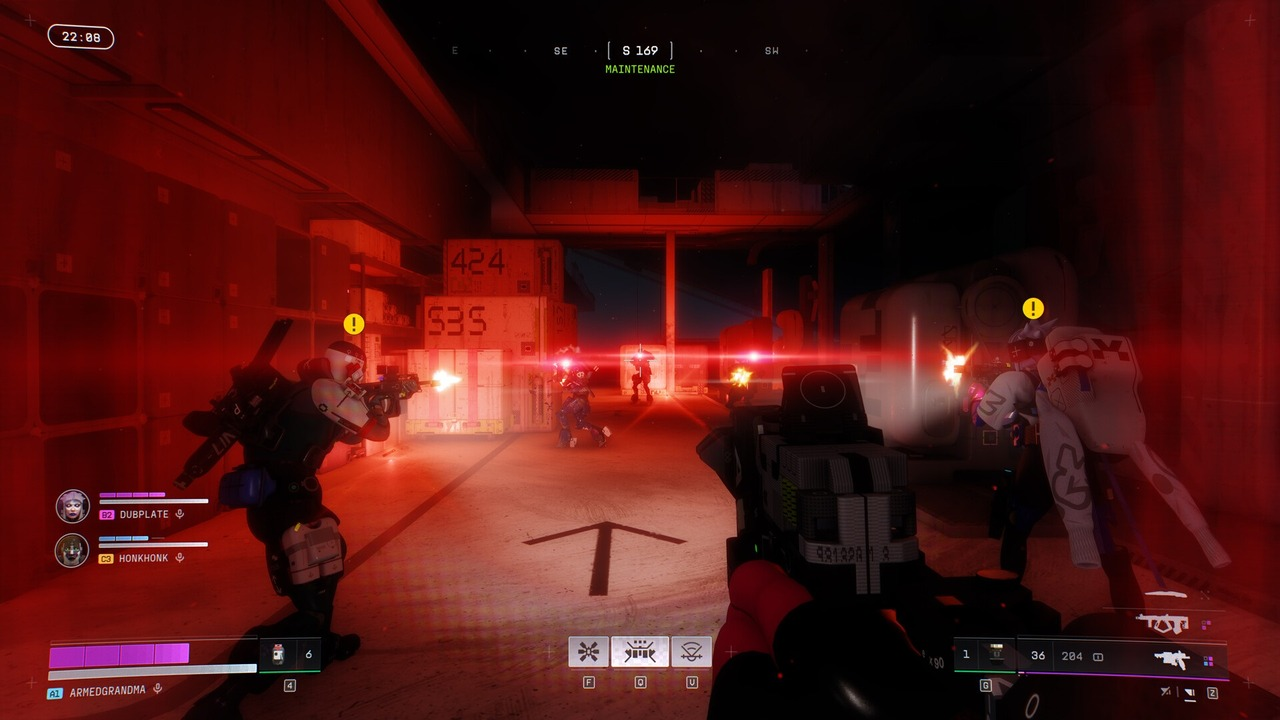
Valve’s download tools can then verify whether the client is waiting for disk space, a connection or a file check.
Interrupting a console verification can force the system to download much more data again. It is safer to let the check finish before restarting hardware or network equipment.
A version error usually means the patch is missing
Marathon can return the CAT error when a player tries to enter with an older client. The first response is to confirm that update 1.1.5.5 is installed, not to change account settings. If the current version is installed and the service is online, basic connection steps become relevant. A console cache clear, a router restart or another sign-in attempt can remove a local problem.
Players should also check Bungie’s service status before repeating many local changes. A server queue cannot be solved from the player’s device.
The update restores a reward missing after successful runs
The Marathon development team had identified a problem where UESC Manifests appeared in the run report but did not reach the player’s Vault after extraction. The team linked the fix to update 1.1.5.5. That issue was confusing because the end screen showed a successful reward. A player could reasonably leave the report and expect the same total to appear in storage.
Crews should compare the next completed run with the Vault after the update. A clear report with the correct stored total is the practical test that the reward path works again.
A short checklist prevents avoidable delays
Players should install the update, restart the client and confirm version 1.1.5.5 before joining a team. These steps resolve most version errors.
A restart confirms that update 1.1.5.5 is installed
The login screen shows version 1.1.5.5 after the client restarts. Players can then compare the next run report with the total stored in the Vault. This check confirms whether the missing reward problem has been fixed.