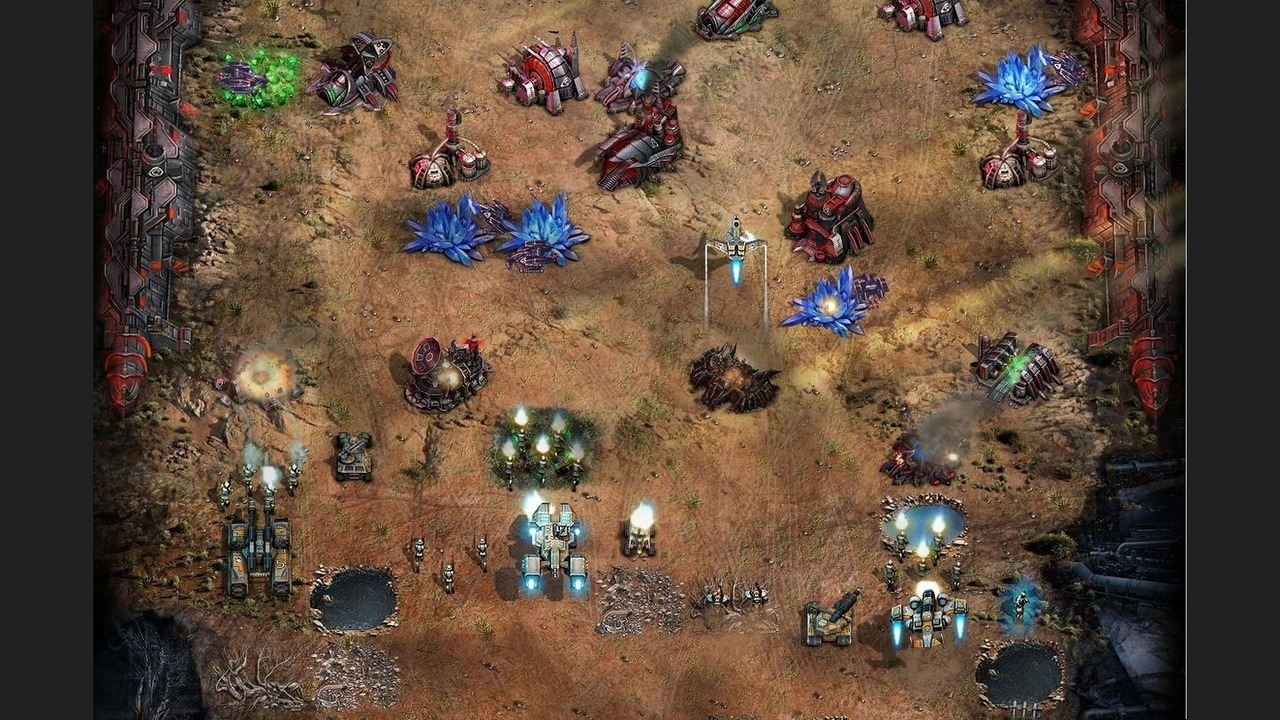
Command and Conquer: Tiberium Alliances has begun the first stage of update 26.1. Each affected world goes offline for about one hour while progress pauses and the new version is added.
The change log adds options for future worlds and adjusts several existing systems. It also corrects non-player enemy levels, number displays and stability problems in both the browser interface and backend.
Table of Contents
The rollout covers three groups of game worlds
The first group entered the rollout between 6:00 and 15:00 UTC. It includes a long list of Firestorm, Tiberian, Veteran and regional worlds. Each world is unavailable only during its own part of the window. Stage Two is planned for 1 September, and Stage Three follows on 2 September. The separate days reduce the number of worlds being changed at the same moment.
Players should check their exact world name instead of assuming that the full nine-hour window affects them. Progress stops while that world is offline and resumes after its update is complete.
Future worlds can start without map bonus locations
The update adds an option to generate a world without points of interest. This setting does not automatically remove those locations from every existing world. A world without these bonuses would change how alliances choose territory and plan expansion. Groups could focus more directly on bases, routes and the race toward the centre.
The word optional is important because update 26.1 does not give every server the same map design. Players should read the rules of a new world before joining.
Fortress attacks can now reach two more map spaces
The revenge range linked to the Fortress increases from 30 to 32. Alliances operating near the centre must account for the larger area when planning attacks and protected positions. Two spaces can affect which bases sit inside the danger zone. A location that was just outside the former limit may now require another move or a different order of attacks.
Leaders should update any shared map notes after their world receives the patch.
Old distance markers may lead a group to treat an exposed position as safe.
New world settings and arsenal values improve planning
Reverse malus becomes a configurable element of the game. The exact setting can therefore be chosen for a world instead of remaining one fixed rule in every case. The arsenal now displays trample damage for defence units. Players can compare that value before investing resources or changing a defensive layout.
Clear numbers reduce trial and error. A commander can inspect the unit, compare its role with another option and make a decision before spending limited upgrade materials.
| Change | Previous state | Update 26.1 |
|---|---|---|
| Fortress revenge range | 30 | 32 |
| Map bonus locations | Enabled by default | Can be disabled for a new world |
| Reverse malus | Fixed rule | Configurable rule |
| Defence arsenal | Trample value was hidden | Trample damage is displayed |
Enemy levels and upgrade values now display correctly
Non-player bases could previously appear one level above the allowed maximum. Update 26.1 keeps those enemies within the intended limit. The arsenal also had a display error for unit upgrade numbers. The corrected interface should match the real level and prevent a player from planning around the wrong value.
These fixes are important because strategy depends on reliable information. A small number error can change the expected cost of an attack or the time needed for another upgrade.
Interface and server fixes improve reliability
Update 26.1 includes interface fixes and server stability work. These changes improve the way commands and world data are processed during long sessions.
After their world returns, players should reload the page and check range, arsenal values and local map rules before issuing major commands.
A browser reload activates the current interface
The current interface appears after the browser reloads every game file.