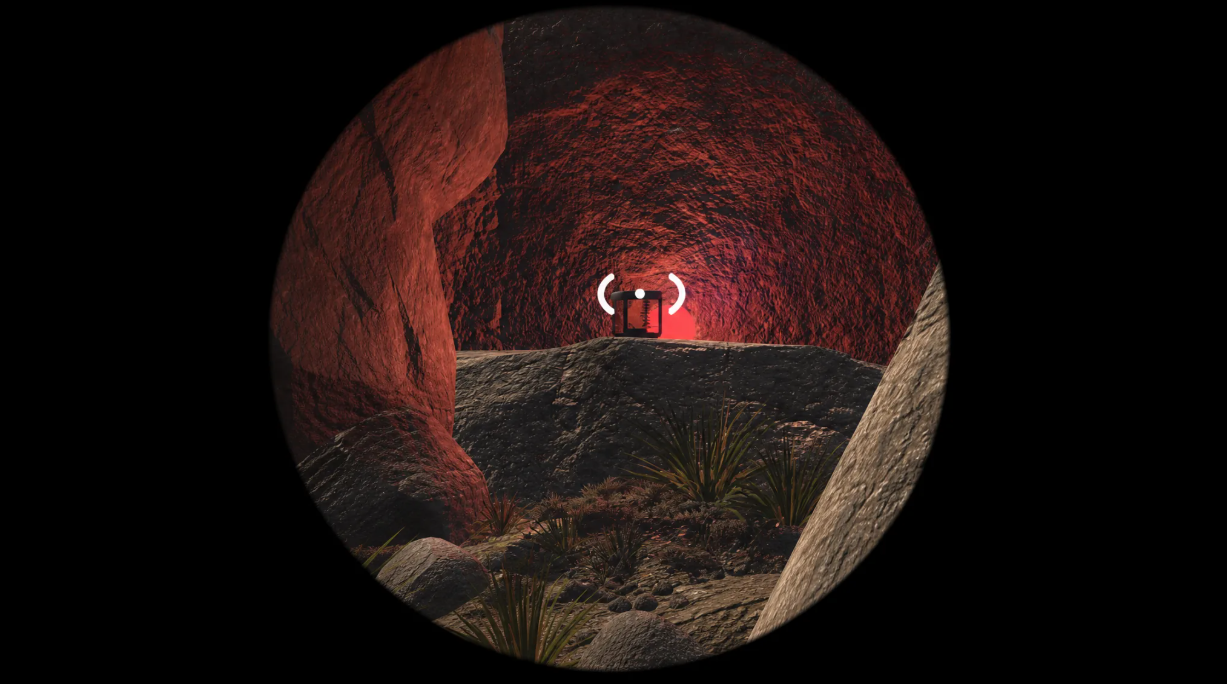
Windrose mods change the gameplay in targeted ways, without completely overhauling it. Speed up resource gathering, remove construction limits—a couple of minor tweaks, and everything works perfectly. The good news: installing mods is easier than it seems.
The main rule before starting: Windrose must be completely closed. If the game is running in the background, mods won’t install properly.
Table of Contents
Where to download Windrose mods safely

The main site is Nexus Mods. You need an account, but registration is free. Log in, find the mod you want, and download it to your drive. That’s it.
How to find the Windrose root folder in Steam

The fastest way is through Steam. Right-click the Windrose shortcut → “Properties” → “Installed Files” → “Browse.” The system will take you directly to the game’s root folder. Convenient.
Where to install Windrose mod files
The downloaded mod should be moved into this folder. For details on where to install, see the description on Nexus. Authors almost always provide the exact path: to such and such a place. Without this, there’s no point in guessing.
Launching Windrose and checking the mod
The file is in place—close the folder and launch Windrose. In most cases, the mod is picked up immediately. Some mods require a new save, but usually everything works on old saves as well.
By the way, if the mod doesn’t work, restart the game again. Sometimes a simple restart helps.
Installing Windrose mods: a quick summary
Copied, pasted, and launched. No magic required. Nexus Mods + the game folder—and you’re already experimenting with Windrose’s capabilities. Faster than you think.
The best mods for Windrose in 2026
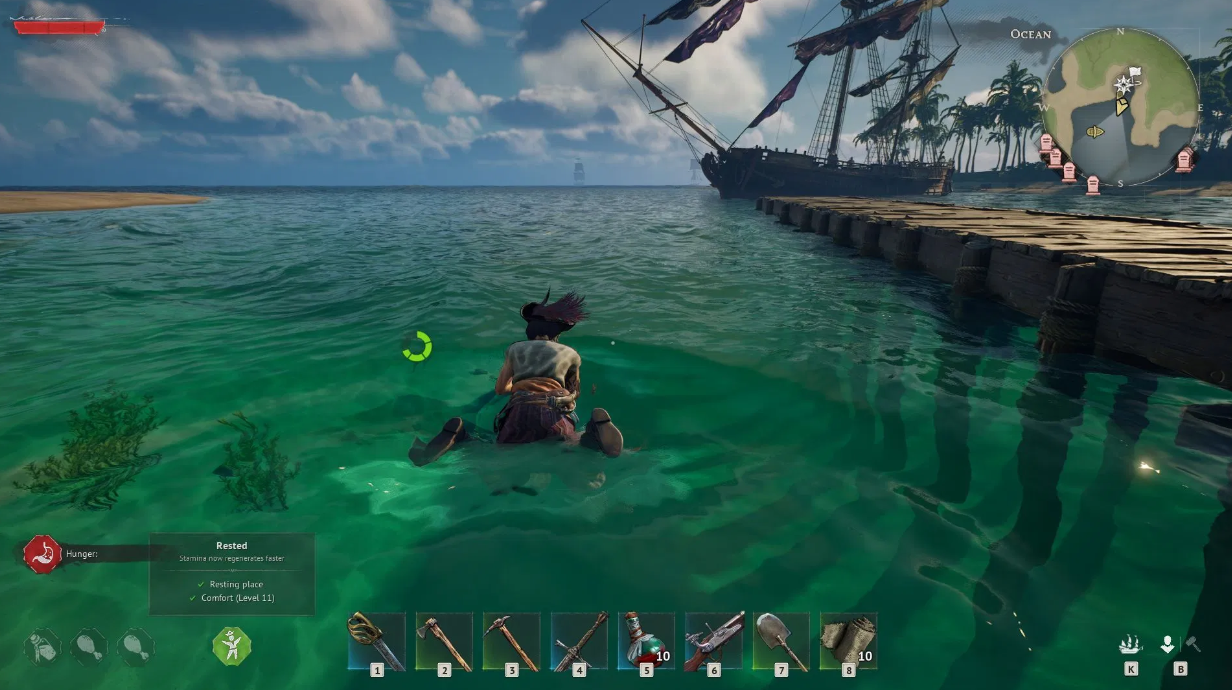
Most mods are targeted improvements for comfort. No major overhauls, just making life easier. That’s what’s really worth picking up.
More Mineral Resources
Resources are noticeably increased. Ore, stone, and other materials not only drop more generously, but also respawn faster. A small thing, but a nice touch.
2x 3x 5x 10x All Loot
This one is exactly as the name suggests. Loot containers and enemy corpses—you’ll get two, three, five, or even ten times as many items. Some items are excluded, though (the creators don’t specify which ones, but the fact remains). Questionable luck? More likely, questionable balance.
MoreStacks
The limit on the number of identical items in a single slot is annoying. This mod increases the stack limit. Carry more, stack them more conveniently. It seems simple, but you immediately feel the difference.
BetterLantern
The lantern in Windrose is mediocre and goes out quickly. BetterLantern expands the lighting radius and provides more fuel. There’s even an infinite mode option—if you’re tired of monitoring your level.
Extended Bonfire Radius
The campfire is the center of your camp. This mod expands your building radius. Place objects further away from fire, making your layout more flexible. Incidentally, this is useful not only for aesthetics but also for defense.
Interestingly, almost all of these mods don’t break your save. Just install them, and the gameplay changes. No unnecessary complications.