There are two types of games in the gaming industry: some throw you into the harsh realm of survival, starvation, and cold, while others pit you against a group of friends, where the key skill is pretending you know what you’re doing. Meccha Chameleon falls into the latter category. Colorful, with the ability to customize your chameleon beyond recognition, it offers the chance to explore the world with up to 24 shady characters at once. And if you’re already eyeing a server for your gang, a few details about the multiplayer mechanics wouldn’t hurt—especially when everyone has different hardware and habits.
Table of Contents
How to create an online lobby in Meccha Chameleon?
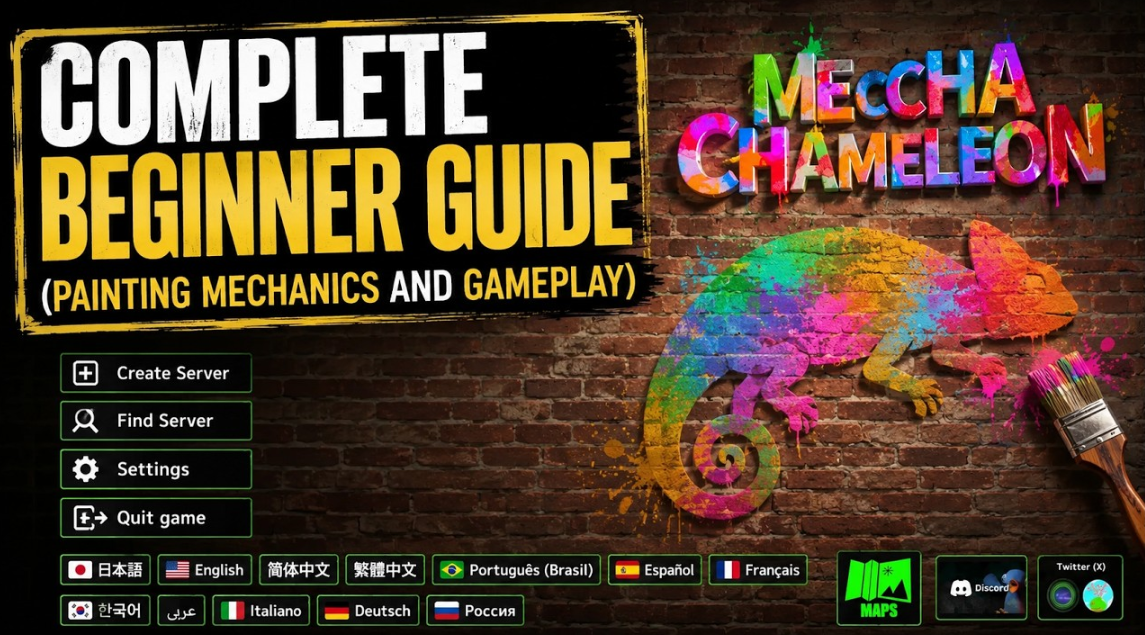
It all starts with the multiplayer menu. Create a server, give it a name, and set a password if you don’t want random guests. The game allows for up to 24 players in a lobby, but the developers advise against overdoing it: the optimal limit is 13 players, otherwise you might experience lag and chaos. Server tags are a handy feature: you can immediately indicate whether you’re planning a fun, casual get-together or a serious competition.
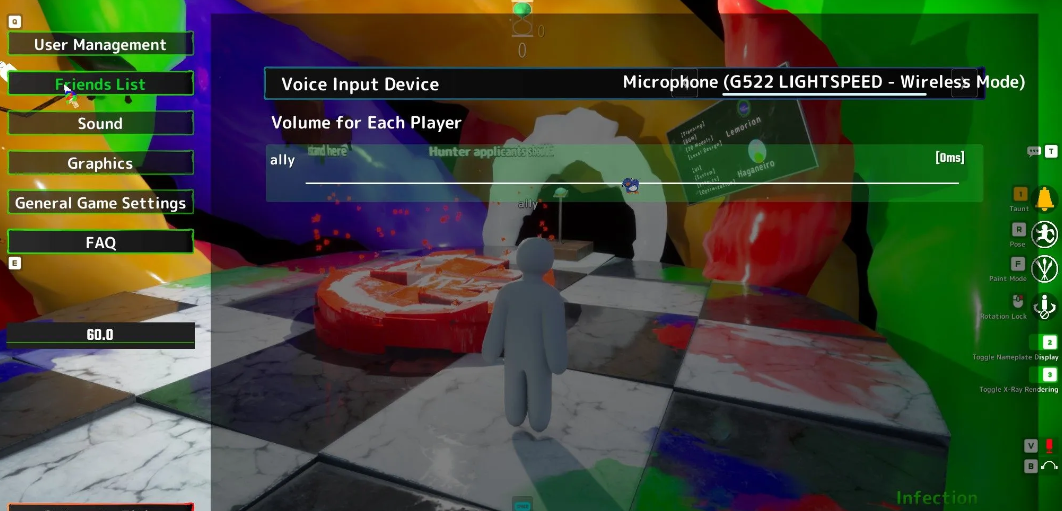
Direct invites work through your Steam friends list. Just press Esc, open the appropriate tab, and all your contacts are right there. Send an invitation, your friend accepts, and you’re in the same lobby. It’s faster than manually searching for a server. But if your friend isn’t on the list, or you want to invite someone new, use the server browser. The key is to give your server a memorable name and the right tags so it doesn’t get lost among dozens of others. Players simply select “Find Server” and make sure “Search for Public Sessions” is checked—a list of available lobbies will appear instantly.
Will there be crossplay in Meccha Chameleon?
The short answer is no. “Meccha Chameleon” is currently exclusive to Steam on PC; console versions have not been announced. Therefore, cross-platform play between PC and consoles is inherently impossible. But if all your friends have a Steam copy, you can easily connect through the server system—there’s no difference between the versions. This, by the way, makes life easier: no need to guess who’s on what platform; everyone just runs the same client.
Will Meccha Chameleon be released on consoles?
The developers are keeping quiet for now, but given the success of similar social projects, it’s possible. However, right now, it’s PC-only and Steam-only. And judging by the reviews, that’s enough to create an unforgettable evening with friends.
Meccha Chameleon P2P Network Setup Instructions
Meccha Chameleon’s network code is designed the old-fashioned way—the developers have abandoned dedicated servers for private lobbies in favor of a peer-to-peer (P2P) model. In this setup, one player acts as the host, so the stability of the game is entirely dependent on the performance of their PC and the quality of their internet connection. Most network issues experienced by players are caused by ISP limitations or local hardware settings, not by bugs in the game itself.
Why isn’t the Meccha Chameleon server showing up in search results?
Complaints about a created room not appearing in the general list are the top topic in Steam discussions. New lobbies don’t appear in search results immediately, and the game itself updates the list of public sessions with a 30-60 second delay. If your friend is struggling to find a created server, there could be several reasons:
-
Different client versions. Playing Meccha Chameleon together requires a 100% matching digital build. Check the build number displayed in the main menu—the host and connecting players must have identical numbers.
-
The match has already started. The built-in filter by default hides sessions where a game is already in progress from the public results. Only lobbies that are being created are visible in the search results.
-
Regional restrictions. The game’s network code is reluctant to connect users from distant regions. If the host is in Europe and the connecting player is in Asia, the room may simply not appear in the list.
-
Private status. Password-protected servers are completely excluded from the global list; they can only be found through a direct text search by name.
How to fix the display of rooms in the list
Don’t rely on automatic filters. Ask a friend to enter the exact name of your server in the manual search bar. If the lobby still doesn’t appear, the host should completely recreate the room, first checking that the latest game update has been downloaded.
How to fix Meccha Chameleon connection errors?
It can happen: the desired room is visible in the list, but when you click on it, the game displays an error or freezes on the loading screen. Most often, this problem is caused by firewalls or closed ports.
The main culprit of such errors is a disabled UPnP function in your router settings. Without this protocol, the router simply blocks incoming traffic to your computer. To fix this, open the router’s web interface (usually accessible at 192.168.1.1), find the UPnP tab, and toggle the switch to active. If your network device doesn’t support this function, you’ll have to forward ports manually—Meccha Chameleon uses standard Steam ports in the range 27015 to 27030.
In addition, other factors also affect the connection, which we’ve compiled in a clear table.
Network Failure Quick Diagnosis Chart
How to reduce high ping and lag while gaming?
The match has started, but the chameleons move jerkily, and the paint is noticeably delayed. In a P2P architecture, ping directly depends on the physical distance between the participants in the session. When the host is in Moscow and their partner is in Vladivostok, latency will be high due to the laws of physics.
It’s impossible to completely eliminate lag over long distances, but you can stabilize the situation using the following methods:
-
Limit the network load. If the host’s upload speed doesn’t exceed 20 Mbps, don’t gather more than 6-8 people in the same room.
-
Disable unnecessary software. Browser tabs, background downloads, and cloud storage consume CPU resources and clog up your internet connection—close them before playing.
-
Reduce input lag. Disable vertical synchronization (V-Sync) in Meccha Chameleon’s graphics settings.
-
Optimize traffic routes. Using specialized gaming VPN services or accelerators helps straighten the network route to the Steam servers, which is especially important for regional players.
Steam Credential Verification Error
Sometimes, when attempting to connect to a session, a rare notification appears on the screen: “Unable to verify your credentials.” This error usually indicates an authentication failure within Steam itself or a corrupted local cache.
This issue can be resolved using standard Valve platform methods. First, restart the Steam client completely. If this doesn’t help, open the Library, right-click Meccha Chameleon, go to “Properties,” select the “Installed Files” tab, and click “Verify Integrity of Game Files.” The system will recheck the hash and automatically redownload any corrupted data.
Meccha Chameleon Networking Solution
For a quick diagnosis, consult the final table of symptoms and solutions. It will help you determine which side of the issue is occurring and what to do first.
List of multiplayer error codes and their solutions
-
Room Not in the General List
Reason: Client version mismatch or the match has already started.
Solution: Check the current build numbers in the menu and ask the host to restart the lobby.
-
An error occurs when trying to join a friend’s game.
Cause: Closed ports, router blocking incoming packets.
Solution: Enable UPnP in the router admin panel or add the game to the Windows Firewall exceptions.
-
Connection drops every few minutes.
Cause: Packet loss due to the host’s Wi-Fi connection.
Solution: It is crucial for the host to run an Ethernet cable directly to the PC.
-
Excessive ping for all session participants.
Cause: The geographic distance to the server is too great.
Solution: Change the host—select a player who is geographically closer to the center of your geographic group.
-
Animations are choppy, opponents are sliding around the map.
Cause: The host’s internet speed cannot handle the data load.
Solution: Kick unnecessary users by reducing the lobby size to 6-8 participants.
-
Multiplayer is completely blocked in the menu.
Reason: Outdated game version; client requires a mandatory patch.
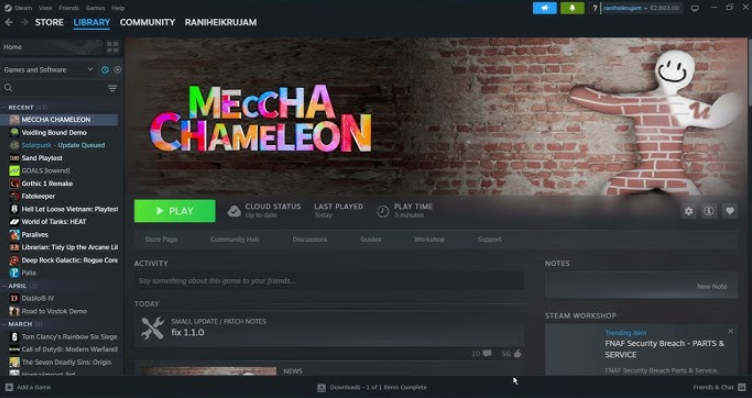
Solution: Update Meccha Chameleon on Steam to the latest version 1.1.0 or higher.
The golden rule of P2P networks: If lags and disconnects are experienced by the entire group, the problem is guaranteed to be on the host’s side. If only one specific person is kicked from the lobby, that person needs to troubleshoot their internet settings. Remember that in Meccha Chameleon, the lobby host’s computer acts as a full-fledged server, and the comfort of the entire match depends on the stability of their network connection.