Mojang has released Minecraft 26.3 Snapshot 10 for Java Edition testing. The build adds a new introduction screen for Realms and places the Dappled Forest panorama on the main menu.
The snapshot also changes several technical systems, improves performance when locating structures and reverses recent experimental changes to Drowned behaviour.
Table of Contents
The Realms introduction explains the service before a player enters
The new introduction presents the main Realms features from the Add Realm button. It can also appear when a player enters Realms while a trial is available. This screen does not change the number of players or the subscription rules by itself. Its purpose is to make the existing service easier to understand at the point where a player can start using it.
Clear entry information is useful because Realms settings sit beside normal local worlds. The new step reduces the chance that a player opens a paid online option without knowing what it provides.
The Dappled Forest becomes the main-menu scene
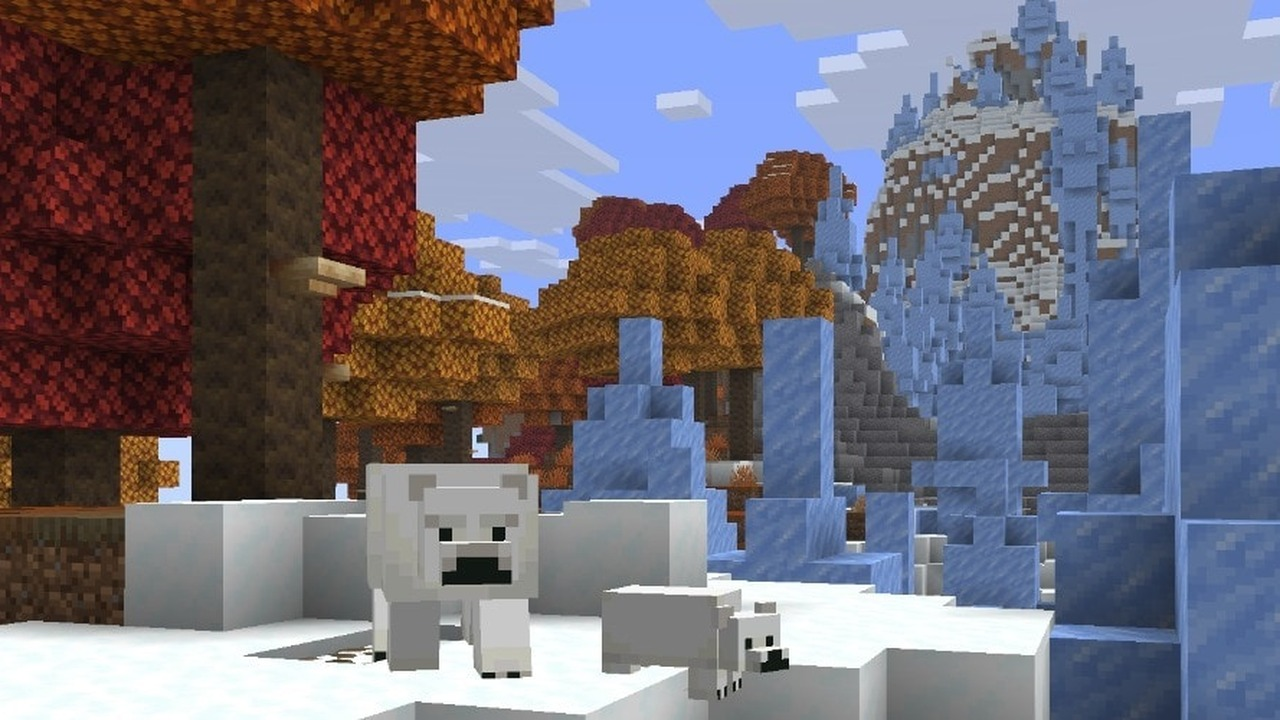
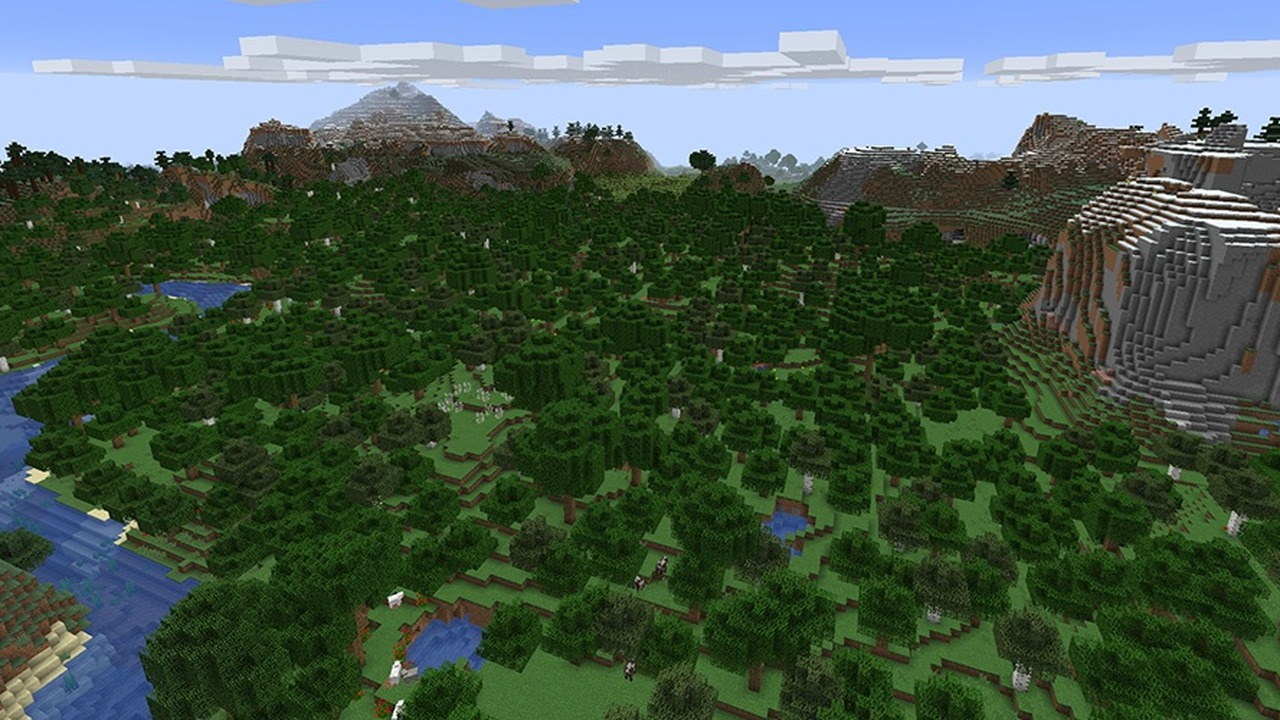
Snapshot 10 replaces the current panorama with a view of the Dappled Forest biome and an Abandoned Camp. The change gives the testing cycle a visual identity before a world is loaded. A panorama is a menu background, not proof that every shown structure has changed in normal gameplay. The biome and camp should still be tested inside a world under the snapshot rules.
The Adventure Mode icon in the game-mode switcher also changes to the Buried Treasure Map. That is a smaller interface adjustment and does not alter Adventure Mode restrictions.
Locating structures now works faster
Minecraft can search for structures through commands and internal game systems. Snapshot 10 improves performance during those searches. The benefit can vary with world size, hardware and the requested structure. The note confirms optimisation work without promising the same time reduction on every computer.
Players who test large worlds should keep backups. A snapshot can change world data and is not intended to replace the stable version for an important long-term save.
| Game Area | Change In Minecraft Test Build 10 |
|---|---|
| Realms | New Service Introduction |
| Main Menu | Dappled Forest Panorama |
| Game-Mode Switcher | New Adventure Mode Icon |
| Structure Search | Faster Structure Search |
| Drowned Mob | Recent Mob Behaviour Restored |
Recent changes to the Drowned mob have been reversed
Mojang reverted behaviour and animation changes for Drowned that appeared during the current release cycle. The underwater hostile mob therefore returns to the earlier tested behaviour for now. A reversal does not always mean the idea is permanently cancelled. Developers can revise it and bring a different version into a later snapshot.
Testers should report what happens in Snapshot 10 instead of using an older video as evidence. The active build determines movement, animation and combat behaviour.
The current Minecraft build remains unfinished
Snapshot 10 is part of the Java Edition 26.3 development cycle. Features may change before the stable release and some worlds can behave differently after an update. The safest method is to create a separate test world or copy an existing save before opening it. A player should not assume that a snapshot world can always return to an older version without damage.
The update is available now for testing through the Minecraft Launcher. Its Realms screen, menu panorama and technical changes are live in the snapshot, not yet guaranteed as final release behaviour.
Players should protect their main worlds before testing this build
A Java snapshot is a test build, not a normal stable update. New interface work and bug fixes can introduce other problems. Players should create a separate world or make a verified backup before opening an important save in Snapshot 10. The Realms introduction is designed to explain the service more clearly to players who have not used it. The Dappled Forest menu background changes presentation rather than survival rules. Other fixes target the current development branch and may change again before release.
Useful feedback needs a short reproduction path. A report should name the game version, describe the exact action and explain what happened instead. Screenshots or a small test world can help Mojang reproduce a problem without guessing.