Electronic Arts decided to whet interest in the ALGS Year 5 Championship — the publisher officially confirmed the distribution of Twitch Drops for the period from January 15th to 18th. The five awards will, in fact, be distributed in four stages. Very cool. Fans need to log in to streams daily and spend at least half an hour there to unlock content.
Table of Contents
Schedule of Twitch Drops ALGS 2026 Year 5 in Sapporo
EA rolled out an announcement. To be honest, the list of items looks pretty cheerful — the developers decided not to be greedy and prepared a unique staff for the fans. January 15th, apparently, will be the day of the “Kill Nessie” holo spray. The next day, January 16, players will be able to receive a “Champs Tracker” for their characters. That’s interesting. On January 17, the middle and lower elements of this set will appear in the inventory — the set will be complete. Finally, on January 18, access to the exclusive badge of the 5th year of ALGS will open.
How to link EA and Twitch accounts to receive rewards
The process is basically standard. You need to link the EA and Twitch profiles — that’s the main thing. Then watch the championship broadcast for 30 minutes — only on Twitch, because there are no drops on YouTube. Pick up the items in the inventory. Simple and clear. The rewards will appear in Apex Legends almost immediately — cool, really.
The prize pool and format of the ALGS Championship in Japan
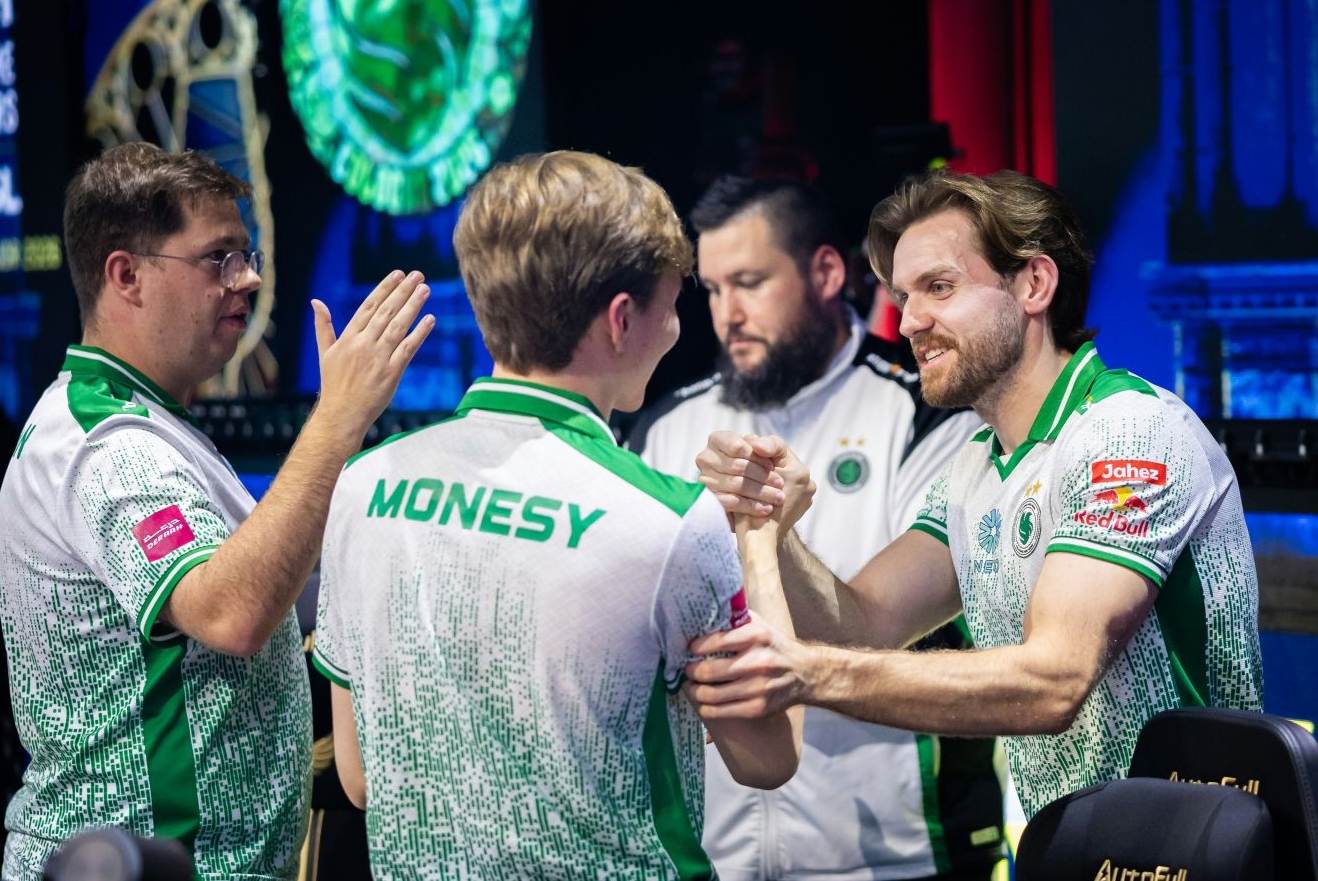
Sapporo, Japan, will become the center of esports. 40 of the best teams in the world, including Alliance and Gen.G Esports, will compete for the title of champions of the 5th year. On a large scale. The prize pool is an impressive $2,000,000 — a serious jackpot for the winners.
The teams will be divided into four groups of 10 teams — this is how the participants of the final stage will be determined. Only the top 20 roasters will enter the decisive battle. By the way, the match point system will be included in the final. To win, the team must score 50 points and then take the top 1 in the match. In fact, this is the toughest part of the tournament. We wish good luck to the participants.
Solving problems with obtaining items in Apex Legends
It really pisses me off. In 90% of cases, your loot is stuck somewhere between Twitch and EA’s servers – by the way, either the binding curves or the usual system lag are to blame. Usually everything is cured in a couple of minutes, if you know where to poke. In fact. First, make sure that you actually picked up the item in the drops inventory and not just watched the progress bar to the end.

Quick diagnosis in 2 minutes
Look in the locker. Rewards often fall into the inventory without any notification — they just lie there quietly and wait for you to notice them among the mountains of garbage. Sometimes the enrollment delay stretches up to 14 days, to be honest. If the collection is still empty, then you will have to switch to heavy artillery and reconnect all services manually.
Step 1. Step-by-step reconnection of the EA profile and Twitch account
Make a reset. Unlink Twitch on the publisher’s website and remove the game from the list of connections in the streaming profile itself — this cures bugs in 99% of cases. Verify the account ID in the game and on the EA website. An error in one digit of the identifier will send your skin to someone else’s profile and you will never see it again.
Step 2. Reasons for the delay in crediting rewards and EA server bugs
The game is dumb. It happens that developers recognize a global failure on the servers — then it remains only to humbly wait for a patch that will fix everything. Check all filters for rarities and item classes. Unexpected, apparently. EA support often says that items come in bundles for several levels of progress at once, rather than one at a time.
Step 3. Errors when viewing streams and activating campaigns
Look correctly. If several awards are given for an event, then they must be taken strictly one at a time, otherwise the progress of the next one simply will not start. Look for the Drops Enabled bar in the broadcast description. Apparently, in general. After changing the password on Twitch, all links to Battle.net or EA often crashes and actually has to be configured anew.
Step 4. Optimizing the browser and cache for correct tracking
Clear the cache. Ad blockers sometimes completely kill time tracking scripts — it’s better to turn them off during the stream along the way. Try logging in via Chrome or Firefox instead of Edge. It makes sense, in the end. The application on consoles or TV often lags, so it’s better to open a parallel stream in a browser on a regular PC.
Step 5. When is the problem in the EA game?
The mistakes of the seasons. Electronic Arts has a specific bug where rewards are tied to a specific event and simply won’t unlock due to a code error. Support sometimes does not have access to your inventory. It’s a shame, by the way. The massive influx of players during beta tests often breaks the code activation system on Twitch and in fact everything crashes.
Step 6. We are preparing the perfect appeal to EA support
Write competently and easily. Attach screenshots of the progress from Twitch and be sure to specify your account ID — this will speed up the problem significantly. Refer to a specific promotion or season number of the game. Using the EA Help portal and the Contact Us form is the only legal way to reach a live operator.
Step 7. Contacting Twitch technical Support regarding API issues
An extreme measure. If the progress bar freezes at zero on all streams at once, write a ticket to Twitch support indicating your region. Send them a link to the campaign and a screenshot of the settings. Strange, I must say. Usually, after such a request, the progress is recalculated manually or a global API bug is recognized, which will be fixed automatically in principle in a day.