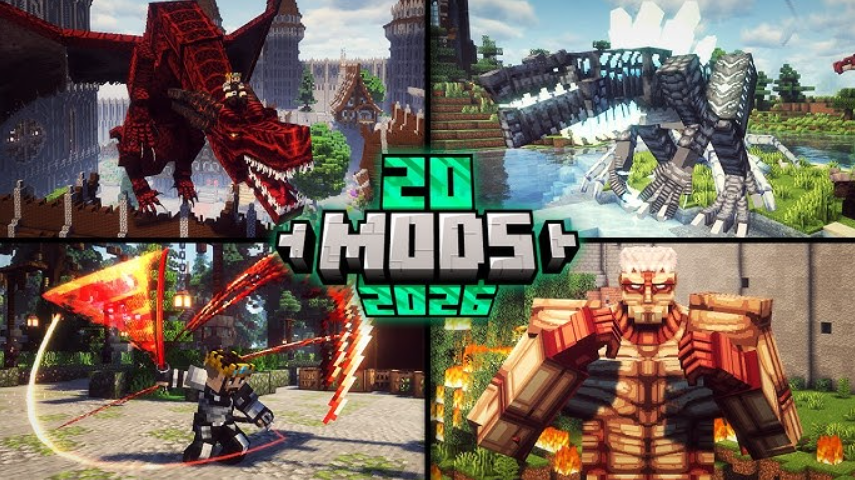
Let’s get straight to the point: by 2026, there are so many Minecraft mods that getting lost in the options is easier than building a house out of Redstone dust. This guide isn’t just a list; it’s a roadmap taking you from choosing your first mod to assembling a setup that transforms the game into something unrecognizable. We’ve gathered data from dozens of sources, cross-checked figures, resolved contradictions, and added insights you won’t find anywhere else. No fluff—just facts, tables, and honest comparisons.
Table of Contents
Where to start: choosing mods for your playstyle in 2026
Before downloading your first mod, answer one question: what do you want to change? That answer determines everything—from your launcher to mod compatibility.
-
Survivalist. You need mods that don’t break the vanilla balance but add depth: new biomes (Biomes O’ Plenty), farming (Farmer’s Delight), improved fishing (Aquaculture 2), and intelligent NPCs (Millenaire).
-
Builder. Your priority is décor, new blocks, enhanced graphics, and detailing tools. This includes shaders and resource packs that turn every block into a work of art.
-
Tech Enthusiast. Automation, machinery, energy, and space. BuildCraft, IndustrialCraft 2, and Galacticraft are your domain. Get ready for complex conveyor belt systems and nuclear reactors.
-
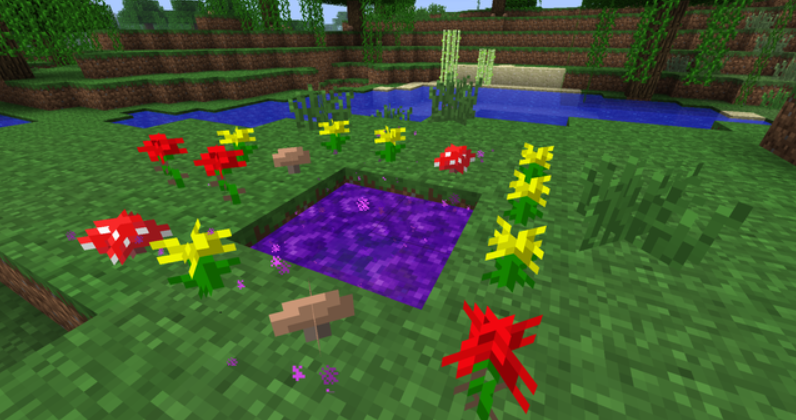
Explorer / Adventurer. You want new dimensions, challenging bosses, and a storyline. The Twilight Forest, DawnCraft, and RLCraft are the choices for those who find the vanilla Ender Dragon too easy.
-
Newcomer. Start with pre-made modpacks. Better MC is the gold standard for “Vanilla+”: the game feels familiar but becomes deeper and more beautiful. All the Mods 10 is for when you want a bit of everything (around 500 mods). Then there’s Quark—a lightweight “Vanilla+” style modpack featuring over 100 popular mods; it’s a frequent choice for players who find Better MC too bloated.
Important: Java Edition mods and Bedrock mods belong to different worlds. Almost all the mods mentioned below work only on Java Edition.
OptiFine vs. Sodium: Which optimization mod should you choose in 2026?
This has arguably been the biggest debate in the community in recent years. OptiFine reigned supreme in optimization for nearly a decade, but by 2026, the situation had changed drastically.
Sodium features a completely rewritten rendering engine. In tests, it delivers over 700 FPS on mid-range hardware, and when paired with Lithium and C2ME, it allows even low-end PCs to break the 1,000 FPS barrier. It boasts a modern codebase, constant updates for the latest Minecraft versions, and excellent compatibility with other mods. Lithium is a separate mod that optimizes mob AI and physics, reducing the load on the server-side; it pairs perfectly with Sodium.
OptiFine is still alive and kicking. It boosts FPS, supports shaders, and allows for incredibly detailed graphics customization. However, its architecture is outdated, and conflicts with newer mods have become commonplace.
Distant Horizons is a standalone tool that extends render distance without sacrificing performance. It generates simplified chunks on the horizon, eliminating the jarring visual “void” in the distance.
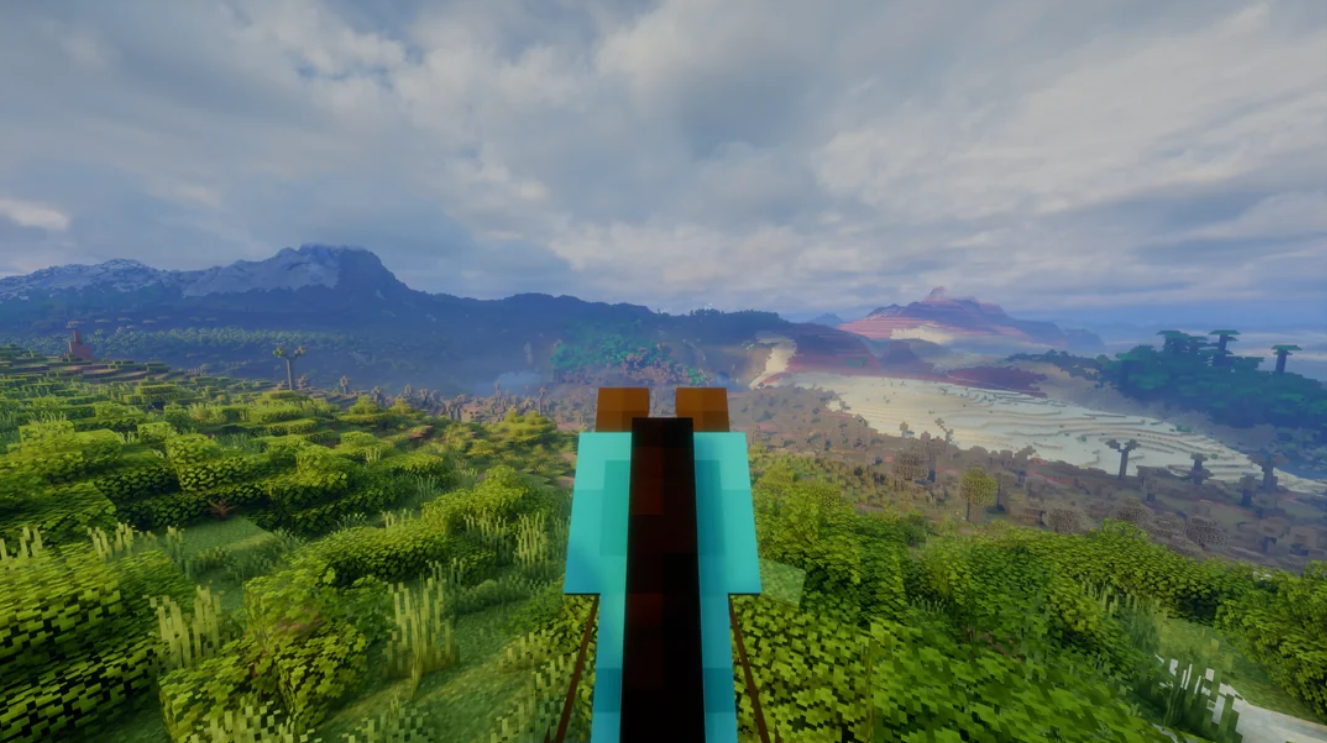
It works seamlessly with both Sodium and OptiFine.
Sodium vs OptiFine
Verdict: If you need maximum performance and play with many modern mods, choose Sodium + Lithium + Distant Horizons (the latter is optional, for visuals). If you can’t live without shaders and extra FPS isn’t critical, OptiFine might still be the right choice for you.
Ready-made Minecraft modpacks for every taste
Installing mods one by one is a task for enthusiasts. For everyone else, there are modpacks—ready-made collections where mods are already selected, configured, and tested for compatibility.
By 2026, the modpack ecosystem had reached maturity. Here are the main types:
-
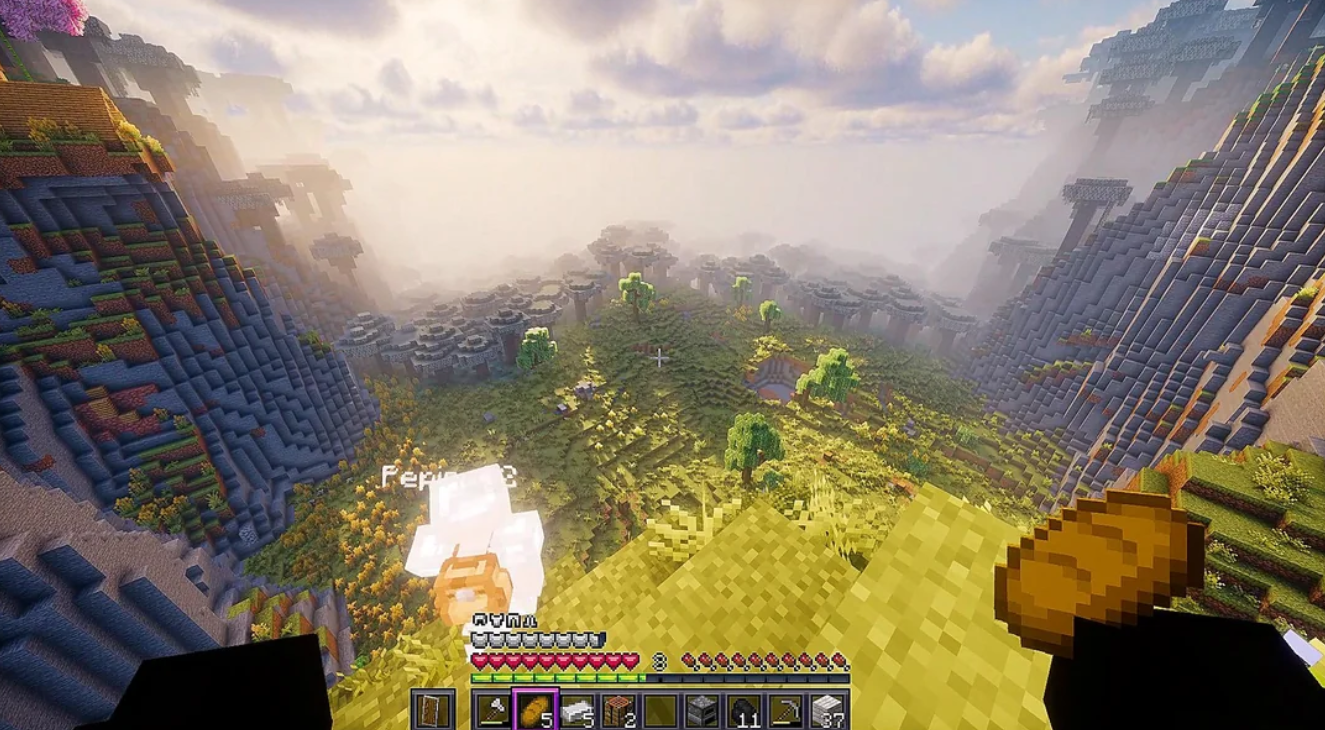
Better MC — the most popular “Vanilla Plus” modpack. It improves almost everything without breaking the spirit of the original game. Ideal for a first foray into modding.
-
All the Mods 10 (ATM10) — a massive pack featuring over 400 mods. It has it all: from automation to magic. The goal is to craft the legendary ATM Star, a task that takes dozens, if not hundreds, of hours.
-
Quark — a modpack often called “Better MC for traditionalists.” It adds over 100 mods, but each one makes targeted improvements to vanilla gameplay without cluttering the interface or adding unnecessary dimensions. A great choice for those seeking variety without radical changes.
-
RLCraft — a pack for hardcore players. Here, death isn’t just about losing your inventory; it’s a core part of the gameplay. With dragons, diseases, and a complex temperature system, simply surviving in this world is an achievement.
-
Pixelmon — transforms Minecraft into the world of Pokémon. Catch, train, and battle.
-
Fabulously Optimized — a pack that prioritizes performance. FPS gains can reach up to 50%.
Tip: Use the official CurseForge launcher—it automatically downloads the correct Minecraft version and all dependencies, and keeps everything up to date.
Quality-of-life mods: inventory, maps, and small tweaks
There is a category of mods that don’t add new dragons or dimensions, yet playing without them becomes downright inconvenient. By 2026, this set of mods has become practically standard for any modpack creator.
-
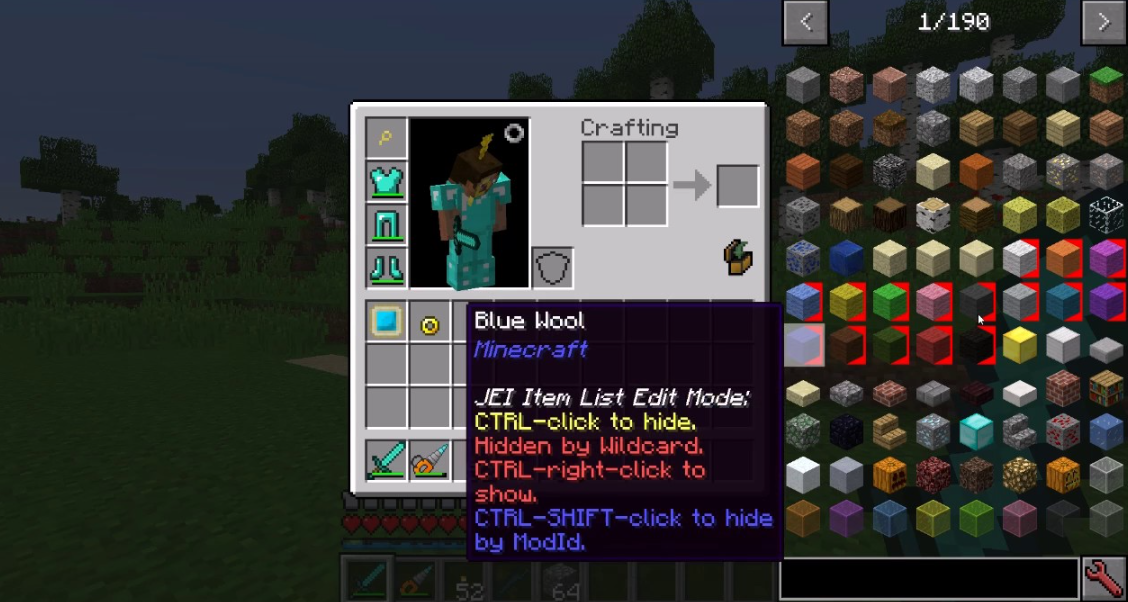
JEI (Just Enough Items) — the essential crafting tool. It displays all recipes, allows you to search for items, and even shows what can be crafted from the materials you currently have. It is indispensable for modpacks containing hundreds of mods.
-
Xaero’s Minimap and World Map — a two-in-one mapping solution. It provides a minimap in the corner of the screen and a full-scale world map with waypoint capabilities. You can use both or just one—the settings are highly flexible.
-
Mouse Tweaks — speeds up inventory management. Shift-click to move an entire stack instantly; drag your mouse to distribute items across slots. It’s a small detail, but it saves hours of time over the course of a long playthrough.
-
AppleSkin — displays precise hunger and saturation values, as well as exactly how much each food item restores. No more guesswork—you can see at a glance if that steak will keep you fed until morning.
-
Sophisticated Backpacks — stylish backpacks with multiple upgrade tiers. You can increase storage capacity and add features like auto-sorting, filters, and even a built-in crafting table. It effectively replaces an entire chest within your inventory.
Vanilla-plus and world enhancements
Mods that don’t break core mechanics but instead make the game feel more alive, detailed, and diverse. They blend perfectly with each other and with any modpack.
-
Farmer’s Delight — Adds new crops, recipes, and kitchenware. Cooking becomes a full-fledged activity: you can fry, boil, and even make sandwiches. Perfect for gourmet survivalists.
-
Immersive Portals — Lets you see through a portal before stepping inside. It adds realism and convenience—no more guessing where that purple haze leads.
-
Aquaculture 2 — Expands vanilla fishing with new fish species, tackle, and even underwater treasures.
-
Veinminer — Mine entire ore veins in one go. Press a hotkey, and all adjacent ore blocks break with a single hit, preserving your tool’s durability.
-
Fresh Animations — Adds new, smoother animations for mobs. Movements look more natural, giving the game a more modern feel.
-
Waystones — Place waystones to fast-travel between key locations. Highly convenient for large worlds—no need to build railways spanning thousands of blocks.
-
Artifacts — Adds powerful artifacts to the archaeology system. Dig up ancient items with unique effects like speed boosts, night vision, invisibility, and more.
-
Towns and Towers — Expands existing structures and villages. New buildings, inhabitants, and even small castles appear, making the world feel more lived-in.
-
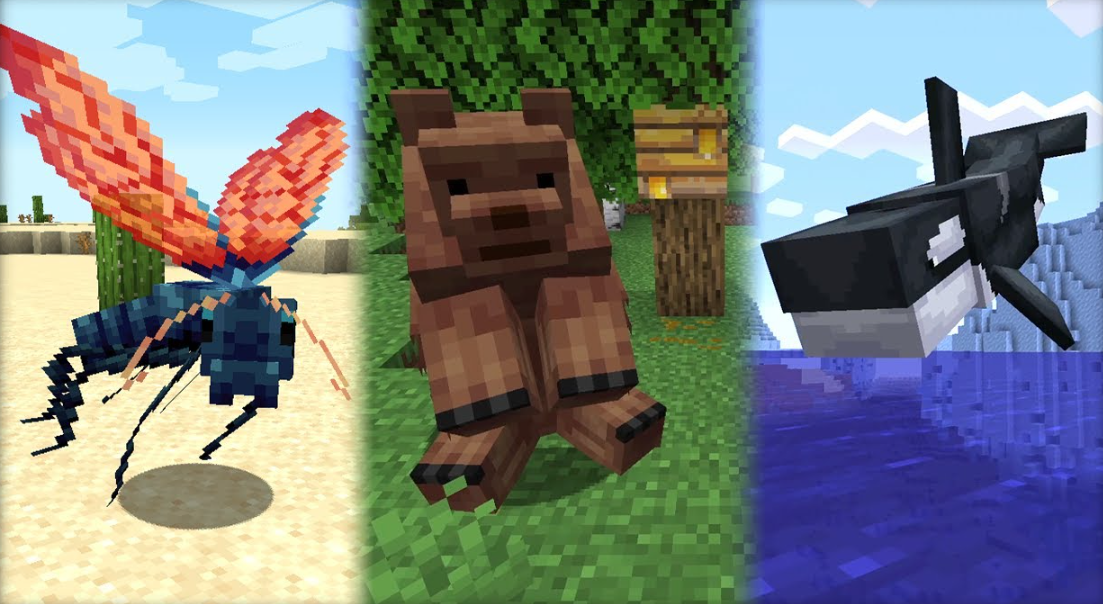
Alex’s Mobs — Encounter over 80 new mobs, ranging from real animals (sharks, lions) to fantastical creatures (winged serpents, fire salamanders). Each features unique mechanics and interactions.
Adventure Mods and Challenges
If standard survival has become boring and you crave extreme gameplay or puzzles, these mods introduce entirely new rules.
-
Skyblock — a classic challenge: you start on a tiny island in the void. You have a tree trunk, some dirt, and a chest. Can you reach the End and defeat the dragon by creating everything from nothing? Dozens of variations are available in 2026, including multiplayer versions.
-
OneBlock — a similar concept, but instead of an island, there is a single block that respawns and changes every time it is broken. You gain new resources to build a world starting literally from one block.
-
The Backrooms — a liminal space experience in vanilla Minecraft. You find yourself in endless rooms with yellow wallpaper, humming lights, and strange entities. It’s not about survival, but about atmosphere and exploration. In 2026, the mod received an update featuring new levels and mechanics.
Quick FAQ on Minecraft Mods (2026)
Question: Mods are conflicting with each other. What should I do?
Answer: Use modpacks—they have already been tested for compatibility. If you install mods manually, check which mod loader they are designed for (Fabric, Forge, or NeoForge). Mods for different loaders do not work together.
Question: Which launcher is best for mods?
Answer: CurseForge is the industry standard. GDLauncher is also popular. Both handle version management, profiles, and updates.
Question: Do I need to update mods?
Answer: Yes. Authors fix bugs and improve compatibility. CurseForge can handle this automatically.
Question: Will mods for version 1.20.1 work with 1.21?
Answer: In most cases, no. Always check for compatibility with your specific Minecraft version. As of 2026, versions 1.20.1, 1.21, and newer are the current standards.