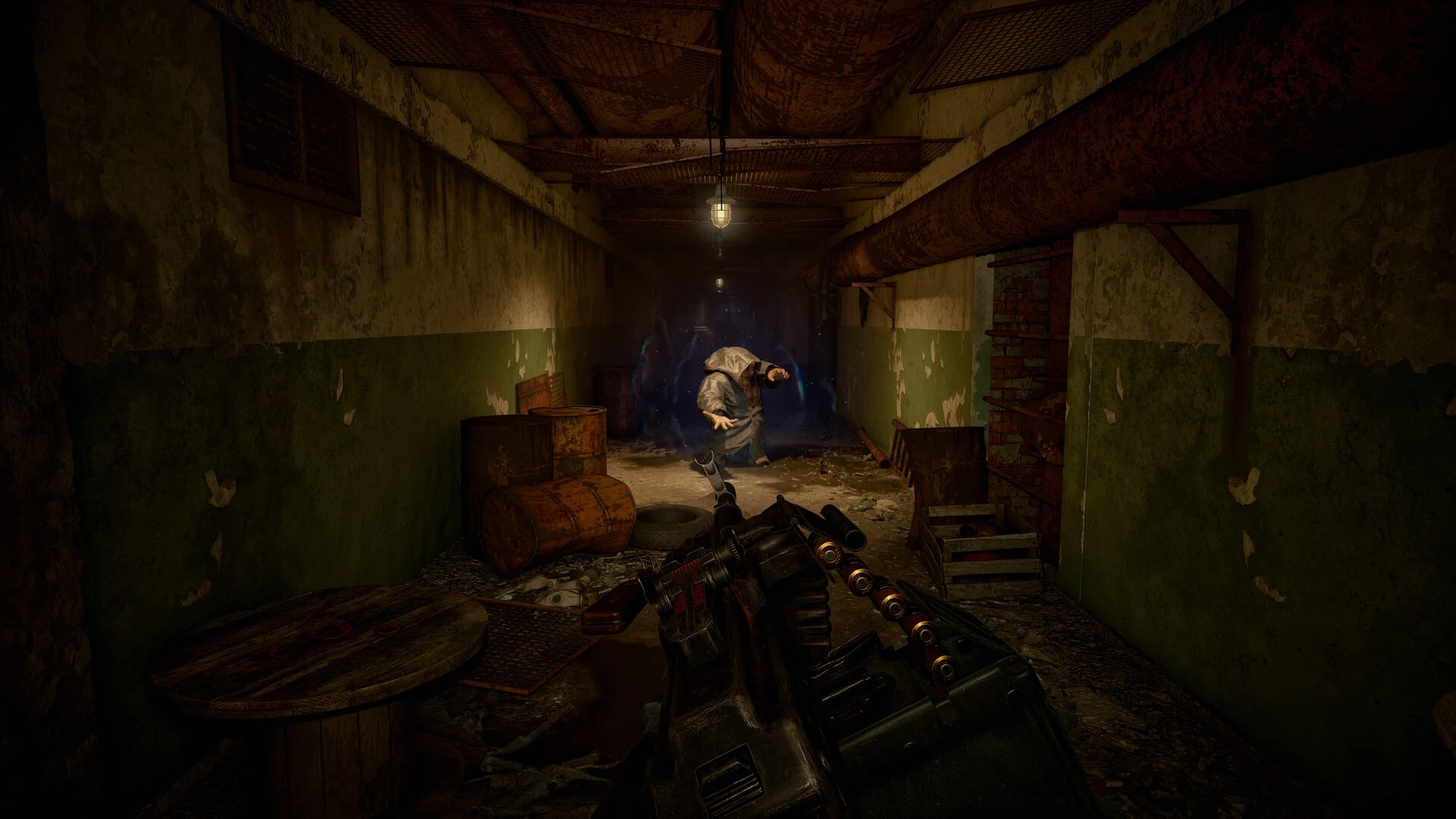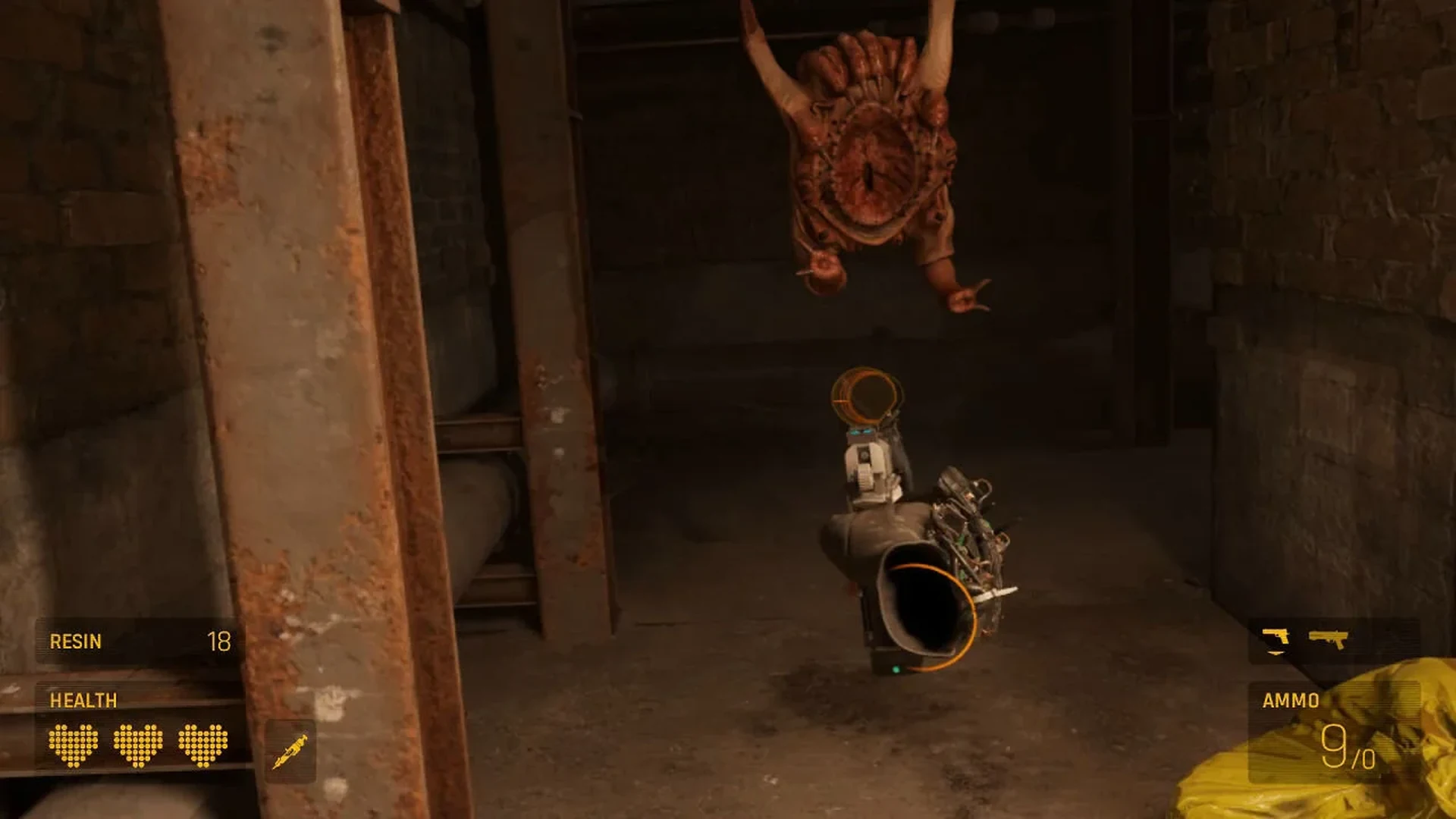
Half-Life: Alyx has received a substantial PC and virtual-reality update. Valve added native integration with Steam Frame, an ARM64 build, foveated rendering and depth reprojection, then followed it with fixes for launch problems and volumetric fog. The update also improves the conventional PC version, so the work is not limited to one headset.
Table of Contents
Steam remains the centre of the update
The new build arrives through Steam and keeps the PC version at the centre of Valve’s support plan. Steam Frame can now run Half-Life: Alyx as a standalone application without a separate PC rendering the game. Existing Steam owners do not need a different edition, and the Workshop remains part of the same ecosystem.
That continuity matters because the game already has a large library of community maps. A hardware-specific port would have divided players and authors. Valve instead changed the executable, renderer and input path inside the existing product. The practical result is support for more devices without a second library or a separate pool of custom content.
Rendering changes target a stable image
Foveated rendering concentrates detail where the player is looking, while depth reprojection helps the headset rebuild motion from available scene information. These systems are useful only when the picture remains stable during head movement. Alyx depends on readable hands, small objects and distant enemies, so unstable edges would undermine the benefit of a higher frame rate.
The later volumetric-fog hotfix is therefore more important than its short description suggests. Fog carries light, hides distance and gives many interiors their depth. A rendering error in that effect can make an otherwise correct scene look flat or noisy. Valve’s rapid fix shows that visual consistency, not only a successful launch, is part of the compatibility target.
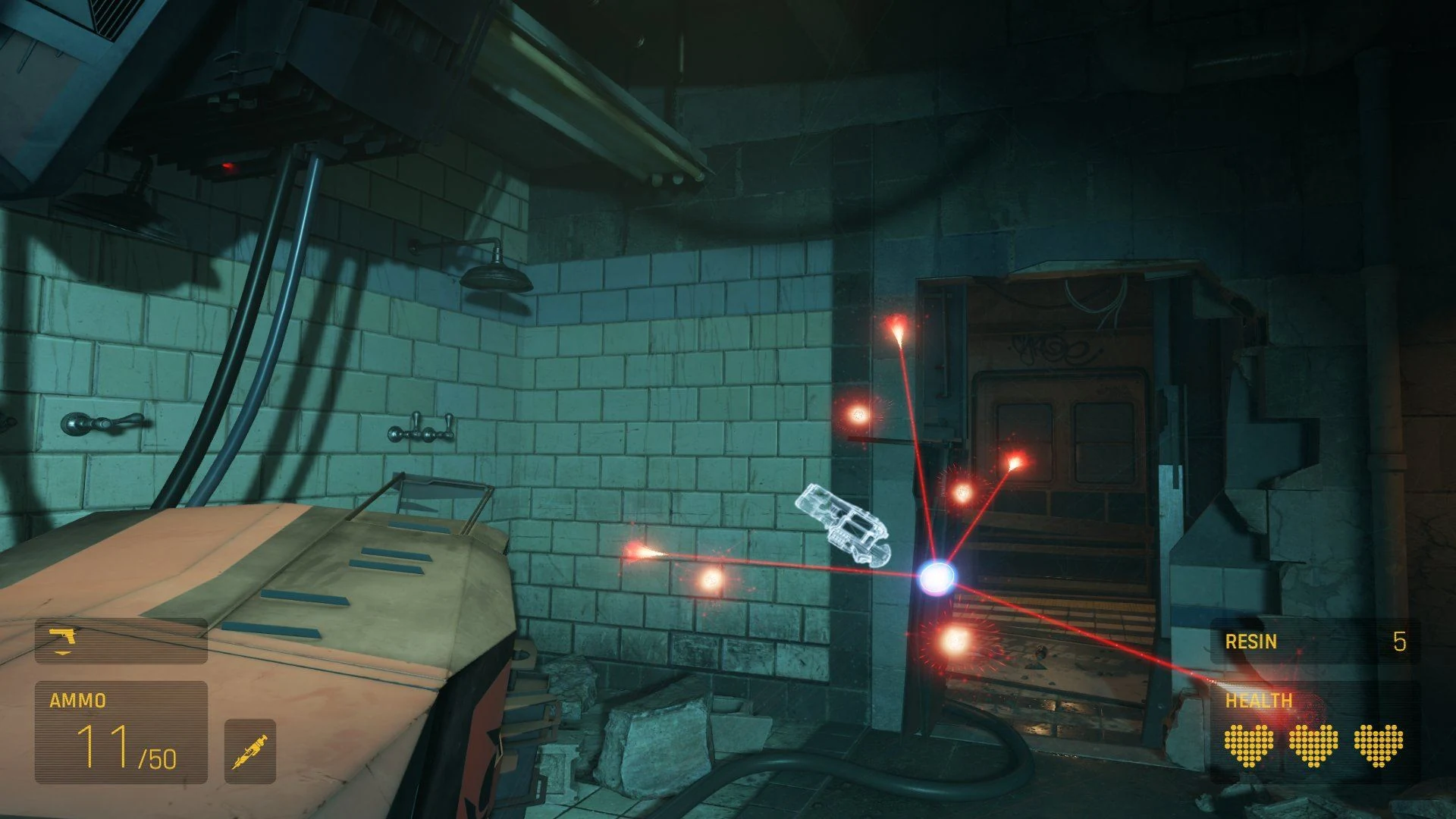
ARM64 support allows the game to run on new hardware
The aarch64 build is the foundation for running Alyx directly on Steam Frame hardware. It is not a simple label change: native code, libraries, shaders and input handling must all agree on the new target. Valve also addressed launch and Proton-related problems after the main update, reducing the chance that a technically supported system still fails before reaching the menu.
For players, the useful test is ordinary play rather than a benchmark scene. Loading a Workshop map, moving between bright and foggy spaces, opening the weapon interface and resuming a cloud save should all work in one session. Compatibility becomes convincing when these small transitions stop drawing attention to the device underneath the game.
PC players receive practical improvements too
Valve removed one processing interval of input latency and made broader performance changes that also apply to the PC-driven version. In a VR shooter, a small delay is felt through aiming, grabbing and throwing before it appears in an average frame-rate number. Reducing that delay makes the player’s hand and the virtual hand agree more closely during quick corrections.
Linux fixes for subtitles and cloud saves support another part of the Steam audience. Neither feature sounds dramatic, but both protect long sessions: readable dialogue preserves context, while a reliable save prevents technical setup from becoming a barrier to returning. The update is strongest when judged as a collection of useful fixes.
Community map creators now have more systems to test
Official support does not guarantee that every community campaign behaves perfectly on every new configuration. Authors may use heavy lighting, unusual scripts or assets that were tuned around desktop hardware. The responsible approach is to test a map from a clean start, check its busiest room and verify that interactions still respond at the intended distance.
Players should also separate an official rendering fault from a mod-specific issue. Reproducing the problem in the main campaign is a useful first step. That distinction gives Valve and creators clearer reports and identifies the correct source of the fault. Native Steam Frame support expands Alyx, but careful compatibility work will determine how much of its community library follows immediately. The useful test for Steam Frame is not a still screenshot but a difficult room in motion. The player should turn quickly, grab an object, fire and move through smoke without visible stutter. Players who already have a stable setup do not need to chase a higher frame-rate number. The update matters when the same computer delivers smoother motion during actions that previously caused brief interruptions.