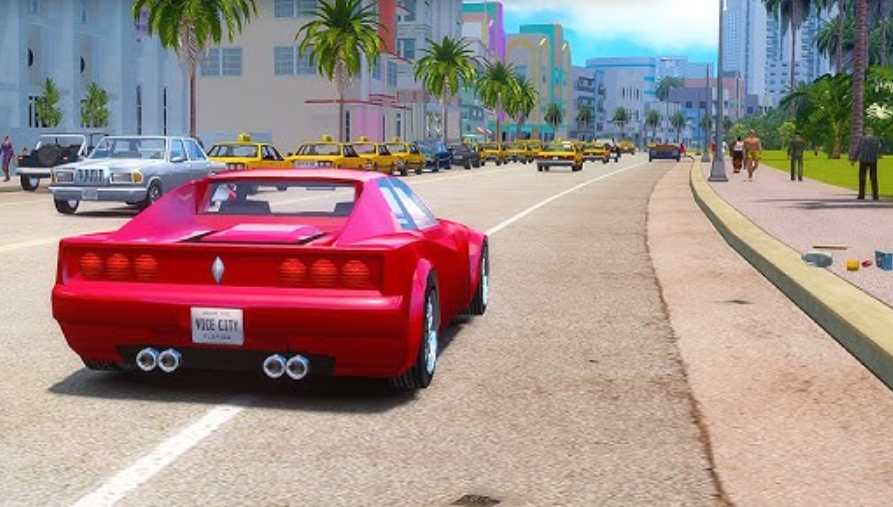
Modder Rohansrinivasan123 has revived the iconic Grand Theft Auto: Vice City. Nearly 24 years after the original game’s release, the fan project New Legacy adds 25 full-fledged story missions with cutscenes and briefings to the classic Vice City.
Table of Contents
New Story Missions in the GTA Vice City Mod
The new content does not touch the original storyline; it carefully preserves its structure as a tribute to the source material. The missions are seamlessly woven into the familiar city, offering shootouts, chases, robberies, and raids on gang hideouts. Each mission has unique objectives, involves different characters and locations, and cinematic moments keep the experience fresh and varied. The project was created using Sanny Builder and CLEO tools—and, notably, with AI support.
This mod is especially recommended for both veterans returning to Vice City after years, as well as newcomers: it adds hours of fresh gameplay without affecting the original storyline.
Download GTA Vice City New Legacy on Nexus Mods
The “Vice City New Legacy” mod is distributed free through Nexus Mods. The archive size is approximately 500 MB. It was created by Rohansrinivasan123. Installation is standard for CLEO mods: simply transfer the script files to the appropriate game folder.
Instructions for Installing the New Legacy Mod on PC
Preparing the Classic Version of the Game for Modding
Before downloading the mod, make sure you have the original version of GTA: Vice City installed for PC (the mod is compatible with the classic edition, not the Definitive Edition from the trilogy). You will also need a basic set of mod tools—CLEO and Sanny Builder—as the entire project is built on them.
Step-by-step Process for Transferring Script Files
Downloading the Archive from the Nexus Mods Page
Go to the “Vice City: New Legacy” mod page on Nexus Mods (mod ID 722). Click the “Download” button—the file is approximately 500 MB. The archive contains a folder with script files with the .cs extension and accompanying documents.
Integrating CLEO and Sanny Builder Utilities
If CLEO is not already installed, download the latest version from the official website and unzip it to the game’s root folder (the same location as gta-vc.exe). Sanny Builder, a scripting environment, is primarily used for development, not installation, but it is useful if you want to understand how the new missions work.
Activating Scripts in the Root Directory
Unzip the downloaded New Legacy archive. Copy all files with the .cs extension from the mod folder to the CLEO directory within the game folder. If the CLEO folder does not exist, create it manually. Launch the game using the default shortcut—CLEO will automatically load the new scripts. New missions will appear in the game world: they can be found through new clues on the map and through briefings from unique characters.