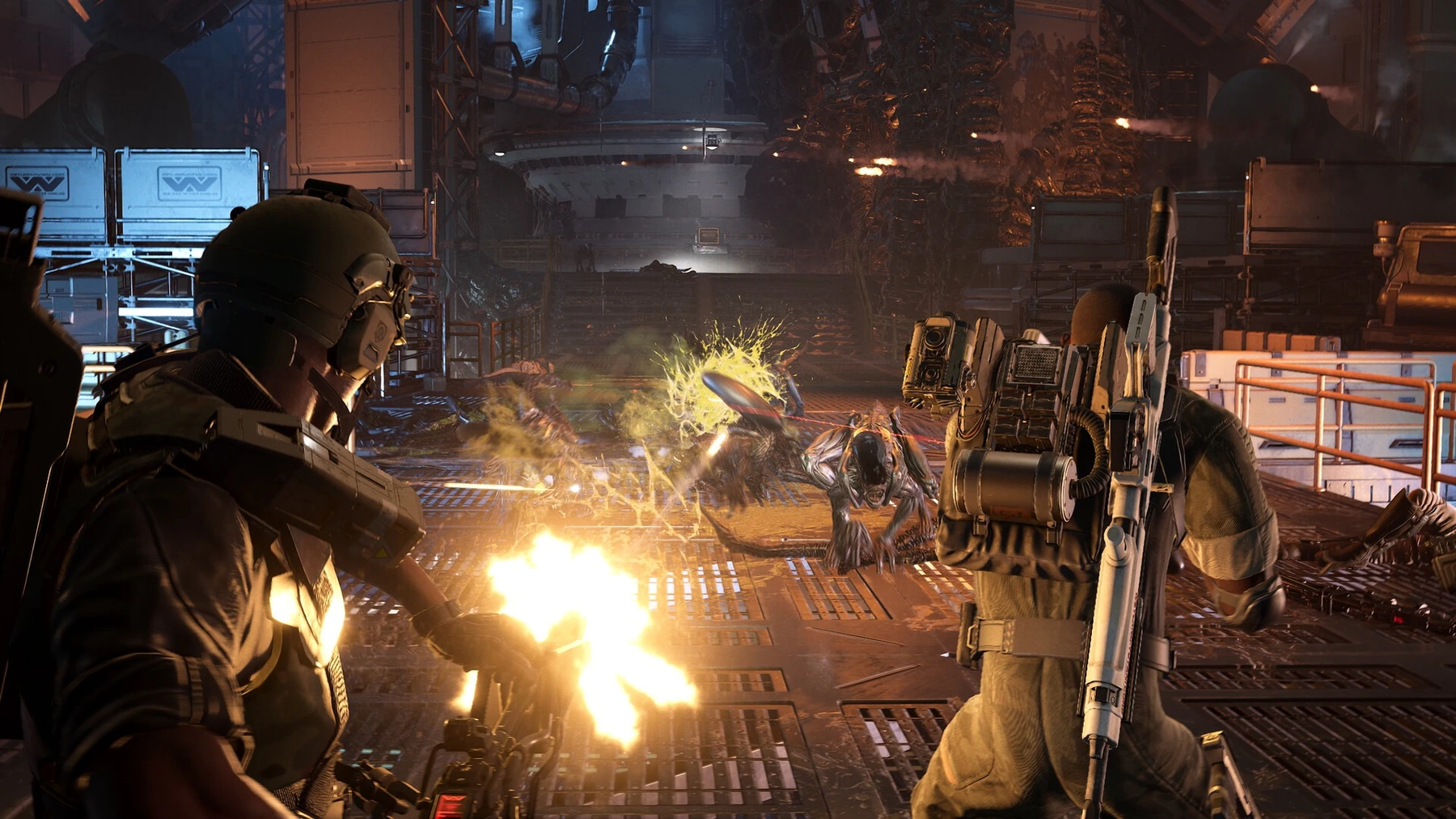
Aliens: Fireteam Elite 2 received a game patch on 2 September. Daybreak released fixes for missions, checkpoints, combat behavior and general stability. Players can test these changes in the current game version.
Table of Contents
Every squad member needs the same game version
Every member of a three-player team should install the new patch and restart the game before testing a previous error. The version number can be checked from the main menu. If an old session remains open during installation, matchmaking information may not refresh correctly. Recreating the group after a restart gives all players the same game version. This simple step helps the team determine whether a door, checkpoint or enemy problem still exists after the 2 September update.
Enemy spawn points should now work more consistently
Aliens can enter through vents, side passages and doors while the team is facing another threat. An enemy that appears outside the playable area can stop progress, while an entrance without the expected warning can cause unavoidable damage. After the patch, players can revisit familiar positions and compare sound cues, motion-tracker information and the place where each enemy enters. When these signals match, the squad has enough information to react. If they do not, a short recording can show the exact location and help identify a remaining error.
| Patch detail | Information |
|---|---|
| Release date | 2 September 2026 |
| Game | Aliens: Fireteam Elite 2 |
| Main fixes | Missions, combat and stability |
| Required action | Install the update and restart the game |
Checkpoint fixes prevent lost mission progress
A checkpoint must save the correct objective, move all players into the next section and restore the mission without creating duplicate enemies or rewards. A failure near the end can waste a long cooperative run. After updating, groups should allow the save symbol to disappear before leaving a session. If a checkpoint still fails, the report should name the mission, difficulty, checkpoint and whether another player joined after the mission began. These details are more useful than a general message because they identify the exact transition that needs further work.
Class roles should remain clear under heavy pressure
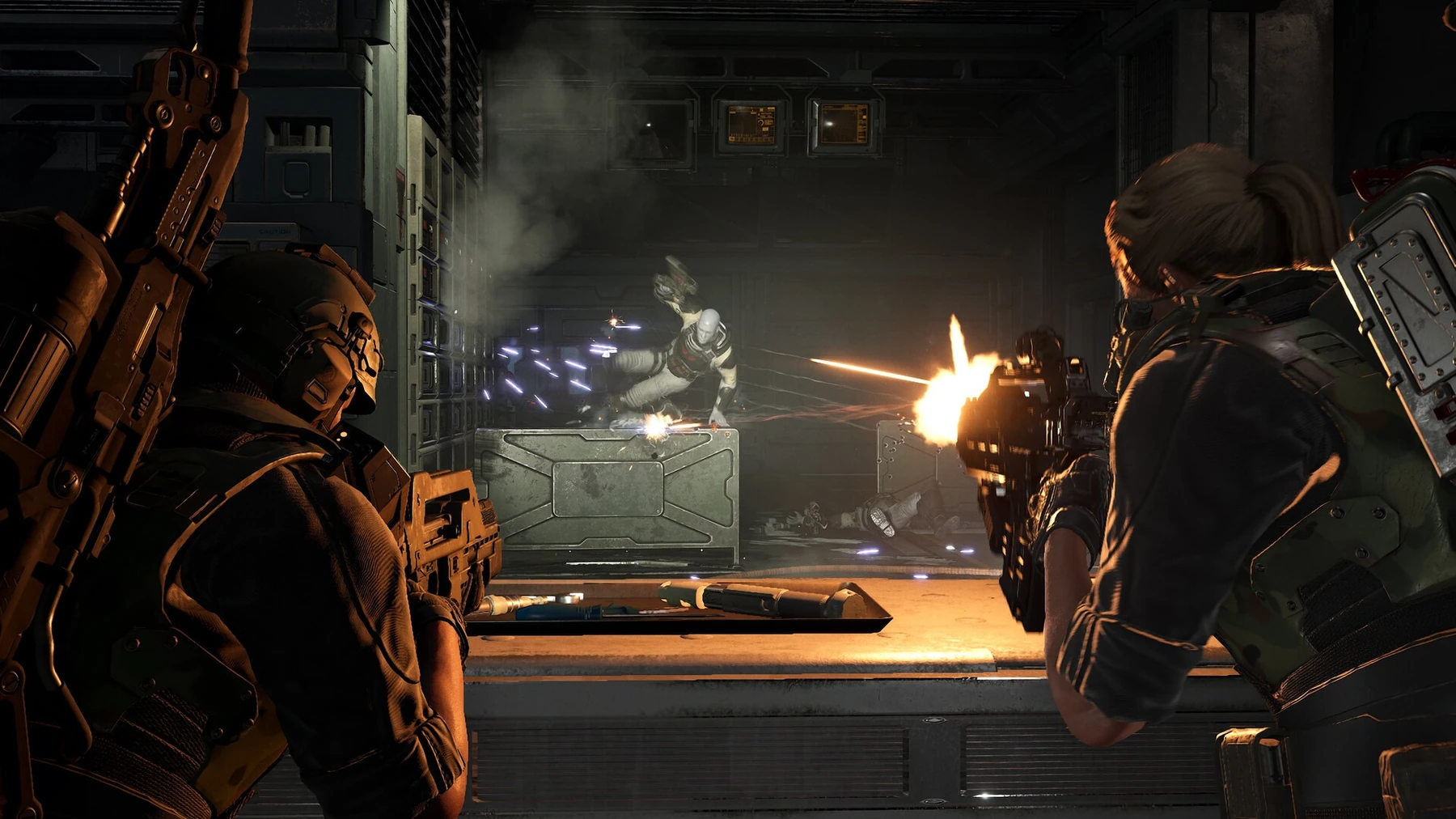
A three-player team usually divides work between damage, enemy control and recovery. A technical error can disrupt that plan when an ability does not activate, an effect remains after its timer or an enemy ignores a control ability. The update gives players a reason to test abilities that they stopped using because of an earlier problem. The squad should change one element at a time. If class, weapon and difficulty all change together, a successful mission will not show which previous error has actually been corrected.
Higher difficulty still punishes poor positioning
The fixes do not make higher difficulty settings easy. Ammunition, distance between teammates and target priority remain important. Before activating an objective, the group should select a position to which everyone can retreat. Players should also avoid standing in one line where a single attack can hit the entire team. When a special enemy appears, one member can name it while the others remove nearby smaller threats. This order protects the sides of the group and prevents all three players from turning toward one target at the same time.
Old bug reports must be tested again after the update
A recording made before the update shows what happened in the older version. It does not confirm that the same error remains after the patch. Players should repeat the affected route under similar conditions and record the current version number. If the problem returns, the new report can explain the mission, checkpoint and action that caused it. Separating old and current results helps the support team recognise a remaining problem and prevents an already corrected error from hiding a new one.
The update gives returning players a more reliable game version
Teams that stopped playing because of a mission or checkpoint error now have a clear reason to try the affected section again. Every player should use the same version and record the mission name if the problem returns. A successful run confirms that the corrected route can be completed under those conditions.
A repeated failure provides current information that can be sent to support without mixing it with recordings from the previous version.