Xbox Cloud Gaming will move to monthly time allowances beginning in November. Game Pass Ultimate will include 15 hours, Premium 10 hours and Essential five hours of cloud play each month. Microsoft says the change is expected to affect about four percent of current users. Additional time will be sold, and people without a subscription will also be able to buy streaming hours for eligible games they own.
Table of Contents
The allowance applies to cloud play, not local installation
The announced limits concern time spent streaming a game from Microsoft’s servers. They do not shorten a locally installed game session or remove the right to download titles included in a plan where downloads are supported. A player who uses both methods should separate them when estimating the effect. Cloud time is most valuable on devices that cannot run the game locally, during travel or when a large download is inconvenient. Local play remains the practical choice for longer sessions on compatible hardware.
Each subscription tier receives a different amount
Ultimate includes the largest monthly cloud allowance at 15 hours. Premium includes 10, while Essential includes five. The difference means a player should compare normal use rather than select a plan from one unusually busy week. Someone who streams briefly before installing may remain within Essential. A user who depends on cloud access as the primary way to play can reach the Ultimate limit quickly. The correct comparison includes the rest of each plan as well as streaming time.
| Plan | Included cloud time each month |
|---|---|
| Game Pass Ultimate | 15 hours |
| Game Pass Premium | 10 hours |
| Game Pass Essential | 5 hours |
| Extra access | Additional hours can be purchased |
| Owned games | Eligible titles can be streamed through purchased hours without a subscription |
Microsoft expects most current users to remain below the limits
The company estimates that roughly four percent of current cloud users will be affected. That figure describes existing behavior across the service and does not guarantee that a particular household will remain under its allowance. Shared devices, long role-playing sessions and regular use on an older console can produce a different pattern. Players can review several ordinary weeks and estimate actual cloud hours. Guessing from total gaming time will overstate use if many sessions run from a local installation.
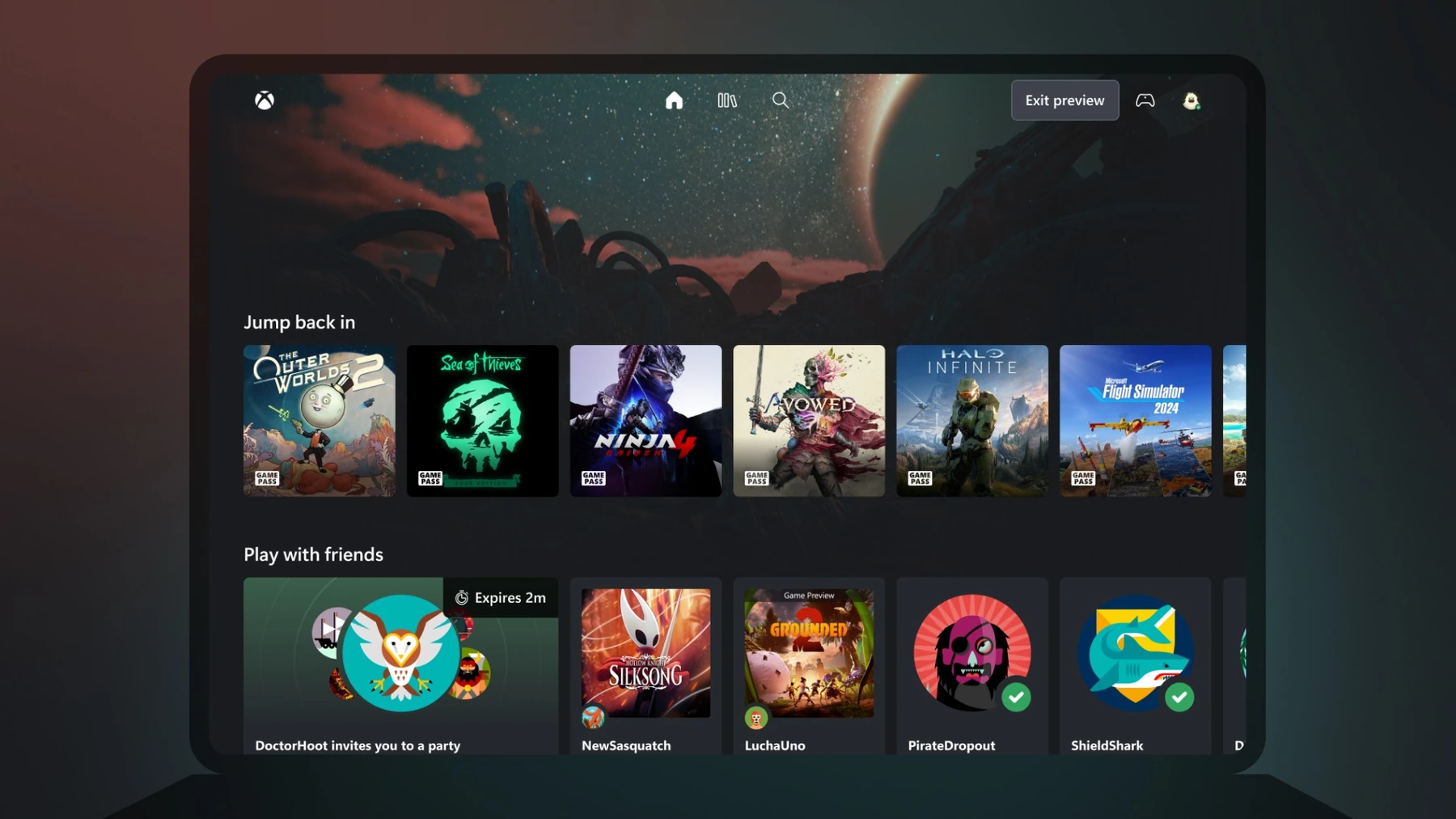
Extra hours create a second price decision
Users who exhaust the included time will be able to purchase more hours. Microsoft has not yet supplied every market price and operational detail in the announcement. Until those figures are confirmed, it is not possible to calculate a universal cost per hour or declare which plan is cheapest for every region. A clear decision will require the local subscription price, the cost of extra time and the number of hours the player realistically needs. Articles should leave unannounced prices blank rather than borrowing numbers from another service.
Owned games receive a route outside Game Pass
A person without a subscription will be able to purchase cloud hours and stream supported games already owned on the account. The word supported matters because ownership of a console or PC title does not automatically mean that its cloud version is available. Licensing, technical integration and regional access still apply. Before buying hours, users should check the eligible-game list for their market and confirm that the correct account owns the digital license.
Older Xbox hardware is one important use case
Cloud play can let an Xbox One owner access a title built for newer hardware when that game is available through streaming. For those users, the monthly allowance is not merely a faster alternative to a download; it may be the only route on the current console. They should estimate sessions carefully and compare the cost of repeated extra hours with a future hardware purchase. The answer will differ for a short exclusive game and a service title played every evening.
Households need clear account boundaries
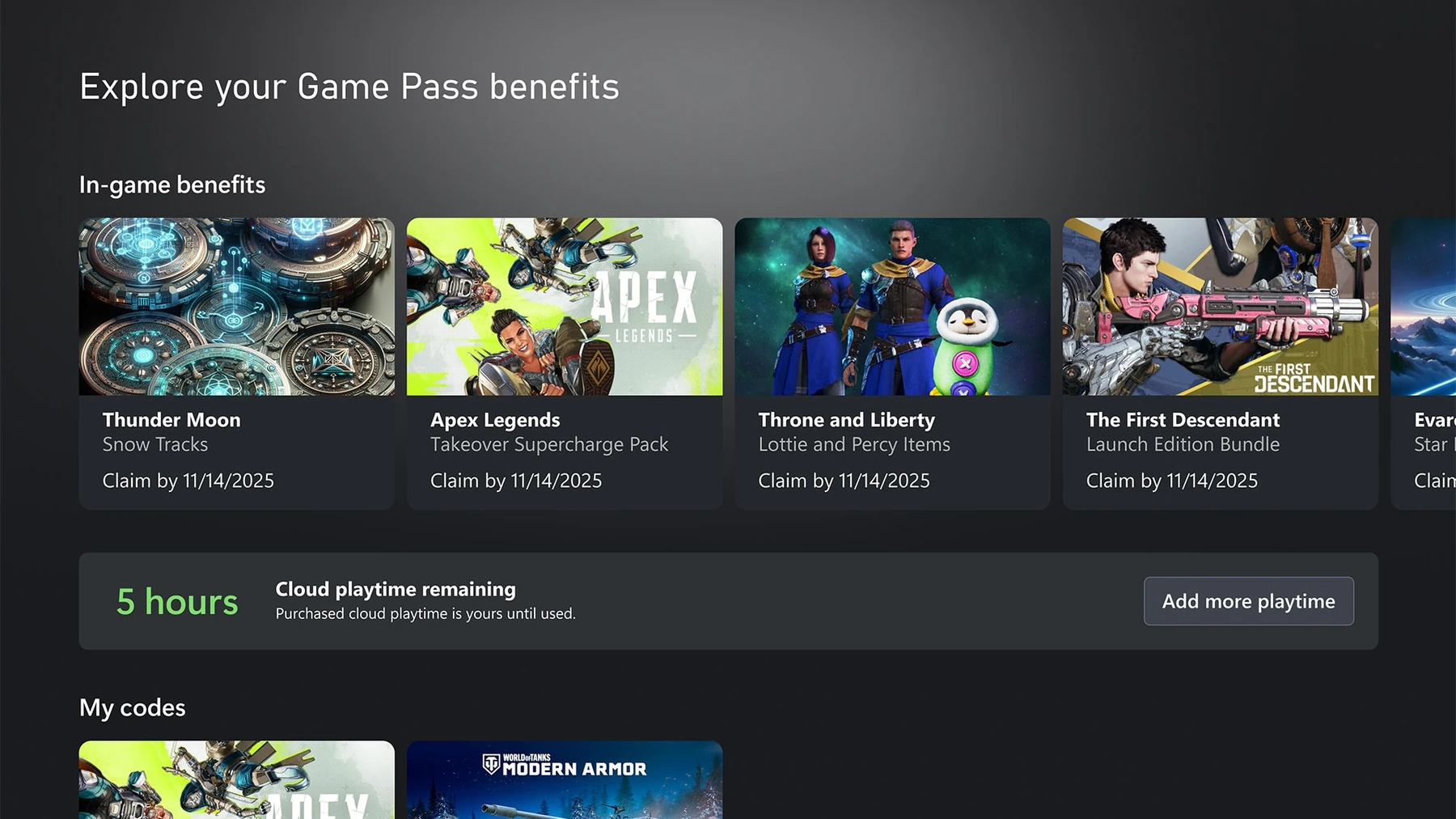
Cloud time is tied to account use, so a family should know which profile starts each session and how the plan handles shared access. One person leaving a game connected while inactive could consume time that another expected to use later. The final service interface should display remaining hours, renewal timing and warning points before a session begins. Without that information, users cannot make a reasonable choice. Microsoft says more details will follow before the November change.
The practical response is to measure before changing plans
There is no need to upgrade or cancel from the headline alone. Players can list the games they stream, the devices used and the typical length of each cloud session. They can then compare that total with five, 10 and 15 hours. Local downloads should be removed from the calculation. When regional prices for extra hours arrive, the same record will show whether a higher plan, occasional additional time or a different play method fits best.
Players need a simple way to monitor the allowance
The change will be easier to understand if the service shows remaining time before a session begins and warns users before the monthly limit is reached. Clear account information matters for families and players who switch between devices. A visible counter also prevents a technical interruption from being mistaken for a game error.
The policy should be evaluated through the controls that accompany it, not only through the headline number.