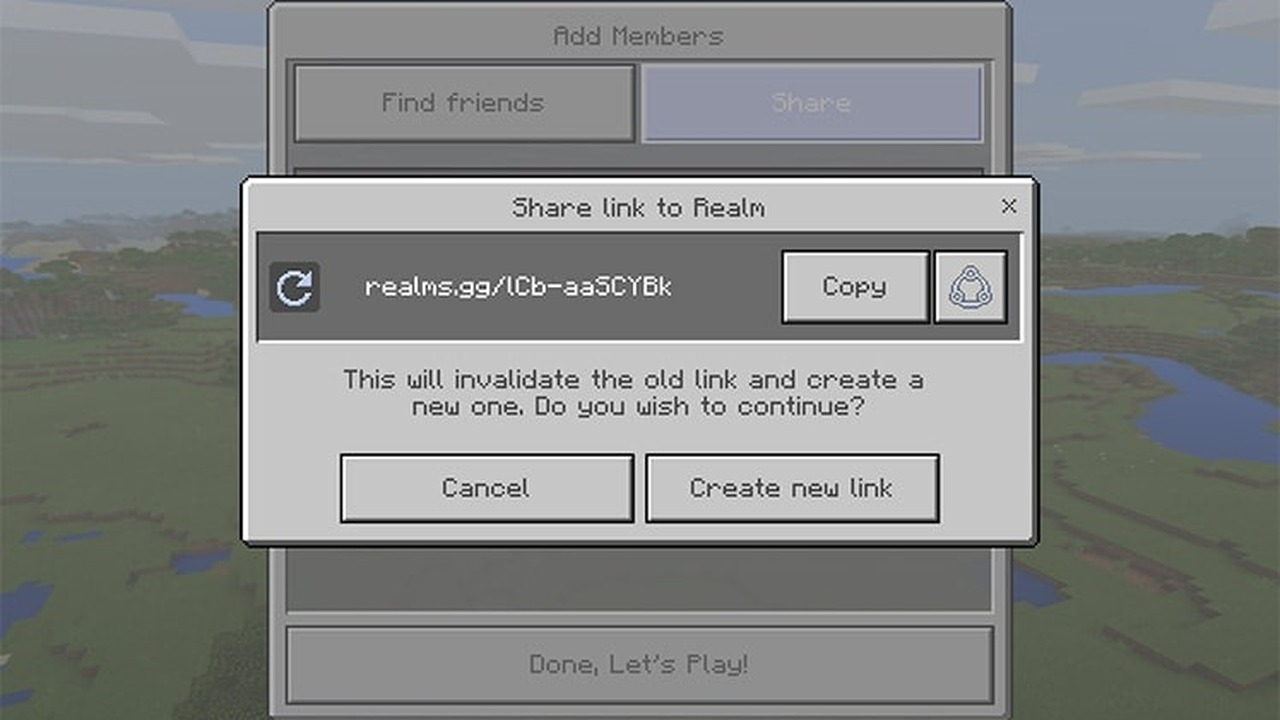
Minecraft Java Snapshot 26.3-8 adds invite-code management for Realms. An owner can now create codes, turn them on or off, delete them and set an expiry time. A new Join Realm screen lets another player enter a code directly.
The test version also adjusts explorer-map names, cushions and the World Options screen. Players should back up important worlds before opening them in this version.
Table of Contents
Minecraft Realm owners can manage invite codes
Each Minecraft Realm can have up to five invite codes. Separate codes are useful when an owner invites different groups. If someone outside the invited group receives one code, the owner can disable it without changing the other codes. An expiry setting also reduces long-term risk. A code created for a weekend session does not need to remain active for months. The owner can choose a suitable period and issue another code later.
The Join Realm screen makes the process clearer for invited players. A player enters the code directly instead of following several invitation steps. The owner still needs to manage access carefully because people can share a code quickly.
| Invite-code setting | Result |
|---|---|
| Create a code | A new way for players to join |
| Enable or disable a code | The code works only when enabled |
| Set an expiry time | A limit on how long the code works |
| Delete a code | The code is removed permanently |
| Maximum number of codes | Five codes for one Minecraft Realm |
New names explain where each explorer map leads
Several explorer maps received new names. The updated list includes the Buried Ancient City Map, Buried Mineshaft Map and Abandoned Camp Map. A specific name helps players understand the likely destination before beginning a long journey.
Clear naming is especially useful when several maps are stored together. Players can select the correct trip without opening each item or relying on memory. Players still need to travel and explore after they choose a map.
The World Options screen also received further improvements. Mojang continues to refine how players find and change settings, which can reduce mistakes during world creation.
Cushions are destroyed only when fully covered
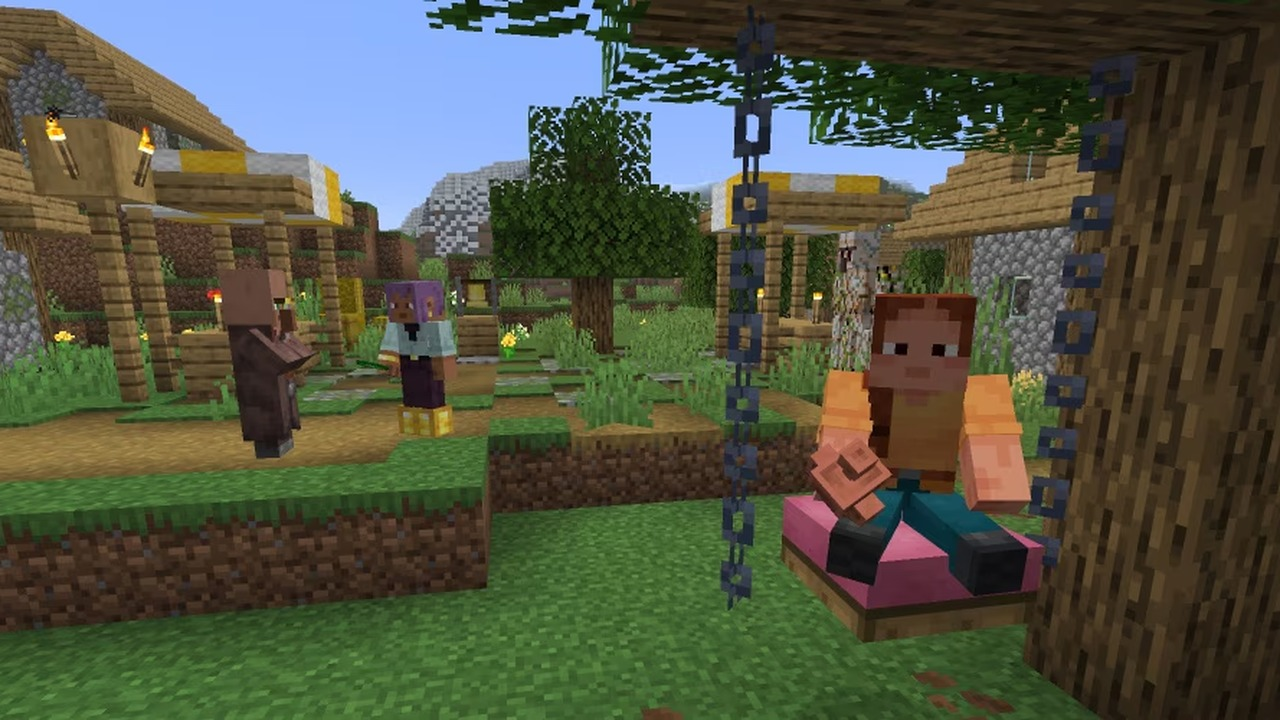
Cushions are now destroyed only when fully covered by blocks that cause suffocation. Partial contact with a solid block is not enough. This rule gives builders a more predictable result when cushions sit near solid blocks. Small behaviour changes matter in detailed structures. A decorative object that disappears unexpectedly can alter a room or break a planned mechanism. The new condition is easier to test because the cushion must be fully covered.
The notes for this test version also contain gameplay fixes and technical updates. Players can report problems, but they should keep the test world separate from a stable long-term save.
Players should use a separate world for testing
Test versions let players try features before a stable release, and those features may change again. Creating a new test world is the simplest way to explore the invite codes and other additions. Minecraft Realm owners should also test one code before sharing several. The expiry time, active status and joining process can all be checked with a trusted player. This confirms that the selected settings match the intended group.
Snapshot 26.3-8 mainly improves access management rather than changing survival progress. It gives owners a clearer invitation process and a quick way to disable one code without changing every other code.
Separate codes help owners manage different groups
A Minecraft Realm owner can create one code for close friends and another for a temporary event. If someone outside the invited group receives the event code, the owner can disable it without changing access for regular players. This is simpler than replacing one shared link for everyone.
Owners should still keep a backup and review the active list. An expiry time reduces risk, but it does not replace basic moderation. Testers can help Mojang by reporting the exact steps that caused a joining or interface problem.